

Holiday Customer Support for Christmas Trading: A Six-Week Prep Timeline for Small UK Online Stores
To keep holiday customer support from overwhelming a small team, start about six weeks before your peak trading date. Use last year's conversations to forecast demand, write your common answers early, bring in temporary helpers, set clear live chat and email hours, and triage with filters and tags once the Christmas rush hits. If your help desk charges per seat, check how your plan handles extra users before you recruit. Seasonal helpers can quietly inflate the bill.
That's the short version. Below is the longer, week-by-week plan I'd walk you through if we were sitting down with a coffee and a calendar. (Quick note: when I say 'holiday' here, I mean the Black Friday to January sales stretch, not your annual leave. Sadly, that's the one thing you won't be getting much of.)
Why holiday customer support surges catch UK online stores off guard
Picture the week of Black Friday. You open your inbox and it's overflowing. The same question, 'Where's my order?', has arrived what feels like 80 times, and a few of those customers have already written twice. Your packing team is flat out, you're answering emails between boxing up parcels, and the live chat widget keeps pinging.
If that sounds familiar, you're in good company. The timing of a holiday surge is very predictable. The size of it often isn't. Adobe Analytics reported that US shoppers spent $41.1 billion online over the five-day Cyber Week in 2024, with $13.3 billion of that on Cyber Monday alone (Adobe's December 2024 holiday shopping results, available via the Adobe newsroom). These are US sales figures, not UK support volumes, so they won't tell you what your own inbox will look like. They do show the pattern, though: demand arrives in short, sharp bursts rather than a gentle rise.
Expectations matter too. Salesforce's State of the Connected Customer report (sixth edition, 2023) found that around 80% of customers say the experience a company provides matters as much as its products. That's a survey of customer attitudes in general, not a measure of gifting season, but it's a fair reminder that a slow reply about a delivery date can cost you more than one sale.
For UK retailers, the peak usually lasts longer than a single weekend. You've got Black Friday, the run-up to Christmas, Boxing Day and January sales, and then a wave of returns and exchanges well into the new year. A quick word on the rules, because they're easy to muddle. Under the Consumer Contracts Regulations, customers who buy online generally have a 14-day cancellation period, which starts the day after the goods arrive. Once they tell you they're cancelling, they have a further 14 days to send the goods back. There are exceptions, such as personalised items, perishable goods and sealed hygiene products that have been opened, and faulty goods fall under separate rights. Many retailers also offer a longer, voluntary returns window over Christmas, which stretches the tail further. Check the current GOV.UK guidance on online and distance selling and your own policy before you promise anything in a saved reply.
This guide runs from six weeks out to the post-season review.
Your six-week holiday customer support timeline at a glance
Here's the whole plan on one page. The 'time needed' column is a rough guide for the preparation tasks in a small team, so adjust it for your own store. It doesn't include the time spent actually answering customers, which I cover in the staffing example below.
| When | What happens | Who owns it | Time needed |
|---|---|---|---|
| Week 6 | Pull last year's data and forecast demand | Store owner or ops lead | 3-4 hours |
| Week 5 | Draft saved replies and update help content | Your most experienced support person | 6-8 hours |
| Week 4 | Recruit and confirm temporary helpers | Store owner | 3-5 hours |
| Week 3 | Onboard helpers, set up access and run practice conversations | Senior support person | 4-6 hours, plus 30 mins per helper |
| Week 2 | Set and publish chat and email hours, test the live chat widget | Ops lead | 2-3 hours |
| Week 1 and peak | Triage with tags and filters, check in daily | Whole team, with a named lead | 10 mins per daily check-in, plus queue monitoring and replies (see staffing example) |
| Post-season | Review the numbers and capture lessons | Store owner and support lead | 3-4 hours |
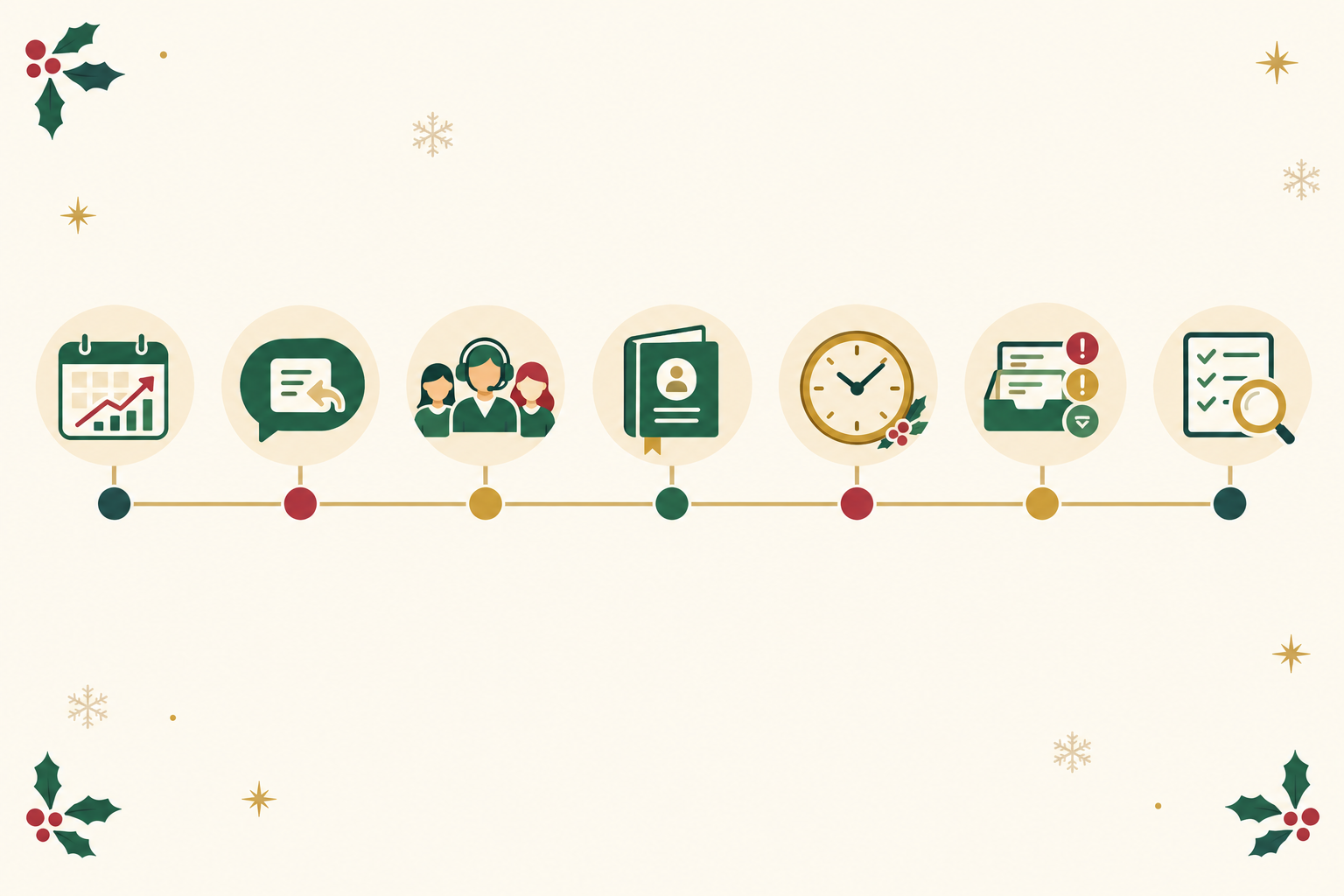
Work back from your real peak date rather than a rule of thumb. Black Friday falls in late November, so six weeks earlier is around mid-October. If you sell mostly Christmas gifts, you might anchor to your last-order date instead and count back from there.
Six weeks out: forecast support demand from last year's conversations
Your past conversations are the best crystal ball you have, so let's use them.
- Export last year's November to January volume by week and, if you can, by day. You're looking for the spikes: Black Friday, the final-delivery-date week, and the January returns wave.
- Find your top five to ten contact reasons. For most stores these are delivery status, returns, sizing, discount codes and damaged items. Once you know the mix, you know which answers to write first and what a new helper must learn on day one.
- Note your busiest hours and channels. Did live chat or email carry the load? Did Sunday evenings go wild? This shapes your live chat coverage later.
- Add a growth buffer. Look at this year's traffic and marketing plans, then add roughly 20-40% on top of last year. A big influencer push or a new product line deserves the higher end. Treat this range as a starting assumption, not a rule.
- No history? No problem. Take your normal weekly volume and multiply it by a cautious peak factor, say two or three times. Then adjust as real numbers come in during the first week of the rush.
- Tag from day one. If you use a shared inbox, tag every conversation by topic this year, and next year's forecast will take minutes rather than an afternoon.
A worked staffing example for the Christmas rush
Let's make the maths concrete with a made-up store. Say you expect 1,200 conversations across the four busiest weeks, and the average one takes eight minutes to handle. That's 160 hours of work. Add roughly 25% for breaks, training and the awkward cases that take half an hour, and you're at about 200 hours, or 50 hours a week.
Your regular support person and you might cover 20 of those hours. The remaining 30 could be three helpers working about 10 hours each, perhaps a couple of evening shifts and a weekend slot. Suddenly 'we need more people' becomes 'we need three people for around 10 hours a week each', which is a much easier thing to recruit for. Notice, too, that the daily 10-minute check-in is a tiny slice of that 50 hours. The real peak-week time is the queue itself.

Chart note: illustrative sample data only, not a benchmark for your store.
One gentle warning: sales growth isn't the same as support growth. Adobe's headline figures are sales numbers, not contact numbers. Your own logs will always beat market-wide statistics.
Five weeks out: prepare common customer support answers early
Now that you know what people ask, write the answers while you're calm. Future you, at 9pm on the Monday before Christmas, will be grateful.
- Write saved replies for your top ten questions. Think delivery cut-off dates, extended returns windows, gift receipts, order changes and out-of-stock queries. For UK stores, check your carrier's published last posting dates (Royal Mail, DPD, Evri and the rest all publish theirs) and use those in your replies.
- Keep the tone warm and human. Add placeholders for the customer's name and order details so replies don't feel canned. 'Hi Priya, I've checked order #4821 and it's with the courier...' lands far better than a pasted paragraph.
- Update your FAQ page and shipping policy first. Then your replies can simply link to them, and some customers will find the answer before they ever write to you.
- Use automation sensibly. Auto-acknowledgements and an out-of-hours message are easy wins. If you use an AI copilot trained on your own help content, treat it as a drafting assistant: it suggests, your people review.
- Add internal notes on edge cases. What happens when a parcel is marked delivered but the customer never got it? Write the answer once so any helper can handle it.
- Name one owner for the 'source of truth' document. New questions will pop up during the rush, and one person keeping the document current stops six different versions of the truth circulating.
Four weeks out: recruit temporary helpers and check seat fees
This is where many small stores get stuck. You know you need more hands, but every extra login can feel expensive.
Good seasonal helpers are often closer than you think: friends of the team, a freelancer, a returning former employee, or colleagues from the warehouse or marketing who can cover peak hours. They don't need to be support experts. They need to be friendly and careful, and willing to follow your playbook.
Now the numbers. This is a hypothetical example, not a market average. Suppose your help desk charges $30 per seat per month (I've picked that figure to keep the maths easy, so please swap in your own). If you add five helpers for two months, that's $300 on top of your existing plan (5 seats x $30 x 2 months). It assumes every helper needs a full seat for the whole period, and it leaves out the wages or favours involved in their time. Some tools offer cheaper seat tiers or let you pause seats, so read your own plan's terms before you panic.

Graphic note: the per-seat figure is a hypothetical used for illustration, not a quote from any specific provider. Features differ between plans, so compare like for like.
Flat-rate tools change that arithmetic. Full disclosure: Sonny is the shared inbox we build, and at the time of writing its pricing page lists a flat $19.99 a month with unlimited agents, so adding helpers doesn't add seat charges. That price is in US dollars, so check the current pricing page for the pound equivalent and whether VAT applies to your business. 'Unlimited agents' means unlimited logins. It doesn't mean unlimited capacity, or identical features to every other plan. You still pay the subscription, and you still need to schedule, train and supervise people sensibly.
Whichever tool you use, give helpers only the access they need. Here's a quick checklist for each one:
- Send the invite with the lowest permission level that lets them do the job
- Confirm they're receiving notifications
- Test the login on the device they'll actually use (ideally a work device, not a shared family tablet)
- Note the end date for their access, and put a reminder in your calendar to remove it
Three weeks out: onboard seasonal customer support staff quickly
How long does onboarding take? If your materials are ready, most helpers are productive within a day or two. Here's the order I'd follow.
- Give a 30-minute walkthrough of the shared inbox. Cover assigning conversations, tags, internal notes and filters. Honestly, that's most of what they need.
- Share the saved replies and your source-of-truth document. Show three good example replies so they can hear your brand voice, not just read the rules.
- Define the escalation path. Decide which issues go to a senior person: refunds over a certain value, damaged goods, complaints. Helpers can flag these with an internal note so the conversation stays in one place.
- Set the safeguards. Be clear about who can authorise refunds and up to what amount. Helpers must never share customer details outside the inbox, copy them into personal notes or screenshot them. Ask them to confirm the ground rules in writing, and if you handle payment queries, make sure nobody ever asks for or records full card numbers. The ICO's guidance for small organisations is a good starting point for data protection basics.
- Run a practice session. Give each helper ten real past conversations (with personal details removed), let them draft answers, then compare notes. It's a gentle way to catch misunderstandings early.
- Pair each helper with a buddy for their first shift, ideally someone who's lived through a busy season before.
- Keep the rules simple. Reply within an agreed time, tag every conversation, and leave a note when handing off. People remember three rules. They don't remember thirty.
A good starting split is to let new helpers handle order-status and returns-policy questions using approved replies, while refund exceptions, address changes after dispatch and payment worries go to an experienced person.
Two weeks out: set live chat coverage and email hours
Should you limit live chat hours? Yes, if you can't staff it well. A shorter, reliable window beats an always-on chat nobody answers. An unanswered chat bubble is more frustrating than no chat bubble at all.
Base your live chat coverage on the busy times you found in your forecast. Lunch hours and evenings are common browsing slots for many shops, so they're a sensible place to start, but your own data should win. Check which hours and channels were busiest last year, put heavier live chat coverage there, and handle email in the quieter stretches. Then publish your hours everywhere customers might look: on your site, in order confirmation emails, and in the chat widget itself.
A few things to include:
- Honest email response times, such as 'within 24 hours, longer on peak days'. Customers forgive slow replies far more readily than surprises.
- An out-of-hours message in the widget that points people to delivery tracking and your FAQs.
- Important dates in UK time: bank holiday closures, last order dates for Christmas delivery, and returns cut-offs.
Then test everything. Send a test email to your support address, open the chat widget on your phone, and confirm that notifications reach the devices and channels your team will actually be using. It takes ten minutes and can save you from discovering a broken setup on Black Friday morning.
Peak week: triage holiday support with filters and tags
Once the rush hits, your job is keeping the queue moving and spotting trouble early. This is where your shared inbox earns its keep. The daily check-in is only ten minutes, so someone also needs to be watching the queue and replying throughout the day, in line with the staffing numbers you worked out earlier.
- Tag every conversation by topic: delivery, returns, product question, complaint. Patterns show up in hours instead of weeks.
- Create saved filters for urgent items, like anything unanswered for more than four hours, VIP customers, and messages mentioning 'damaged' or 'refund'.
- Hold a daily 10-minute stand-up, or share a quick note, to flag spikes and update saved replies.
- Use live chat for quick wins and move complex cases to email, so the queue doesn't clog.
- Assign owners. Two helpers answering the same customer is awkward for everyone, and assignment plus internal notes fixes it.
- Message customers proactively when something goes wrong, like a courier delay. Post a notice on your site and link to it in replies, and you'll head off dozens of 'where is it?' messages.
- Look after your team. Rotate the tricky conversations, schedule breaks, and say thank you. Peak weeks are a marathon, not a sprint.
After Christmas: run a post-season customer support review
It's tempting to collapse onto the sofa in January and never look back. Resist, just for an afternoon. This review is what makes next year easier.
- Check the key numbers: first response time, resolution time, total conversation volume by day, and volume by tag.
- Look at team performance reports. See who handled what, and where handoffs slowed things down.
- Compare against your forecast. Where were you right, and where were you off? Be kind to yourself here, because this is how forecasts get better.
- Read a sample of difficult conversations and note which saved replies or policies need to change. If many customers were confused by the same returns instruction, that's a fix for your site, not just your replies.
- Treat returns as their own workload. Look at your own January volume, the main reasons customers gave, and how many contacts came from unclear product descriptions or sizing guidance. Those are the avoidable ones.
- Ask your temporary helpers what was confusing or missing. They saw your processes with fresh eyes.
- Close the loop on access. Confirm every helper's login has been removed, and that no customer data was left in personal notes or downloads.
- Write a one-page 'next year' playbook with dates, hours and what to automate. Then decide which helpers you'd like to keep on call for sales or product launches.
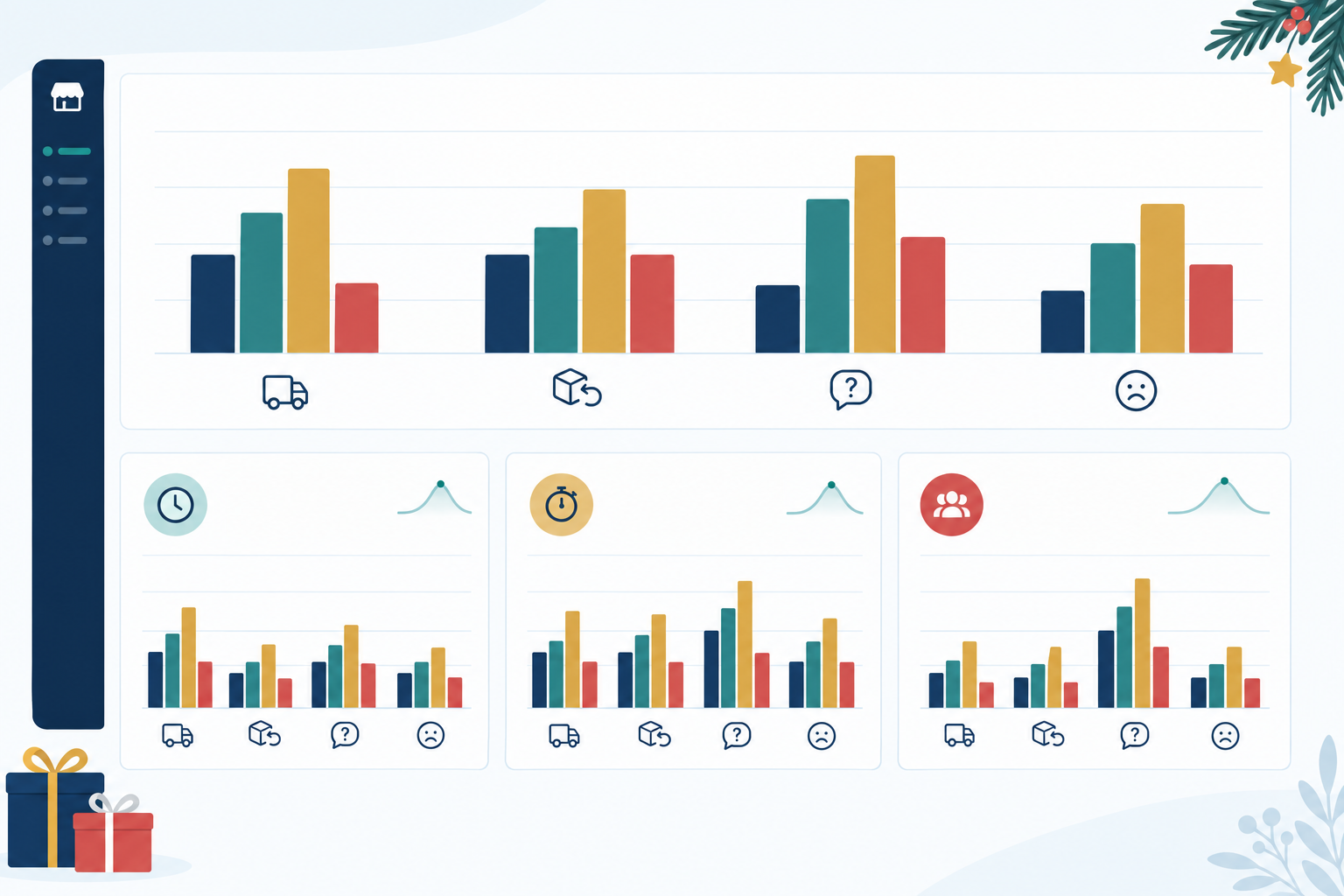
Mockup note: illustrative sample data only.
Putting your holiday customer support plan into practice
To recap: forecast at six weeks, write your answers at five, recruit at four, onboard at three, set your hours at two, then triage through the peak and review afterwards. None of it is complicated, and a small team can tackle it one step at a time.
It helps to keep everything in one place. Whatever tool you choose, a single shared inbox for live chat, email and team notes keeps the conversation history together, so a helper who picks up a chat can see the earlier email without asking around.
And don't aim for a perfect season. Aim for a calmer one.
Frequently asked questions about holiday customer support
When should I start preparing for holiday customer support?
Aim for about six weeks before your peak date. That gives you time to forecast from last year's data, write saved replies, recruit and onboard helpers, and test your chat and email hours without rushing. For a late-November Black Friday, that means starting around mid-October.
How do I onboard seasonal customer support staff quickly?
Give them a short walkthrough of the shared inbox, a document of common answers and escalation rules, and a practice run using real past conversations. Agree who can approve refunds and how customer data must be handled, and give them only the access they need. Pair each person with an experienced buddy for their first shift. Most people are comfortable within a day or two.
Should I limit live chat hours during the holidays?
If you can't reliably staff it, yes. A clear, shorter window that matches your busiest hours is better than a chat widget that goes unanswered. Use your own data from last year to choose those hours, and use an out-of-hours message to direct people to email, delivery tracking and your FAQs.
What should I measure after the holiday season?
Start with first response time, resolution time, and conversation volume by day and by topic tag. Then compare against your forecast, look at your returns contacts and their causes, and gather feedback from your temporary helpers. Use what you learn to build next year's playbook.
Will adding temporary helpers increase my support software costs?
It depends on your pricing model. With per-seat tools, every extra person can add to the bill, so check your plan's terms. With flat-rate pricing that includes unlimited agents, such as Sonny's listed $19.99 a month at the time of writing, extra helpers don't add seat charges. You'll still have the subscription itself, plus the cost of training and paying or rewarding your helpers.
A note from the Sonny team: If you'd like to try a shared inbox with unlimited agents, Sonny offers a 7-day free trial with no credit card needed, and you can run it alongside your current setup with a few forwarded emails. Pricing, plan features and terms can change, so please check the current details on the Sonny site before you decide, and compare them against any other tool on your shortlist.