
How AI Copilots Transform Customer Support Software for Lean SaaS Teams
If you're running a lean SaaS team and hearing a lot about AI copilots in customer support software, here's the short version: a copilot drafts replies, finds suggestions in your documentation, and speeds up support searches so a two-person team can respond like a much bigger one. It sits inside your shared inbox, quietly handling the repetitive work while your people focus on the judgement calls.
It's not magic, and it definitely isn't a replacement for your team's brainpower. But for teams stretched thin and answering the same 20 questions every week, an AI copilot is one of the more useful additions you can make to your help desk software. Let's look at what these tools actually do, where they genuinely help, and where you still need a human in the loop, including a few things UK-based teams should check before signing up.
What Is an AI Copilot in Customer Support Software?
Let's clear up some confusion first, because "AI" gets attached to everything these days and it's easy to lose track of what's actually useful.
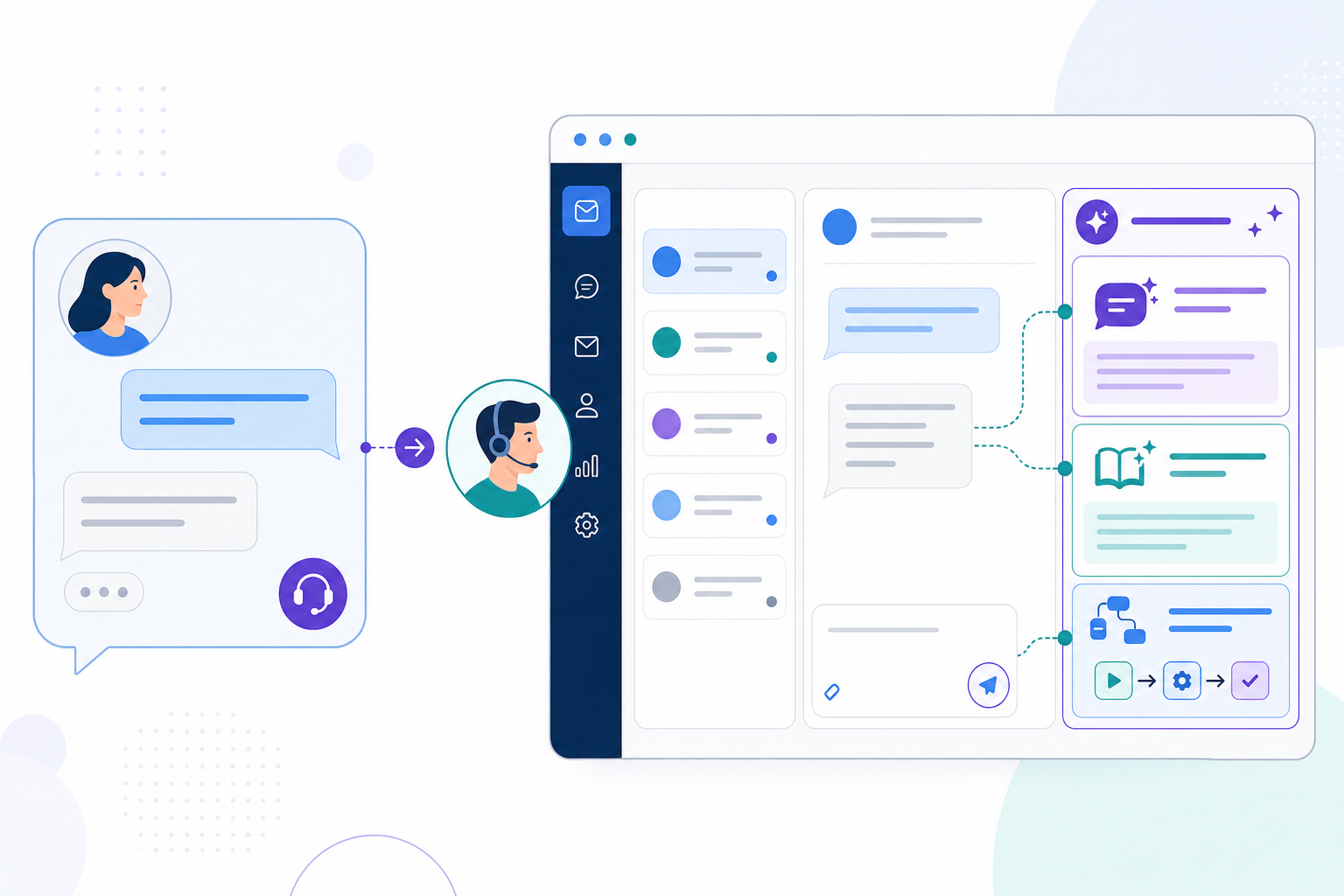
An AI copilot is an assistant built directly into your customer support software. It sits alongside your live chat widget and email ticketing, reads the context of a conversation, and suggests or drafts a response for your agent to review, adjust, and send. Think of it as a very well-read assistant that has reviewed every FAQ page and past ticket you have, but still checks with you before hitting send.
The useful way to distinguish a copilot from a chatbot isn't "scripted versus smart." Plenty of modern chatbots use retrieval and generative AI too, and some can trigger their own automations. The real distinction is who it serves and how much autonomy it has. A chatbot is customer-facing: it talks directly to the person on the other end, sometimes with a decision tree and sometimes with generative AI. Either way, it can act with little or no human review in the moment. A copilot is agent-facing: it works behind the scenes to make your team faster, and depending on how it is configured, a person reviews or approves what it produces before a customer sees it.
The reason this matters for a shared inbox setup is simple: you don't want another separate tool to manage. You want the copilot living where your team already works, next to the email thread and live chat window, pulling in relevant snippets without anyone having to switch to a separate knowledge base. That's how we've built the copilot feature into Sonny: an optional add-on you can switch on when you're ready, rather than something forced into your workflow from day one.
How Do AI Copilots Learn From Your Support Documentation?
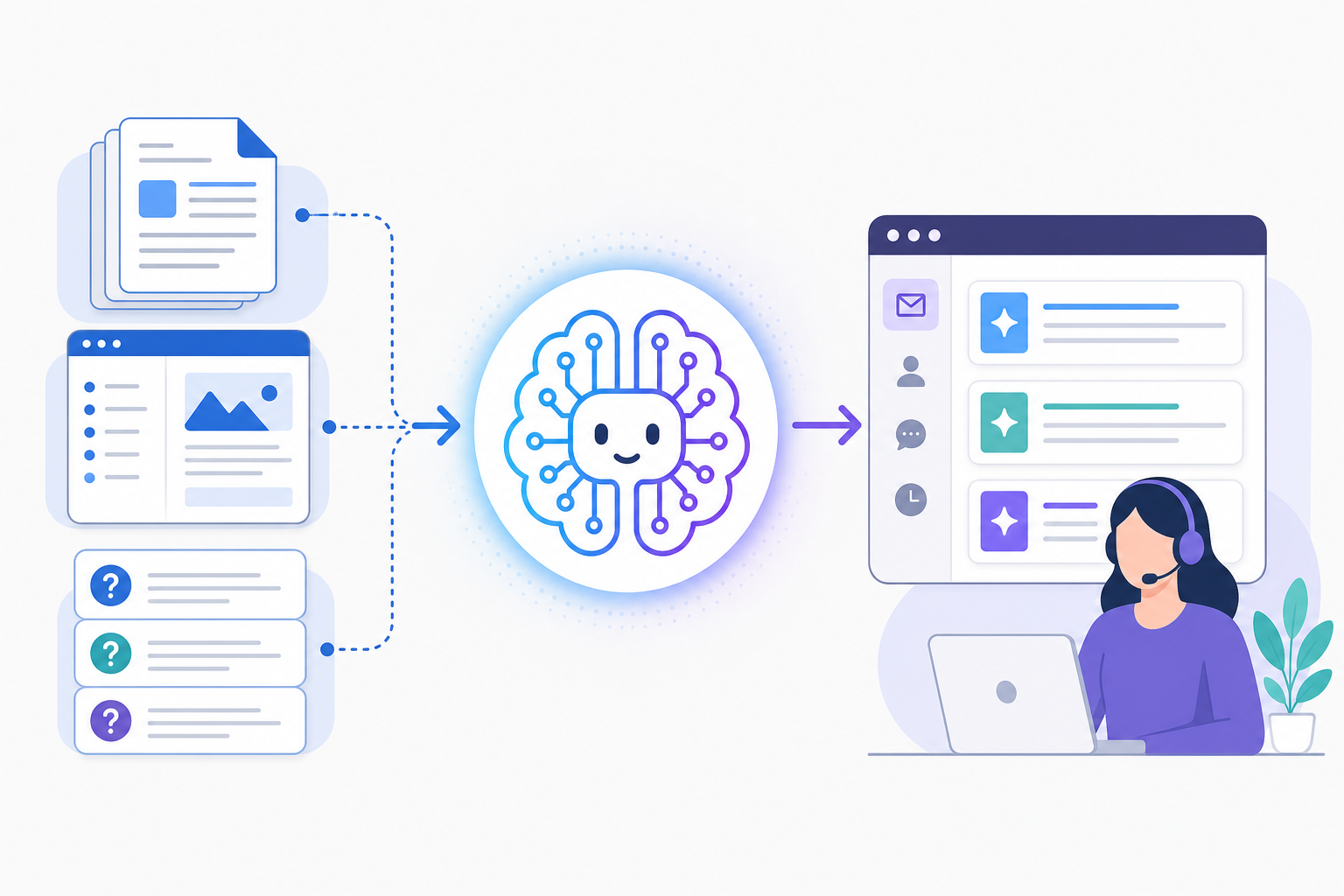
An AI copilot isn't born knowing your product. It has to learn from your documentation, much like a new hire would, just faster, and without a two-week onboarding call. Here's roughly how that process tends to work, although the exact mechanics vary between customer support software products, so it's worth checking the specifics of whichever tool you're evaluating.
Connect your existing content. Upload or link your help centre, FAQ pages, and internal notes. This becomes the copilot's starting reference material.
The copilot indexes everything. It processes this content so it can retrieve relevant answers instead of guessing. This step turns a pile of documents into something searchable and useful in real time. Indexing alone doesn't guarantee accuracy, though. It simply makes the content available to draw from.
It may improve as your team works, depending on the product. Some copilots treat agent corrections, saved replies, or approved drafts as feedback that sharpens future suggestions. Others index your documentation only and do not retrain on agent activity. Ask the vendor directly: does correcting a draft teach the system anything, or does it only fix that one reply? Don't assume the former without confirmation.
It has real limits. This is the part that's easy to skip over in marketing copy, so let's be blunt: garbage in, garbage out. If your help docs are three product versions out of date, your copilot may confidently suggest outdated answers. It does not know the difference between current and stale information unless you tell it, or the product has a way to flag document age.
The honest takeaway is that setting up an AI copilot is a documentation investment, not a one-click trick. Give it a realistic runway, a few weeks of your team using and correcting it, before deciding whether it is working for you.
Where AI Helps Most in Customer Support: Drafts, Suggestions, and Search
Once it is up and running, this is where an AI copilot tends to earn its keep. In practice, it shines in a handful of specific, repetitive areas, exactly the parts of customer support that eat up a small team's time without adding much value.
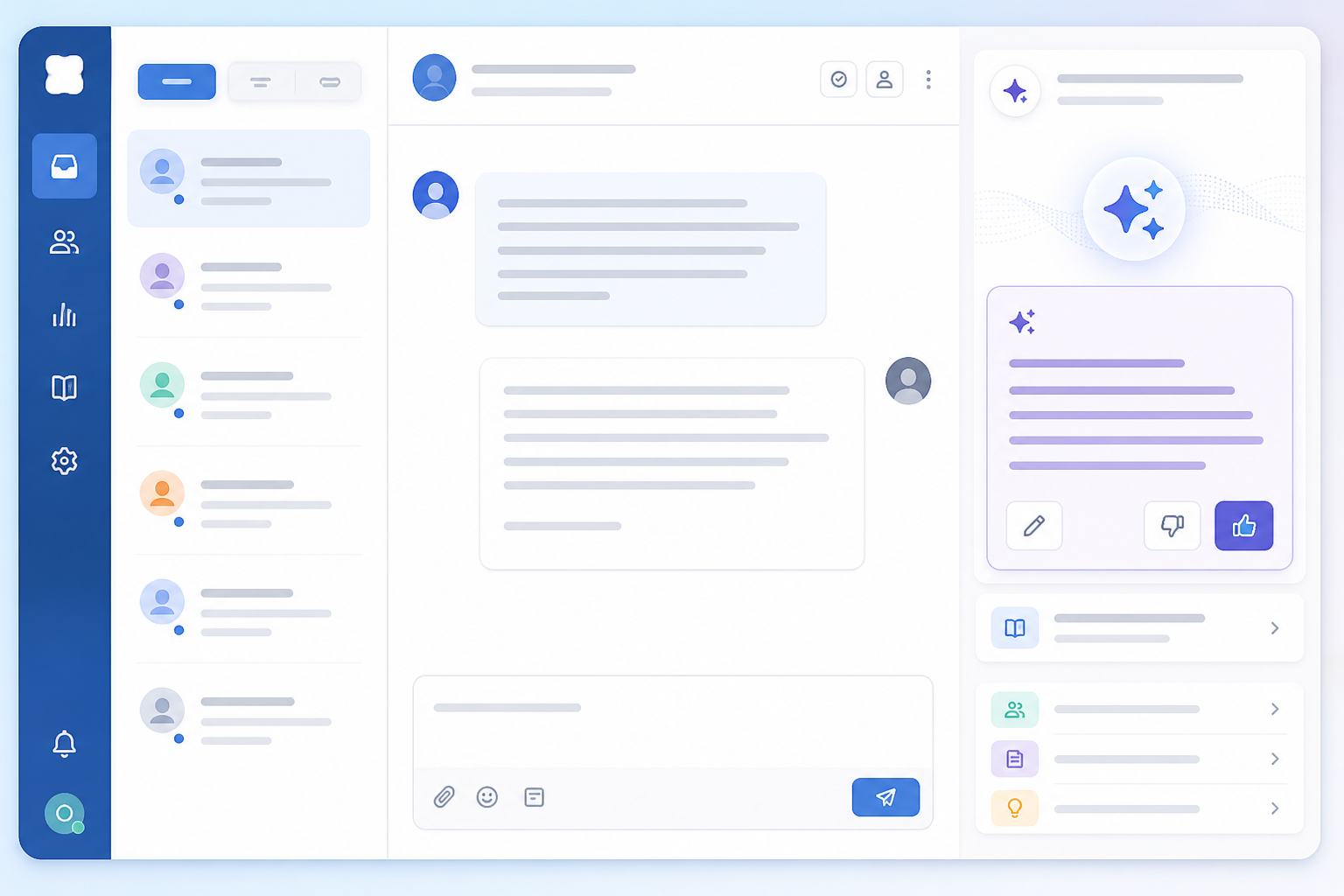
- Drafting first-pass replies. For common questions such as password resets, billing dates, and exporting data, the copilot writes a starting draft. Your agent edits and personalises it instead of starting from a blank cursor every time.
- Surfacing relevant articles or past tickets mid-conversation. Instead of manually searching your help centre while a customer waits, the copilot pulls up a relevant article or similar resolved ticket in the sidebar.
- Summarising long threads. If a conversation has gone back and forth for two weeks, a new team member, or someone returning after a weekend, can read a short summary instead of scrolling through the entire history.
- Suggesting tags and routing tickets. Based on the content of a ticket, the copilot can recommend tags or route it to the right person. This helps with filtering and reporting, so you can see where your team's time is actually going.
Here's an illustrative example of what the effect can look like: picture a solo founder handling a heavy daily ticket volume while wearing every hat in the company. If drafts get most of the way there on common questions, response times can drop noticeably, not because the founder is typing faster, but because they are editing instead of writing from scratch. That's a hypothetical scenario rather than a benchmark, though, so don't treat specific numbers as gospel. What matters is measuring the effect for your own team.
Response time is the easiest metric to reach for, but it isn't the only one worth tracking. Also monitor:
- First-contact resolution: are customers getting a complete answer the first time, or do they come back with follow-up questions?
- Correction rate: how often are agents heavily editing drafts rather than sending them almost as written?
- Reopen rate: are AI-assisted replies holding up, or generating repeat tickets?
- CSAT on AI-assisted tickets: is customer satisfaction comparable with fully human replies?
These four metrics, alongside response time, give you a much fuller picture than speed alone.
What AI Copilots Still Can't Do in Customer Support
Let's be honest here, because AI hype in customer support software can set founders up for disappointment. A copilot is a co-pilot, not an autopilot. There's a real difference, and it matters for customer trust.
Here's what an AI copilot still cannot do reliably:
- Handle emotionally charged conversations with real empathy. A customer asking for a refund because they are frustrated, or someone upset about a bug that cost them money, needs a human tone that AI drafts do not reliably get right. It can suggest a starting point, but someone still needs to read the room.
- Make judgement calls outside documented policy. If a situation falls outside what your documentation covers, the copilot has nothing reliable to reference. It may guess badly or come up empty. Either way, a human needs to make the decision.
- Build genuine relationships or handle nuanced negotiation. Enterprise deals gone sideways, VIP customers who need a personal touch, and tricky churn conversations need someone who understands the relationship, not just the ticket history.
- Guarantee accuracy on its own. Suggestions need human review, especially in the early weeks while the copilot is learning your documentation and brand voice. Sending an AI draft without reading it is how mistakes reach customers.
The teams that get the most value from AI support tools treat them as capable assistants, not replacement employees. Set that expectation with your team early, and you'll avoid the trust issues that arise when customers receive a canned or slightly inaccurate answer that nobody checked.
AI Copilot and UK GDPR: A Quick Checklist for UK Teams
Before switching on an AI copilot in customer support software, ask the vendor a few pointed questions. This isn't just for peace of mind: UK data protection law expects you to understand how suppliers process personal data.
- Where is customer data processed and stored? Ask about data residency. If customer data is processed outside the UK or EEA, check the vendor's safeguards under UK GDPR.
- Is a Data Processing Agreement (DPA) available? Any tool handling customer conversations should offer one as standard.
- Is customer data used to train shared or third-party models? Some vendors keep your data siloed to your account, while others use it, in aggregate or otherwise, to improve models used across customers. Ask directly.
- What permissions and audit logs are available? Can you see who approved an AI draft and restrict who can enable the feature?
- How are hallucinations or incorrect suggestions handled? Does the tool cite its source article, or generate answers without a visible reference?
- What security certifications does the vendor hold? SOC 2, ISO 27001, or equivalent certifications are reasonable things to ask about for any tool handling customer conversations.
None of this needs to be a dealbreaker; plenty of vendors handle it well. But this due diligence is easy to skip in the excitement of a new feature, and it's worth completing before rollout.
How to Get Started With an AI Copilot on a Small Team
If you're convinced it's worth trying but don't want to overhaul your entire support setup, you don't have to. Here's a realistic, low-drama way to introduce an AI copilot to a small team.
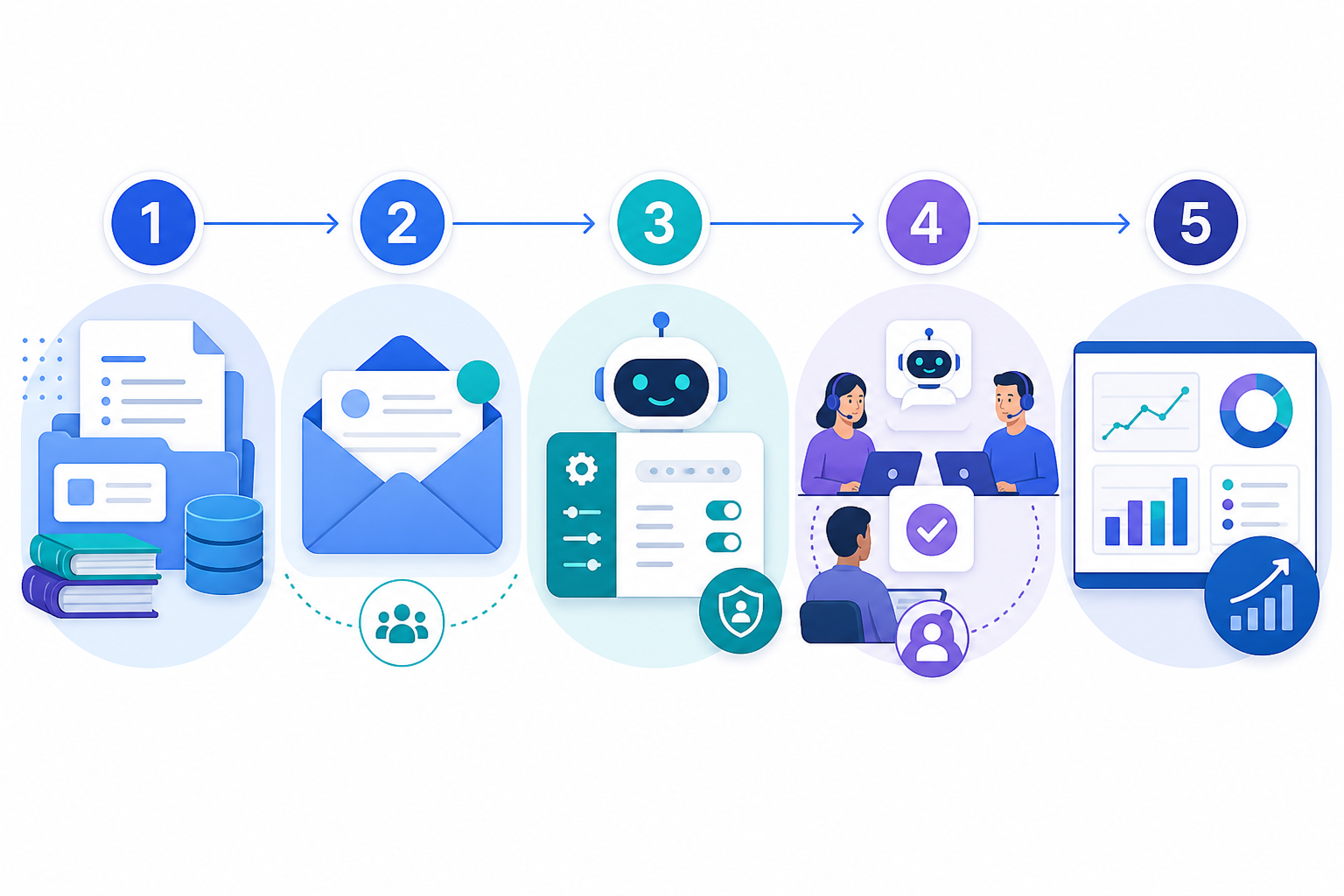
Start with what you already have. If you have a shared inbox with a live chat widget and email ticketing, you're set up to add a copilot without changing your workflow. There is no need to migrate everything.
Feed it your best documentation first. Resist the urge to upload your entire drive on day one. Start with your most current and frequently used FAQ pages and help articles. Quality matters more than quantity at the beginning.
Run a small pilot before rolling it out to the whole team. Choose one or two agents, or one ticket category, and set a baseline first: current response time, first-contact resolution, and CSAT. That baseline makes it possible to answer whether the copilot is working, rather than relying on a gut feeling.
Begin with suggested drafts before using fuller automation. Give your team a week or two to use drafts as a starting point and edit them before sending. Sample several AI drafts each day and review them as a team. This builds trust and shows you where the tool is strong or unreliable.
Watch your customer support reporting. Compare your baseline with response time, correction rate, and reopen rate after a few weeks. If the numbers are not moving, something may be wrong with your documentation or setup. Don't assume the copilot is helping just because it feels as though it should.
Review your documentation monthly. Copilot quality tracks directly with documentation quality. A quick monthly tidy-up, updating changed information and removing outdated content, keeps suggestions useful.
Where Sonny Fits In
If you want to test this approach without committing to anything, that's part of why we built a free trial into Sonny: currently seven days, with no credit card required, correct as of this writing. Pricing and trial terms can change, so check our current pricing page before signing up. You can turn on the copilot feature, connect your documentation, and see whether it is actually saving your team time before spending anything. Sonny is priced at a flat monthly rate with unlimited agents rather than per seat, which is useful to know when comparing customer support software options. Still, treat this paragraph as a pointer to check the current details, not a locked-in promise.
Frequently Asked Questions About AI Copilots in Customer Support Software
What is an AI copilot in customer support software? It is an AI-powered assistant built into help desk software that helps agents work faster by drafting replies, suggesting relevant articles, and summarising conversations. Unlike a chatbot, it does not usually talk to customers directly. The agent remains in control of what is sent.
Can AI copilots replace human support agents? No. Copilots handle repetitive, searchable support tasks well, but empathy, judgement in complex situations, and relationship-building still need a human. Treat claims about replacing support staff with healthy scepticism and view AI as a productivity tool.
How does an AI copilot learn from company documentation? You connect or upload your help centre, FAQs, and internal notes, and the copilot indexes that content to retrieve relevant suggestions. Whether it also learns from agent corrections depends on the product: some tools do, while others only index static documentation. Either way, answer quality depends heavily on how current and clear your documentation is.
Is an AI copilot worth it for a small support team? For lean teams handling live chat, email, and internal collaboration in one shared inbox, an AI copilot can save time on drafting and searching, provided your documentation is in reasonable shape and agents review its output while it learns your voice. Set a baseline first, measure the results, and treat it as a productivity boost rather than a replacement for human judgement. Also check the vendor's data handling and UK GDPR compliance before switching it on, since it will process real customer conversations.
The Bottom Line: Is an AI Copilot Worth It?
An AI copilot will not fix a support process that is fundamentally broken, and it will not replace the human warmth customers want when something goes wrong. But for the repetitive share of tickets that makes up a large part of most teams' day, it can be a genuinely useful addition to your customer support software. It lets a small team cover more ground without hiring several more people to do the same repetitive work.
Go in with your eyes open: check data handling, measure your baseline, review drafts during the first few weeks, and keep your documentation up to date. That's the difference between an AI copilot that quietly helps your lean SaaS team and one that quietly causes problems nobody notices until a customer does.