
Support Software Simplicity: Why Less Is More for Early-Stage SaaS Teams
Meta description: Discover why support software simplicity helps early-stage SaaS teams move faster, choose essential features, and avoid costly help desk bloat.
Most early-stage SaaS teams don't need an enterprise help desk with 200 features. What they actually need is support software simplicity: a shared inbox that's fast to set up, easy for the whole team to use, and priced so that growth doesn't punish them. Feature bloat slows teams down, buries the handful of tools you'll actually touch every day, and often hides costly per-seat pricing behind a shiny demo. The founders who win at support aren't the ones with the most powerful software — they're the ones who pick lean, focused tools from day one and resist the pull of “just in case” features.
I've seen versions of this play out with several early-stage founders I've worked with or spoken to. They sign up for a big-name help desk platform because it looks impressive on the sales call, then months later they're paying for features they've never opened while their actual support inbox is a mess. Let's unpack why that happens, when a bigger platform genuinely earns its keep, and what to look for instead.
The Feature Bloat Problem in Modern SaaS Help Desk Software
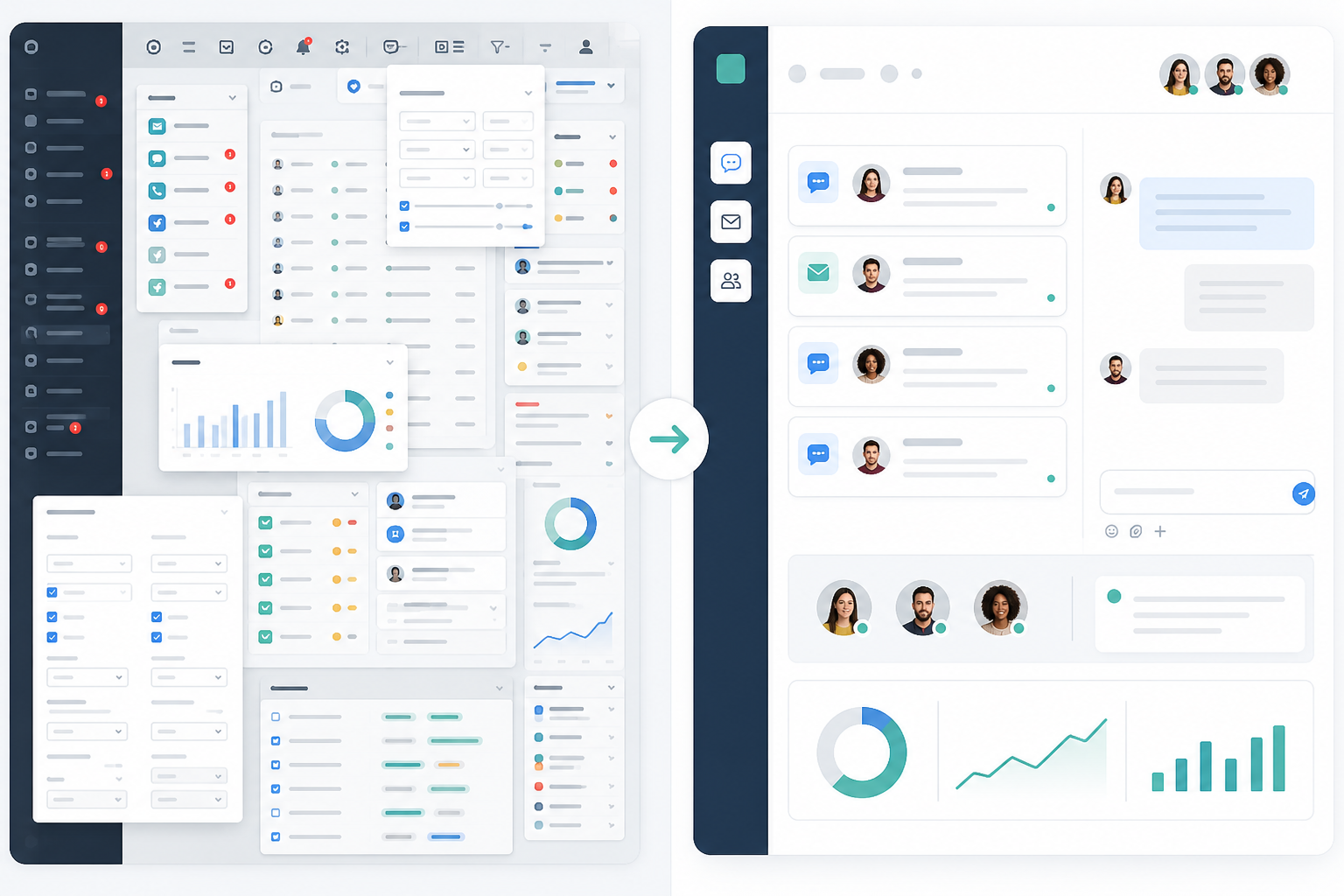
Most help desk software is built to win feature comparison charts, not to make your Tuesday afternoon easier. Enterprise platforms compete by stacking on more integrations, more automation rules and more customisable dashboards. It looks great in a comparison table. It feels a lot less great when you're the founder trying to answer a customer email at 11pm and you can't remember which of the four inbox views you're supposed to be checking.
The sales pitch usually leans hard on “scalability”. You'll hear things like “this grows with you” before you've even had five support conversations in a day. That messaging works because founders are, quite reasonably, thinking ahead. Nobody wants to pick a tool they'll outgrow in six months. But in my experience talking to small support teams, a lot of paid-for functionality — custom fields, multi-step automation builders and elaborate permission structures — sits untouched for months, sometimes indefinitely. I don't have a precise industry-wide figure for how much of a typical help desk plan goes unused, and you should treat any exact percentage you see quoted online with a healthy dose of scepticism. But anecdotally, among the founders I've spoken with, it's often the majority of what they're paying for.
The real cost isn't just the monthly invoice, either. It's the cognitive overhead of navigating a bloated interface every single day. Every extra click, every unnecessary decision, every “wait, where did that setting go” moment adds up. Multiply that across your whole team, every day, and you've got a quiet tax on your support operations that never shows up on the pricing page.
When Does Feature-Heavy Help Desk Software Make Sense?
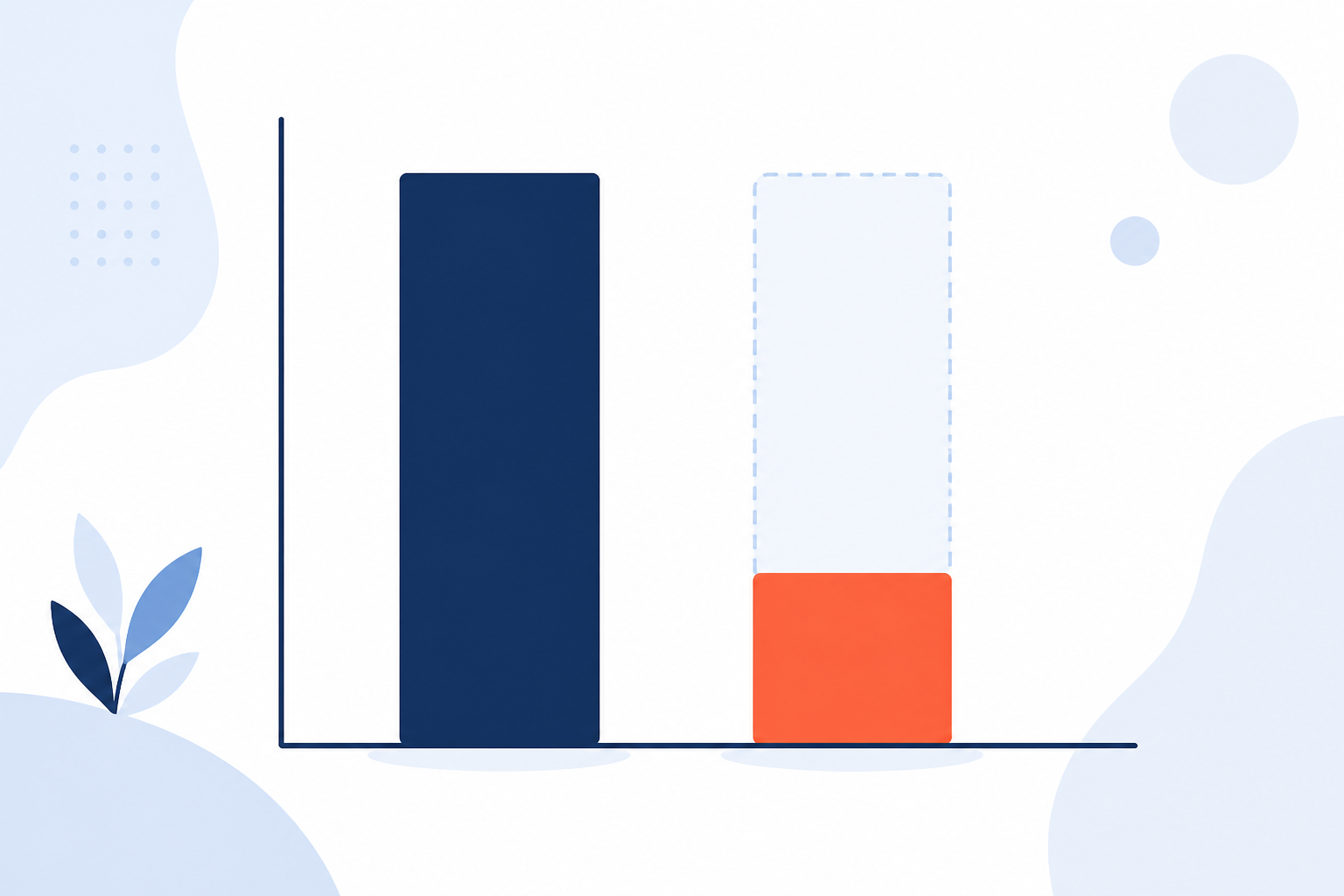
It's worth being honest here: complexity isn't always the enemy. If you're running support across a dozen countries with different SLAs, need approval chains for refunds above a certain value, have compliance requirements that demand detailed audit trails, or you're managing 30+ agents across multiple departments, a lean shared inbox will eventually strain at the seams. Advanced routing, role-based permissions and dedicated admin tooling exist because large support organisations genuinely need them. The mistake isn't buying powerful software — it's buying it before you need it, on the assumption that you'll grow into it faster than you actually will.
A reasonable rule of thumb: if you're a team of two to fifteen people answering support through chat and email, and nobody's job title includes “support operations manager”, you almost certainly don't need enterprise-grade complexity yet. Once you're hiring dedicated admins to manage your help desk configuration, that's usually the signal it's time to look at bigger platforms.
How Complex Support Software Slows Down Small Teams
I've heard some version of this story from founder after founder: they hired someone to help with support, handed them access to their fancy help desk software, and then watched that new hire spend two weeks just figuring out how the thing works. That's not a training problem. That's a design problem.
Here's what complexity actually costs a small team in practice:
- Onboarding drags on. New hires take weeks to get comfortable with complicated ticketing workflows instead of getting productive in a couple of hours. One founder told me her first support hire spent most of week one just working out which of six saved views actually contained live customer conversations.
- Simple questions become tickets themselves. “Where do I see unanswered chats?” shouldn't require a Slack message to your ops person, but in a lot of platforms, it does.
- Teams build workarounds. When the “powerful” tool is too rigid or too complicated for daily use, people quietly start tracking things in spreadsheets on the side. That defeats the entire point of having support software.
- Response times slip. Agents digging through nested menus and settings instead of just replying means customers wait longer for answers — and response time is one of the few support metrics customers actually notice.
- Reporting goes unused. All those custom dashboards? Nobody has time to configure them, so you end up flying blind on the metrics that actually matter, like response time and ticket volume.
The pattern here is fairly consistent: complexity doesn't scale down well. A tool designed for a 200-person support organisation with dedicated admins doesn't magically become simple just because you're a team of three. It's still built for that other use case — you're just paying full price to use a fraction of it, badly.
What Features Do Early-Stage SaaS Teams Need From Day One?
So if the enterprise checklist isn't the right shopping list, what is? Based on conversations with early-stage teams and what genuinely gets used versus what gets ignored, here's a practical starting point.
Core Support Software Requirements
These are the non-negotiables for almost any small team:
- A shared inbox that unifies live chat and email. You want one place to see every conversation, not three tabs open trying to piece together what a customer already told you. This is the essence of a proper customer support inbox — everything in one thread, one history, one place to reply from.
- Fast setup. Ideally under an hour, without a mandatory onboarding call just to turn the thing on. If you need a scheduled demo to start using your support software, that's already worth questioning.
- Internal notes and tagging. Your team needs to collaborate on tricky tickets without spinning up a separate Slack thread every time someone has a question about a customer issue.
- Basic reporting. You need to know your average response time and how your team is performing — not a full business intelligence suite you'll never touch.
Support Software Features to Assess Carefully
These features are worth having, but should be weighed against your actual situation:
- Flat-rate pricing with unlimited agents. This matters most if you expect to hire support staff quickly. If you're likely to stay a two-person team for a long while, per-seat pricing might genuinely cost you less — do the maths for your specific growth plan rather than assuming flat-rate always wins.
- Mobile access. Native apps matter if your team genuinely handles support outside their desks. If everyone's glued to a laptop during support hours anyway, this is less critical than it sounds in a sales pitch.
- Data hosting and compliance. If you're selling into the UK or EU, it's worth checking where your support provider stores customer data and whether they're set up for UK GDPR compliance. This rarely comes up in demos, but it matters the moment a customer or auditor asks.
Notice what's missing: multi-layered workflow builders, custom field architects, approval chains and elaborate automation engines. Not because those things are bad — they're just not what a five-person SaaS team needs to run good support. You need the core done well, not the extras done at all.
The Case for a Lean, Focused Shared Inbox
Simplicity isn't a lesser version of “powerful”. It's a design choice, and one that respects your team's time. A tool that does a handful of things extremely well will usually serve a small team better than one that does fifty things adequately — though, as above, that calculation changes once your support operation genuinely outgrows a lean setup.
This is the thinking behind how we built Sonny, and I'll say upfront: it's one example of this approach, not the only one, and it won't suit every team. Live chat, email ticketing and team collaboration live in a single shared inbox, so there's no bouncing between separate apps or piecing together a customer's history from three different tools. Setup is designed to take minutes rather than days, without a mandatory onboarding call before you can start using it.
Pricing is flat-rate at $19.99/month (roughly £16, though we'd always recommend checking current pricing and VAT treatment directly, since exchange rates and tax rules shift) with unlimited agents. That means a two-person team and a 20-person team pay the same monthly fee. For teams planning to grow their support headcount quickly, that removes a recurring budgeting headache. For teams that expect to stay very small for a long time, it's worth comparing against per-seat alternatives to see which actually costs less for your situation — flat-rate isn't automatically cheaper, it's just more predictable.
What flat-rate pricing does solve well is the awkward internal conversation about whether the new hire “really needs” inbox access. When adding a teammate doesn't touch the bill, teams tend to give access more freely, which tends to help response times across the board.
Simplicity doesn't mean giving up on being smart, either. Sonny includes an optional AI copilot trained on your own docs, so even a lean tool can help your team answer faster without adding fifteen new menus to learn first. Where Sonny won't be the right fit: teams needing complex approval workflows, multi-department routing or compliance-heavy audit trails should look at more established enterprise platforms instead — that's a genuine trade-off, not a sales caveat.
Questions to Ask Before Buying Feature-Heavy Help Desk Software
Before you sign up for anything — especially anything that requires a sales call before you can even see the product — run through these questions. For each one, give yourself a quick yes/no, and if you get more than two “no” answers, treat that as a real warning sign rather than a minor detail.
- Will my whole team actually use this feature, or is it just impressive in a sales demo? If you can't picture your team using it next Tuesday, it's not a real requirement.
- How long will onboarding realistically take? Hours, or weeks of configuration and training?
- Is pricing per-seat, and what happens to my bill when I hire agent number six? Do the maths now, not after the invoice surprises you.
- Can I try this without a credit card or a lengthy sales call? A tool worth using should be able to prove its value quickly, on your terms.
- What's the uptime guarantee, and where is customer data hosted? You're trusting this tool with your own customer relationships and, potentially, GDPR obligations — it needs to be reliable and compliant.
- If I strip away the extras, does the core — chat, email and collaboration — actually work well? Everything else is secondary to this.
If a platform can't answer these clearly, or the answers make you nervous, that's useful information. It usually means you're being sold complexity dressed up as capability.
FAQ: Support Software Simplicity and Help Desk Software
Do I need an enterprise help desk platform for a small team?
Usually not, though it depends on complexity rather than headcount alone. Enterprise help desk software is built for organisations with dozens of agents, multi-layered approval workflows and dedicated IT admins to manage it all. If your support involves complex compliance requirements or cross-department routing, you may need that scale sooner than you think. Most early-stage SaaS teams, though, need the opposite: something that works out of the box, doesn't require training, and scales in price gently rather than punishing them for hiring a third support agent.
What features actually matter in support software?
A shared inbox for live chat and email, internal notes for team collaboration, basic tagging and filtering, and simple reporting on response times. Everything beyond that — advanced workflow builders, custom fields and multi-layered automation — is nice to have, not need to have, when you're small. That said, if you operate across regulated markets or handle sensitive data, features like audit trails and granular permissions move from “nice to have” to genuinely necessary.
Why do complex tools slow down small support teams?
Complex tools force small teams to spend time configuring and learning software instead of talking to customers. When every action requires navigating multiple menus or understanding a rules engine, response times slip and team morale takes a hit. Simplicity removes that friction so people can focus on the actual work of answering customers.
Is flat-rate pricing actually better than per-seat pricing?
It depends on how fast you plan to hire. For teams expecting to grow their support headcount, flat-rate pricing — like Sonny's $19.99/month for unlimited agents — removes the recurring cost of adding people. For teams that expect to stay very small for the foreseeable future, per-seat pricing might work out cheaper in raw terms, so it's worth running the numbers for your own growth trajectory rather than assuming one model always wins.
Support software should get out of your way, not become another thing you have to manage. The goal isn't simplicity for its own sake — it's picking the tool that honestly matches where your team is right now, not where a sales deck imagines you'll be in three years. Pick something that respects your time, fits your team size honestly, and lets you grow without flinching at the bill. That's support software simplicity doing its job, and for most early-stage SaaS teams, it's a far better bet than a feature checklist you'll never fully use.