

The True Cost of Per-Seat Pricing in Help Desk Software: How It Affects Your Budget
Quick answer: Per-seat pricing charges you every time you add a team member to your help desk, so your customer support software bill grows alongside your headcount rather than your support volume or revenue. A flat-rate pricing model breaks that link by charging one price no matter how many agents you have. Below, I'll work through the actual maths using a consistent pricing range, flag the hidden costs vendors rarely put on the pricing page, and give you a list of questions worth asking before you sign anything—with a UK buyer's perspective throughout.
In conversations with support leads and founders over the past few years, I keep hearing a version of the same story: nobody warned them how quickly per-seat costs compound. You sign up with three agents, everything feels affordable, and eighteen months later the invoice has grown far faster than the team has. That gap is worth understanding properly, with real numbers rather than just anecdotes, before you sign your next customer support software contract.
A note on approach: the figures below mix illustrative maths (to show how the pricing mechanic works) with published vendor examples (to show what this looks like in practice) and one worked UK scenario. I've kept these clearly separated, because blending them is exactly what makes help desk pricing so hard to evaluate honestly.
How per-seat pricing works in help desk software
At its core, per-seat pricing (sometimes called per-agent pricing) means you pay a fee for every team member who logs into your help desk, on top of whatever your base plan costs. Here's the simple version:
Total monthly cost = base plan fee + (billable seats × seat rate) + any usage overages
So a vendor charging a $29 base plan plus $15 per agent, with 8 agents, comes to $29 + (8 × $15) = $149 a month. That's before you've added any automation, reporting, or integration upgrades that might require a higher tier.
Most vendors also structure help desk software pricing in tiers: Basic, Pro, Enterprise, or similar. The per-seat cost tends to rise as you move up each tier, because higher tiers unlock features you'll likely need eventually, like advanced reporting or automation. So you're often not just paying more per agent as your team grows. You're paying more per agent and moving into a pricier tier at the same time.
It's worth separating out the mechanics that get lumped under "per-seat pricing," because they don't all work the same way:
- A pure per-agent rate with no base fee
- A base subscription plus a per-seat add-on
- A minimum seat requirement, regardless of actual usage
- Usage-based charges (ticket or chat volume) layered on top of seats
When comparing customer support software vendors, ask which of these you're actually looking at. A "cheap" per-seat rate with a high minimum seat count can cost more than a pricier rate with no minimum.
Why do vendors favour this model? Because it's a predictable growth engine. Every hire becomes a new revenue line for them, with no extra sales effort. There's a marketing element too: "starting at £15/agent" headlines look reasonable in isolation. Nobody puts "and this multiplies every time you hire someone" in the hero banner, even though that's exactly what happens.
The cost of adding agents with per-seat pricing
Let's make this concrete with a consistent, like-for-like comparison rather than a single cherry-picked number.
Illustrative example (not tied to a specific vendor): advertised per-seat rates commonly fall between £15 and £25 per agent per month. Here's what that range looks like as a support team scales from 3 to 10 agents, a fairly normal curve for a growing SaaS company or e-commerce brand heading into a busy season.
| Team Size | Annual @ £15/agent | Annual @ £20/agent | Annual @ £25/agent |
|---|---|---|---|
| 3 agents | £540 | £720 | £900 |
| 5 agents | £900 | £1,200 | £1,500 |
| 8 agents | £1,440 | £1,920 | £2,400 |
| 10 agents | £1,800 | £2,400 | £3,000 |
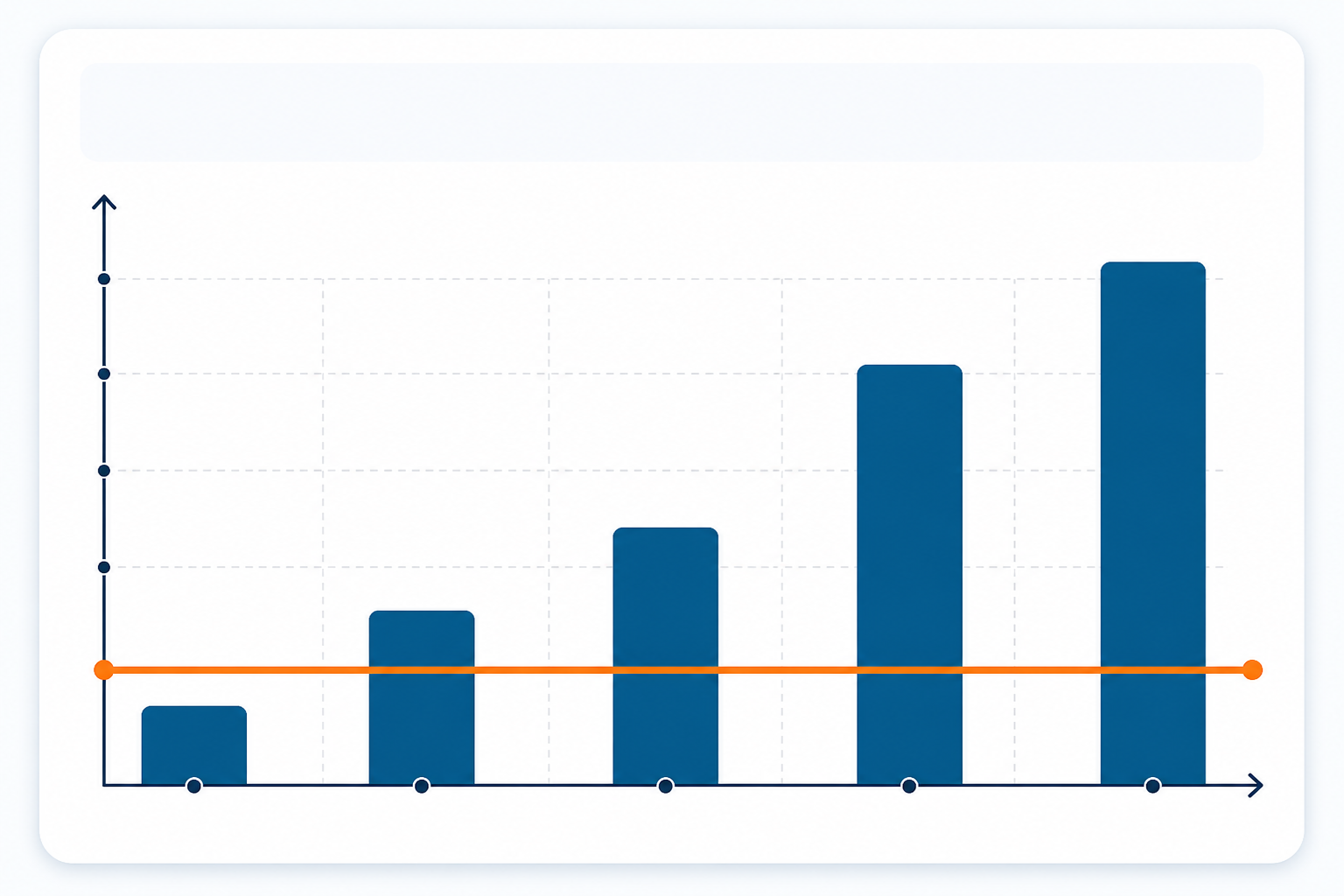
Growing from 3 to 10 agents at these rates adds between £105 and £175 a month purely from headcount growth, or £1,260 to £2,100 a year, with no assumption that support volume tripled to match. That's the number worth sitting with: the software cost scales with your org chart, not necessarily with your workload.
A quick note on break-even points: dividing a flat-rate price by a per-seat rate can tell you the seat count at which flat-rate pricing becomes cheaper, but that number only means something if the two plans include comparable features, ticket limits, and support. A £16-a-month flat plan will always look cheaper than a £20-a-month seat rate on price alone. The real question is whether it does the same job.
Published vendor pricing (US dollars, correct at time of writing—always verify current rates on the vendor's own pricing page before budgeting): Zendesk's Suite Team plan is listed at $55 per agent per month on annual billing, Freshdesk's Growth plan at $15 per agent per month, and Help Scout's Standard plan at $25 per user per month. UK buyers should check current regional pricing, currency, and VAT treatment directly with each vendor, since figures shift and promotions vary by region.
Using Zendesk's published rate, a team growing from 5 to 15 agents would move from roughly $3,300 to $9,900 a year. That's $6,600 in additional annual cost from headcount alone. At Freshdesk's rate, growing from 10 to 30 agents adds roughly $3,600 a year. At Help Scout's rate, going from 8 to 20 users adds a similar $3,600 annually. The exact figures vary by tier, but the pattern holds: growth costs you, even when support volume hasn't grown to match.
A UK scenario: picture a UK e-commerce retailer with 5 permanent agents who brings on 13 seasonal agents for a four-month Black Friday and Christmas peak, at a per-seat rate equivalent to £20/agent/month plus 20% VAT. That's roughly £312 a month extra during peak (13 × £20 × 1.2), or around £1,248 for the four months. If the vendor requires an annual seat commitment rather than a seasonal one, the effective cost could run closer to £3,744 for staff who only worked a third of the year. This is the kind of clause that's easy to miss on a sales call and expensive to discover afterwards. Always confirm seasonal or contractor seat terms before signing.
Hidden costs beyond the per-seat price
The advertised per-seat price is rarely the whole story. Not every vendor charges all of the items below—some are common industry practice, others are vendor-specific—so it's worth asking which apply to your contract rather than assuming any of them do.
Recurring charges:
- Minimum seat requirements: some plans bill for a set number of seats regardless of actual usage, which changes your real per-agent cost if your team is smaller than the minimum.
- "Light" or observer seat charges: limited-access accounts for managers who just need visibility can still carry a cost, even with minimal usage.
One-off costs:
- Onboarding or setup fees: some vendors charge activation or implementation fees, occasionally per agent, on top of the recurring seat cost. Ask whether this applies mid-contract, not just at signup.
Feature-driven costs:
- Feature-gating by tier: reporting dashboards, automation rules, or key integrations often sit behind a higher-priced tier, so you may need to upgrade your whole team's plan to unlock one feature for one person.
- Overage fees on conversation volume: some plans cap included chats or tickets, and exceeding that cap triggers additional charges, independent of your agent count.
Contract risks:
- Annual commitment and renewal terms: seats added mid-year may auto-renew at the same term length as your original contract, which can lock you into paying for seasonal hires longer than intended.
Add these up and the total cost of ownership can look quite different from the headline price on the pricing page. It's worth calculating your real annual spend (subscriptions plus onboarding plus training plus any overage or minimum-seat charges) before comparing customer support software vendors side by side. Ask each vendor for a written breakdown rather than relying on the marketing page alone.
Flat-rate pricing and unlimited agents: an alternative
Flat-rate pricing changes the equation. Instead of paying per agent, you pay one price for the whole team, with no recalculating your budget every time HR sends round a new hire announcement. Some flat-rate customer support software plans also include unlimited agents, cutting the direct connection between headcount and software cost.
Before treating that as an automatic win, check feature parity. A cheaper flat-rate tool is only a genuine improvement if it also covers what you actually need: a shared inbox, automation rules, integrations with your existing stack, reporting on response times, appropriate security certifications, and clear data export terms if you ever leave. Cost is one input to this decision, not the whole decision.
Sonny is one example of a flat-rate tool. It lists a flat $19.99/month for a live chat widget, email-to-ticket forwarding, internal notes, tagging, filtering, and response-time reporting, regardless of team size. As with any vendor claim, confirm current pricing, currency, VAT treatment, and exact feature scope directly on Sonny's pricing page before comparing it against your shortlist. Vendors update pricing and trial terms over time.
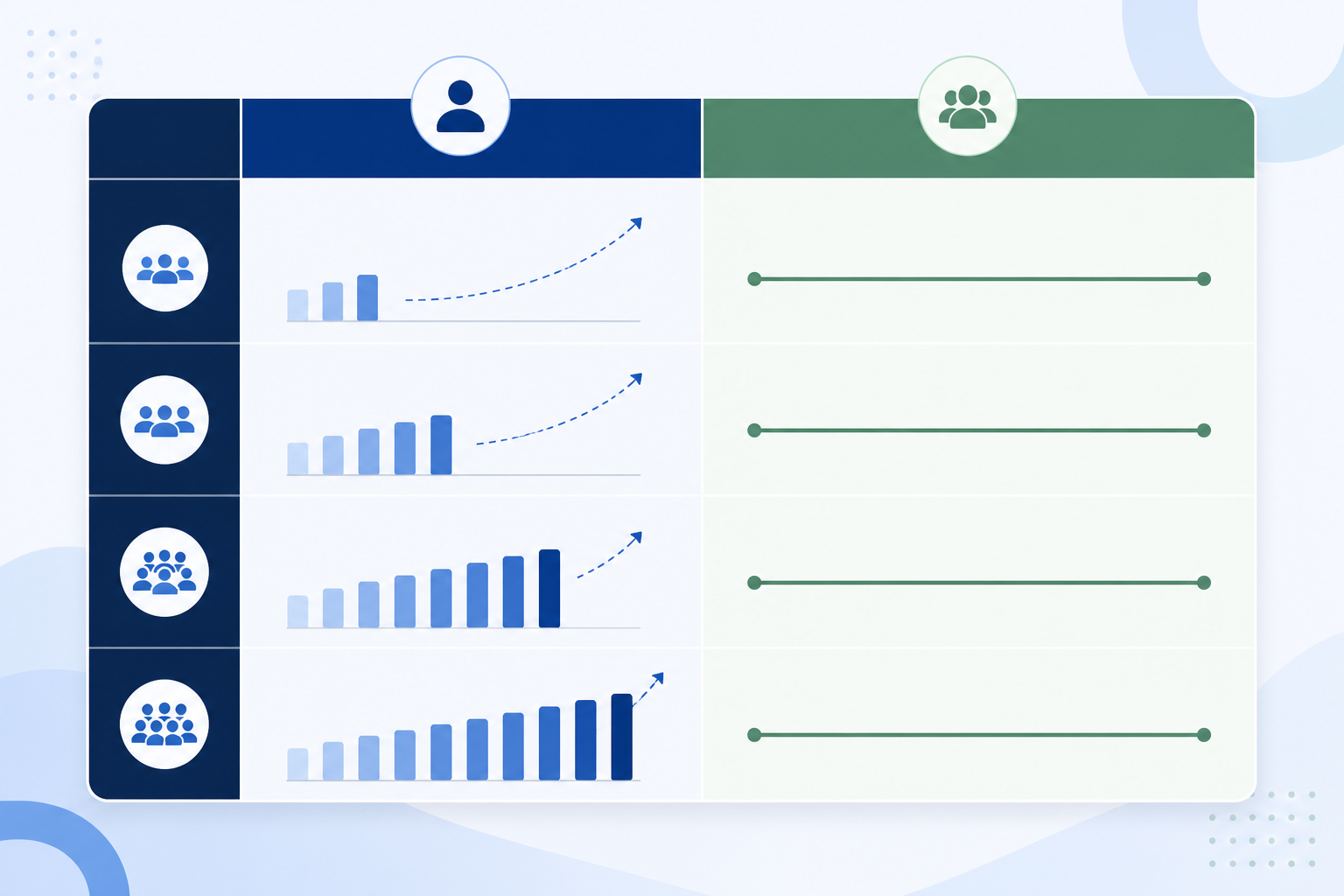
This model tends to matter most for teams that hire in bursts rather than a slow, steady trickle. That's a pattern common among SaaS companies and e-commerce brands, where support headcount tracks sales growth, seasonal demand, or product launches rather than a neat monthly cadence. Smaller ops teams without a dedicated procurement function often find real value in adding agents without triggering a budget conversation, though it's worth testing that assumption against your own workflow rather than taking it on faith.
When per-seat pricing might still make sense: if you're running a large, established support operation with hundreds of agents and highly specialised workflow requirements (deep customisation, enterprise security certifications, dedicated account management), a flat-rate tool built for smaller teams may not have the depth you need, even at a lower price. Flat-rate pricing tends to shine brightest for teams roughly in the 3-to-50-agent range: the zone where per-seat pricing hurts most and enterprise-level complexity hasn't fully kicked in.
Questions to ask before signing a per-agent contract
Whether you're evaluating new help desk software or mid-contract and wondering whether to renew, here's a checklist to run through. The first three matter most if you're short on time.
Pricing questions:
- What happens to pricing if we add 5 more agents next quarter? Get the exact number in writing, not a vague "contact sales."
- Is there a minimum seat requirement, and does it match our actual team size? A low per-seat rate with a high minimum can cost more than a higher rate with no minimum.
- Does the listed price include VAT, and is pricing region-specific? UK buyers should confirm this before comparing quotes across vendors.
Operational questions: 4. Are there separate fees for light users, contractors, or seasonal staff? These are often billed at full seat price. 5. Does the price increase if we need reporting, automation, or integrations later? Confirm which features live at your current tier versus which require an upgrade. 6. Is there a cap on conversations or chat sessions, and what happens if we exceed it? Overage fees can quietly inflate your bill during a busy month.
Exit questions: 7. Can we downgrade seats easily if our team shrinks, or are we locked into annual seat counts? Some contracts let you add seats freely but make it painful to remove them. 8. What are the cancellation, renewal, and data export terms? Ask what happens to your ticket history and customer data if you leave, and how much notice you need to give. 9. What does onboarding actually cost, and is there a free trial to test real usage first? Confirm current trial terms and any credit card requirement directly on the vendor's pricing page. These details change.
Asking these upfront can save you from discovering the answers the hard way, usually right after you've onboarded a new hire and the invoice lands.
The bottom line on per-seat and flat-rate pricing
Growing your team shouldn't feel like a financial penalty, but per-seat pricing often turns it into one. Before deciding which help desk pricing model fits your situation, run the numbers on your own growth curve rather than someone else's:
- Estimate your billable seats over the next 12–18 months, including seasonal or contractor hires.
- Check whether that growth pushes you into a higher pricing tier for features you actually need.
- Add any usage overages or minimum-seat charges you've identified.
- Compare that total annual cost against a feature-equivalent flat-rate plan, not just its headline price.
For teams in the small-to-mid-size range who hire in bursts and don't need enterprise-grade complexity, flat-rate pricing with unlimited agents often comes out ahead on both cost and predictability. For larger, more specialised operations, per-seat pricing paired with enterprise features may still be the better fit. The maths only gives you an answer once you've plugged in your own numbers.
Frequently asked questions about per-seat pricing
Why does help desk software charge per agent?
Most vendors use per-seat pricing because it makes their revenue grow automatically alongside your team, with no extra sales effort. For you, it means every hire, promotion into a support role, or seasonal contractor becomes a new line item on your software bill, regardless of whether your support volume or revenue has grown to match.
How much more will I pay as my team grows with per-seat pricing?
It depends on the vendor, but a common published range is £15–£25 per agent per month. Growing from 3 to 10 agents within that range adds between £105 and £175 a month purely from headcount, or £1,260 to £2,100 a year, with no change in support workload assumed. A flat-rate tool keeps that cost fixed regardless of team size, though you should always confirm current pricing, currency, and VAT treatment directly with the vendor before budgeting against it.
Are there help desk tools without per-agent fees?
Yes. Flat-rate customer support software is increasingly common, particularly among tools built for small to mid-sized teams. Sonny, for example, lists unlimited agents for one flat monthly price, which removes the need to recalculate software costs every time you hire. As with any vendor comparison, confirm current pricing, currency, and feature scope directly before deciding, and check that the feature set actually matches what your team needs, not just the price tag.
Is flat-rate pricing ever a bad fit?
Yes, particularly for large enterprise support operations with hundreds of agents and highly specialised workflow needs. Flat-rate tools are often built with smaller, agile teams in mind and may lack certain enterprise-grade security or customisation features. For most SaaS companies, e-commerce brands, and growing support teams in the 3-to-50-agent range, flat-rate pricing tends to be more predictable and, once you've checked feature parity, often more affordable as headcount grows.