

Internal Notes in Customer Support: How Small Teams Collaborate on Tickets (With Templates)
Internal notes are private comments attached directly to a ticket. They're for your team, not the customer, and used well they replace the side-channel Slack threads, forwarded emails and "did anyone reply to this?" DMs that quietly eat a small team's day. All you need is a simple writing standard: what happened, what you've tried, and what's needed next.
That's the short version. The rest of this post covers what to put in a note, templates you can copy for handoffs and escalations, how to keep notes private, and how to stop them turning into clutter. I'll use plenty of sample notes, because that's the part I wish someone had handed me years ago. ☕
Why side conversations hurt support team collaboration
Picture a Tuesday morning. A customer emails about a failed payment. Priya, who's on the inbox, isn't sure whether it's a card issue or a bug, so she pings Tom on Slack. Tom doesn't know either, so he asks the founder in a DM. The founder replies to the customer directly from his own email, because he's quick and helpful like that. Three hours later the customer has two answers, Priya has a half-written third, and nobody can say who said what.
Nobody did anything wrong. The tools just let the conversation split in two: one thread with the customer, and another, invisible one about the customer. The costs add up fast:
- Duplicate replies, because two people each assumed the other hadn't answered yet.
- Contradictory answers, because the decision lived in a DM the second agent never saw.
- Lost context when someone is off sick, since the reasoning is in their head or their Slack history.
- No record for next time, so the next similar ticket starts from scratch.
This gets worse when you run live chat and email together. A customer might chat on Monday, email on Wednesday and expect you to remember both. Once they get two different answers to the same question, it's a trust problem, not just a tidiness one.
The fix is low-tech. Shared inbox collaboration works best when the conversation and the discussion about it live in one place. That's what internal notes are for.
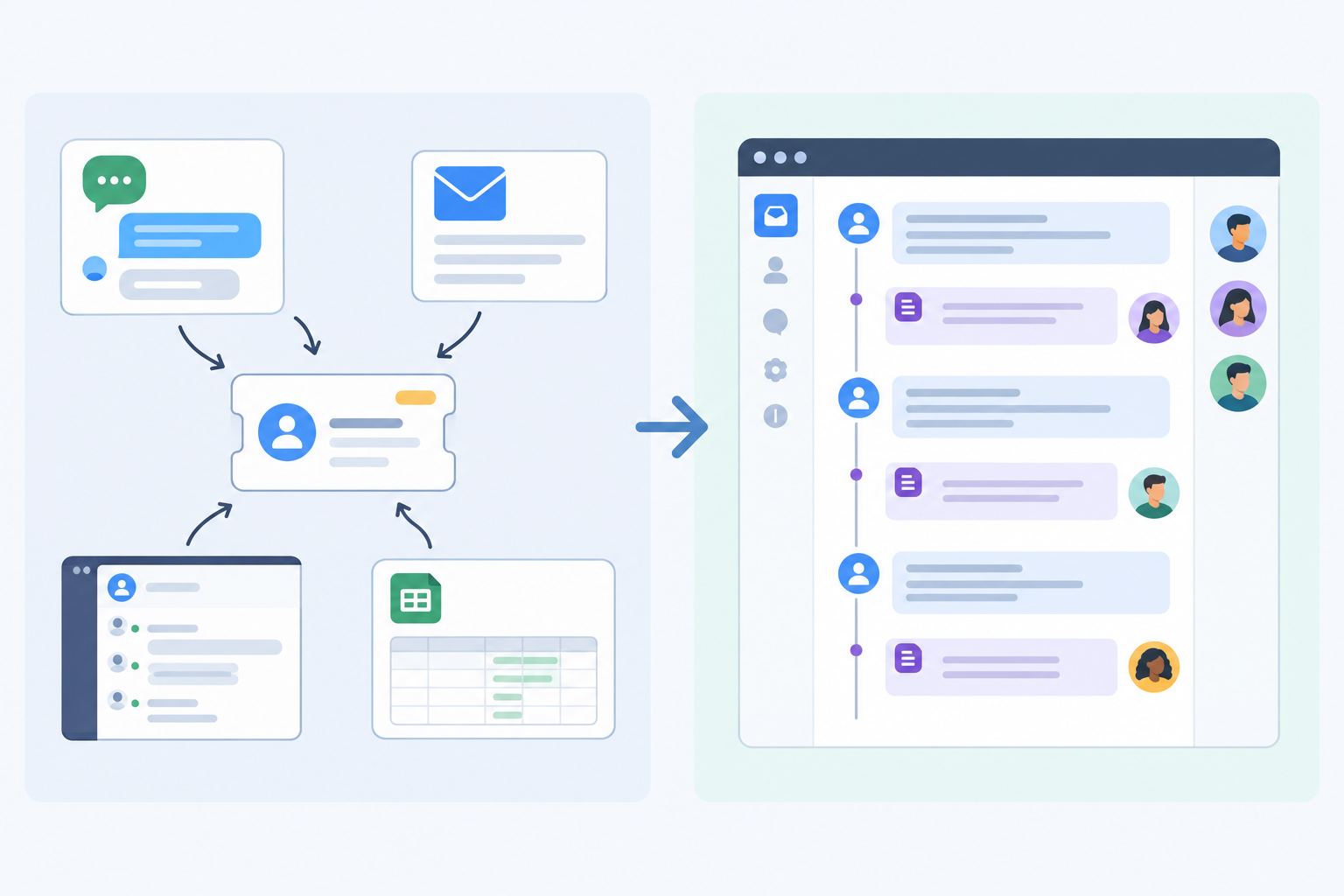
How internal notes differ from customer replies
In help desk software, an internal note is a comment on a ticket that your team can see and the customer can't. A reply goes out to the customer. A note stays behind the curtain.
| Reply | Internal note | |
|---|---|---|
| Audience | The customer | Your team |
| Delivery | Sent by email, or shown in the live chat widget | Not sent; stays in the shared inbox |
| Tone | Polished, friendly, customer-ready | Direct, factual, shorthand is fine (within reason) |
| Typical use | Answers, updates, apologies | Context, questions, handoffs, decisions |
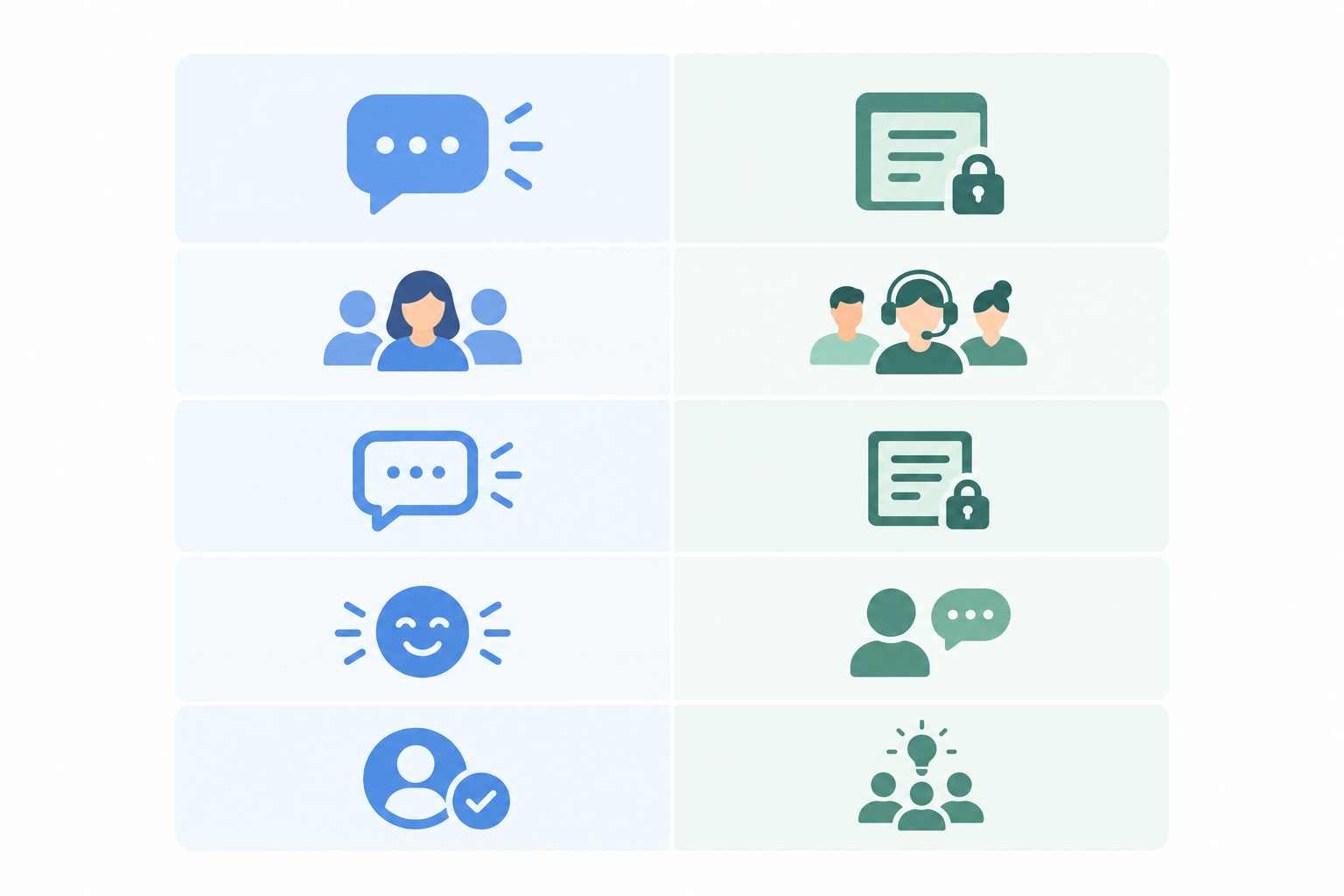
Notes sit in the ticket timeline, in order, alongside the customer's messages and your replies. Anyone opening the conversation sees the whole story: the customer asked this, Priya checked that, the founder decided the other. In Sonny's shared inbox, you can add notes to both email tickets and live chat conversations, so your team sees them in context whichever channel the customer used.
What to include in an internal note (and what to leave out)
A good note is short, factual and tells the reader what to do. Think of it as a message to a colleague who's about to pick this up cold.
What to include in a support note
- Customer context: their plan, how long they've been with you, what they're trying to do, and any deadline or stated impact.
- What you've already tried, so nobody repeats the same troubleshooting.
- Links to relevant docs, bug reports or account records.
- Decisions and the reasoning behind them, like "Offered a partial refund because the outage lasted 6 hours."
- Promises you made to the customer, such as "Told them we'd update by 3pm."
- Anything you're unsure about, attributed properly. Write "Customer reports the export fails" rather than "The export is broken."
What not to include in internal notes
- Passwords, authentication codes and full card numbers. Notes aren't a vault. If you need to refer to sensitive data, point to the secure system where it lives.
- Personal opinions about the customer. "Customer is being difficult" helps no one.
- Anything you'd be uncomfortable seeing in a data access request. Under UK GDPR, people can ask for the personal data you hold about them, and notes may form part of that depending on the circumstances. The ICO's guidance on the right of access explains how this works. This is practical guidance, not legal advice, so check it against your own situation.
The data minimisation principle points the same way: include what helps resolve the issue, and skip the rest.
A simple three-line internal note writing standard
Here's the whole system, and it's deliberately small:
- What happened: the issue in one or two lines.
- What I've done: checks, actions, and what the customer's been told.
- What's needed next: the next action, who owns it and by when.
Weak internal note vs strong internal note
Weak:
Sorted, will check.
Sorted what? Check what? Who's checking? Nobody knows, including you in a week.
Strong:
What happened: Customer can't export the monthly report. Started after they changed workspace on Monday. Reproduced in Chrome, not Firefox. No data loss reported. What I've done: Sent the Firefox workaround. Logged a bug (ENG-214). Told the customer we'd update them today. Next: Alex to update the customer by 2pm with the bug status.
That takes about 40 seconds longer to write, and it saves the next person ten minutes.
Notes full of judgement have the same problem:
Customer is being difficult. Probably their fault, tell them to try again. Customer says the issue persists after restarting. We haven't confirmed the cause yet. Please check the account logs before replying.
Same situation, but the second version says who said what, sticks to facts and points to a next step.
Make each internal note trigger action
A note nobody sees is just a diary entry. If you need someone to act, @mention them or assign the ticket so it lands in front of them. And a note isn't a customer update: if the customer is waiting to hear something, write down what they've actually been told and who owes them the next message.
Internal note templates for support handoffs
Handoffs are where small teams lose the most context. Maybe it's end of day, or a different time zone, or a part-timer finishing a shift, or a founder jumping in between meetings. The person picking up the ticket wasn't there for the last three messages, and they shouldn't have to reread everything.
So what should a handoff note say? What's happened so far, what you've tried, and what the next person needs to do, including any follow-up time you promised. Here are three templates you can steal.
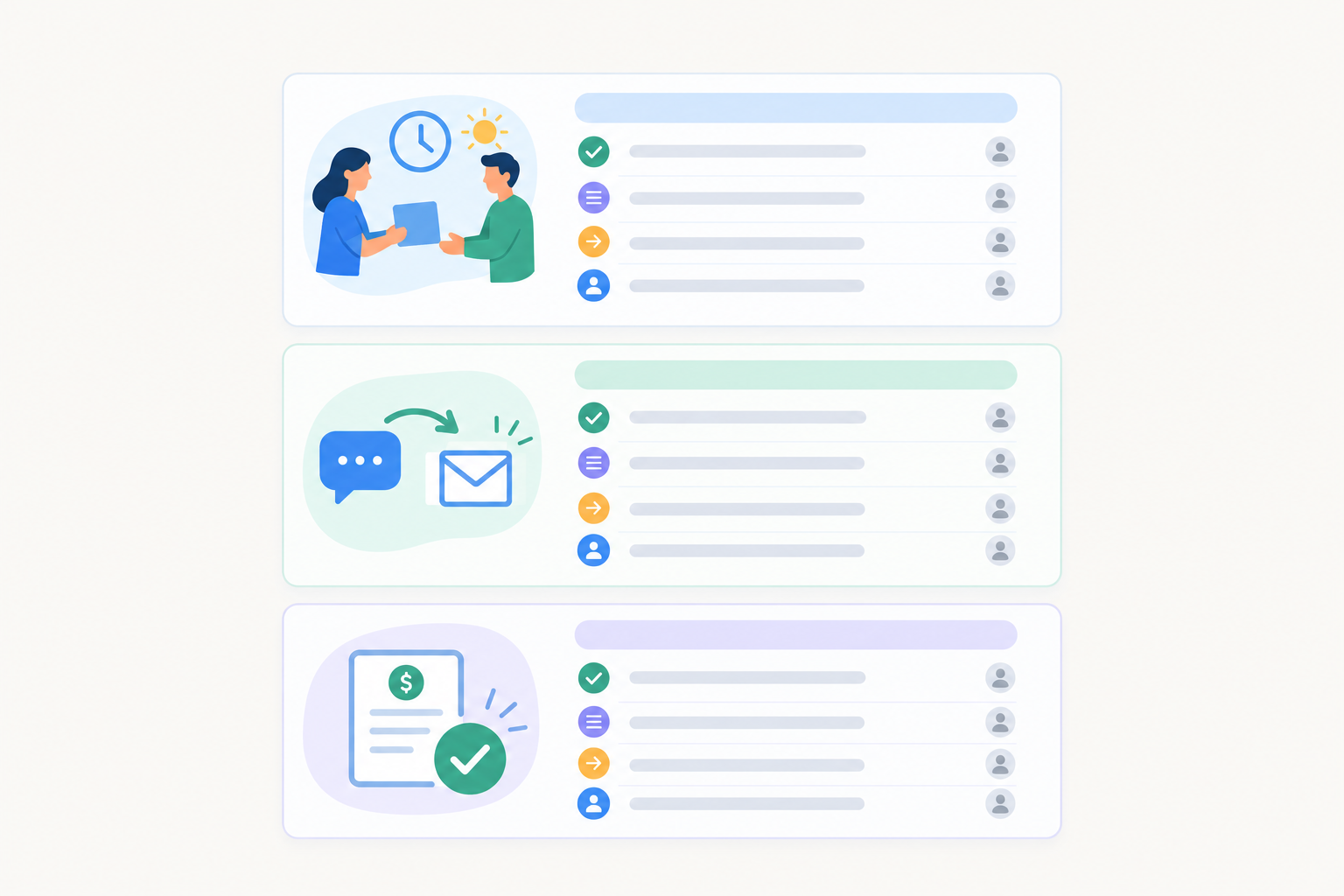
Template 1: End-of-day handoff note
Fields: Status / Customer sentiment / Promised follow-up / Next action and owner
Status: Waiting on the courier's tracking update for order #4821. Parcel's been 'in transit' for six days. Sentiment: Frustrated but polite. This is their second email about it. Promised: Told them we'd update by 10am tomorrow. Next: Sam to chase the courier first thing and send the customer a reply by 10am. If it's still stuck, offer a replacement.
Template 2: Chat-to-email handoff note
Use this when a live chat conversation needs deeper investigation than a quick chat allows.
Fields: Chat summary / What they've been told / What we need / Follow-up channel
Chat summary: Customer says invoices aren't generating for the new team members they added today. Chatted for 10 minutes. Browser: Safari, latest version. Told: I'd investigate and email them, and that they didn't need to stay on chat. Need: Check whether seats were added mid-billing-cycle. Screenshot from customer of the invoice page, if possible. Follow-up: Email (their address is on the ticket). Aim to reply within two hours.
The chat history stays on the ticket, and the note gives the next person the short version. That's support team collaboration across channels without a single DM.
Template 3: Refund or billing approval request
Fields: Request / Why / Amount and order / Decision needed by
Request: Approve a full refund of £49 for the annual plan. Why: Customer was charged twice on 3 March. We can see both payments on the account. They've been with us for 14 months, no previous refund requests. Decision needed by: Today 4pm, as I've told the customer they'll hear from us this afternoon. If approved: I'll process the refund and reply to the customer.
Notice there's no card number in there. Reference the order or payment ID and leave the sensitive details in your payment system.
Save these as a pinned doc or snippets everyone can reach, then adapt them to your team's voice. If your team says "cust" instead of "customer", fine. The structure matters more than the wording.
Escalating support tickets to developers or founders
Sooner or later you'll need someone outside the day-to-day support rota: a developer for a bug, a founder for a refund exception. Doing that over Slack is where context goes to die. A note keeps everything attached to the ticket.
Escalate when you have a suspected bug with no workaround, the same issue from several customers, a high-value account, or a legal or refund exception outside your normal policy.
What information developers need in an escalation note
Developers don't want a story. They want something they can reproduce. Give them the steps, the browser, device and app version, the account ID, any screenshots or recordings, and what should have happened versus what did.
Update: escalating to dev. What happened: Customer can't save changes to their profile. Gets a blank error after clicking Save. Steps: Log in, go to Settings, change display name, click Save. Reproduced on my account in Chrome 124 on Mac. Account ID: 20871. Screenshot attached. Expected: Name updates. Actual: Blank error, nothing saved. Done so far: Cleared cache, tried a different browser (Firefox works). Needed: Can someone confirm whether this is a known Chrome issue? Customer told we'll update them by end of day.
What information a founder needs
Shorter is fine here. Lead with the decision:
Decision needed: Customer on the annual plan wants to downgrade mid-term and get a pro-rata refund (£120). Outside our usual policy, but they've been with us two years and have referred three customers. I'd lean towards yes. OK to approve by 3pm?
Tag the escalation and close the loop
Use tags like "bug" and "needs-founder", then filter on them. A quick look at the "needs-founder" view each morning beats a scatter of DMs. Then ask whoever took the escalation to leave their answer as a note on the same ticket, and let the person handling the customer turn it into a proper reply. The developer doesn't need to write customer-friendly prose, and the customer never sees raw technical notes.
One practical point: if your help desk charges per seat, adding developers and founders can feel like a big decision. Check how your tool prices occasional collaborators, so the "is it worth another licence just so Jamie can comment?" question doesn't push people back to Slack.
Can customers see internal notes?
In general, no. In the shared inbox tools small teams commonly use, such as Zendesk, Help Scout and Intercom, notes are kept separate from customer-facing replies, and they aren't emailed out or shown in a chat widget. Exact behaviour varies by product and configuration, so check your tool's documentation and role permissions, particularly if you use integrations, automations or customer-facing portals that display ticket history.
Beyond configuration, the most common risk is human: picking the wrong mode. A small routine helps:
- Check the composer before sending. Most tools show a visual cue, such as a different colour or label. Starting with "Note:" or "Internal:" gives you a second check.
- Look at the ticket history after posting to confirm it appears as a note.
- Take extra care when switching between a reply and a note on the same ticket.
- Write every note as if a colleague, or an auditor, may read it later. Stick to observations and evidence, not speculation. "The account shows three failed login attempts" beats "They clearly can't follow instructions."
Data access requests aren't a reason to stop writing notes. They're a reason to keep notes respectful, accurate and limited to what teammates need. And if you do slip up? It happens, and it's usually fixable. Apologise briefly if needed, tidy up, and talk about it as a team. A good habit beats perfection. 💛
How to avoid internal note clutter
The opposite problem to having no context is having too much. A ticket with 30 notes saying "ok", "checking", "still checking" is nearly as unhelpful as one with none. A few habits keep notes useful:
- Write one note per meaningful update, not a running commentary.
- Lead with the headline. Start with "Update:", "Decision:" or "Blocked:" so people can skim.
- Use tags for status. A "refund-pending" tag beats a note saying the same thing, and you can filter on it.
- Write a recap before reassigning a long ticket.
- Try this rule of thumb: if a future teammate needs it, write it down. If not, skip it.
Training new support agents with internal notes
Here's a benefit that surprises people: good notes become a free training library. Every resolved ticket with clear notes shows real decisions, real tone and real edge cases, which is often more useful than a policy doc.
- Tag great examples and let new starters read a handful in their first days.
- Coach gently with notes. A senior agent can leave a suggestion before the new agent replies, such as "Worth mentioning the workaround first, then the apology."
- Draft in a note first. New agents can write a reply as a note so a colleague can look it over, then send with review, and eventually without it.
It's reassuring for new people, because nobody wants their first customer reply to be a guess.
Getting started with shared inbox collaboration this week
You don't need a big process, just a few small agreements:
- Agree that ticket-specific discussion happens in the ticket. Slack is still fine for general chat or an urgent nudge.
- Adopt the three-line note structure.
- Save two or three templates from above.
- Set up a few tags, like "bug", "needs-founder" and "refund-pending".
- Review after a week. What helped? What was noise? Adjust.
Want to try this in a real inbox?
Sonny combines live chat, email ticketing and internal notes in one shared inbox, with tags, filters and response-time reporting. It offers a free trial and flat-rate pricing with unlimited agents. Pricing is listed in US dollars, so check the current plan details, trial terms and any VAT on the Sonny site before you sign up. 🙂
Frequently asked questions about internal notes
Can customers see internal notes?
In general, no. Notes are for your team and aren't sent to the customer. Check your tool's permissions and settings, and confirm you're in note mode before sending.
How do internal notes differ from replies?
A reply goes to the customer through the channel they used, such as email or live chat. A note stays within your team's view of the ticket and is used for context, questions, handoffs and decisions.
What should I write in a handoff note?
What's happened so far, what you've already tried, and what the next person needs to do, including any promised follow-up time. Links and the customer's mood help too.
How do we avoid note clutter?
Write one clear note per meaningful update, start with a headline like "Update" or "Blocked", and use tags for status instead of extra notes.
Do we still need Slack if we use internal notes?
For general team chat or urgent pings, yes. For anything specific to a ticket, keep the discussion in the ticket so the context stays with the customer conversation.