
How to Use Support Tags to Spot Product Feedback Across Multiple Brands
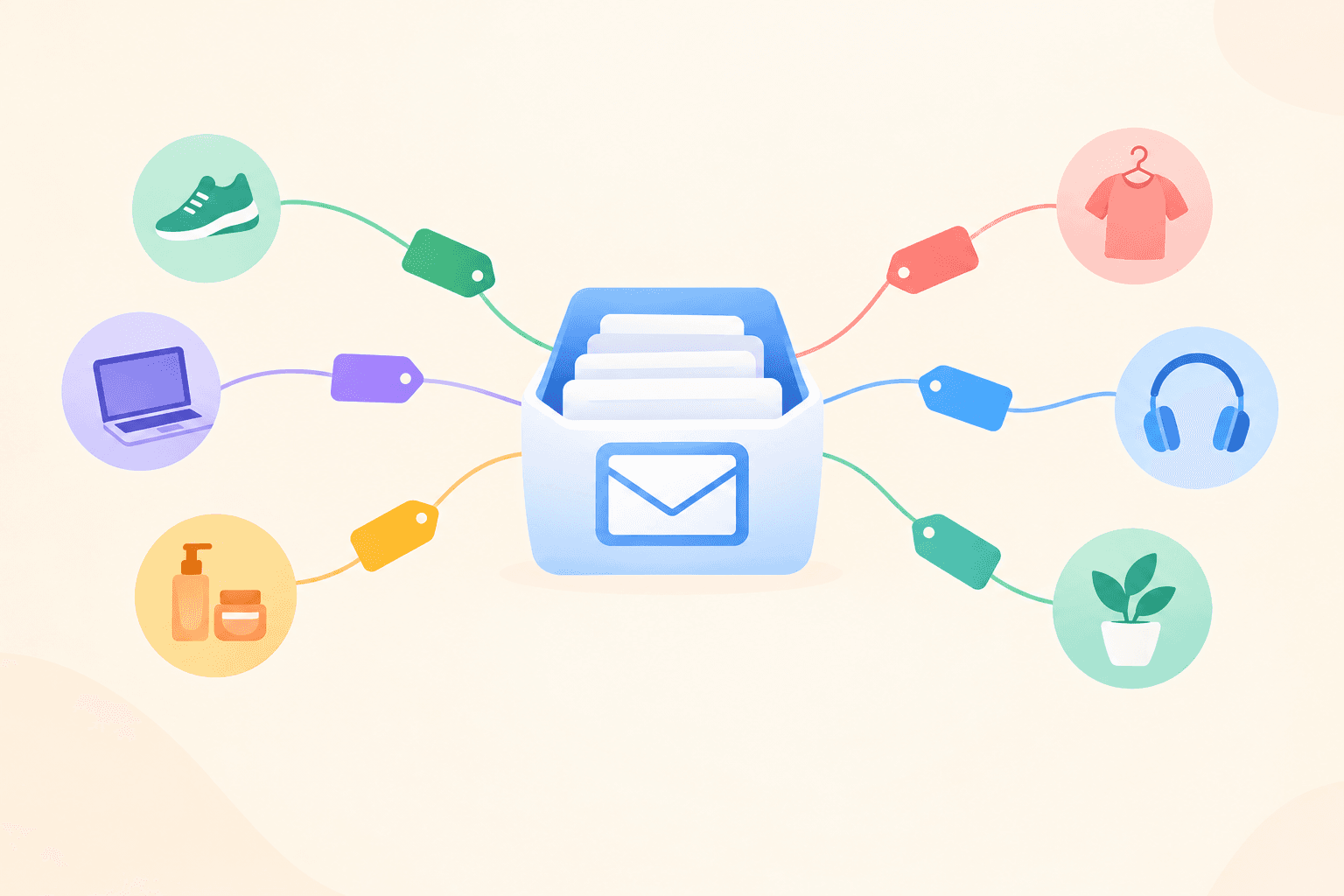
Every support conversation is a tiny piece of product research, but only if your support tags are set up to answer product questions. The fix is simpler than it sounds. Build a two-layer tag structure (product first, topic second), get your whole team tagging the same way, and run a monthly review using shared inbox filters. That turns scattered tickets into clear trends for each brand's roadmap.
I'll walk you through it step by step, whether you run two brands or twelve. Grab a cuppa. ☕
Why support conversations are product data (and why most teams waste them)
Picture a support agent. Let's call her Priya. This week she has answered the same question about exporting data fifteen times, and she's got the reply nearly memorised. Meanwhile, the product team two floors up (or two time zones away) has no idea, because nobody ever told them. Priya isn't doing anything wrong. She's busy, and the question was never recorded in a way anyone could count.
This happens at most support desks. Support conversations are unprompted, honest feedback from real customers. Surveys only capture the people willing to fill them in, which tends to be the very happy or the very cross. Support captures everyone else: the person who is mildly stuck, the one who almost cancelled, the one who just wants a feature to work the way they assumed it would.
It gets harder when you run several brands. Feedback ends up scattered across separate tools and separate inboxes, so a pattern that spans products stays invisible. Brand A's customers might be confused by onboarding, and Brand B's might be too, but nobody sees both at once.
A single shared inbox fixes that. When every brand's conversations land in one place, support tags become the layer that turns conversations into evidence.
One expectation to set now: your data won't be perfect. Nobody's tagging is flawless, mine included. You only need it to be consistent enough to spot trends, and that's a much lower bar than most people think.
Start with the product questions your tags need to answer
Before you create a single tag, work backwards. Ask your product leads what they wish they could answer. You'll usually end up with four to six questions, such as:
- What are people confused by? (usability and onboarding)
- What are they asking us to build? (feature requests)
- What is breaking? (bugs)
- What's causing friction around money? (pricing and billing)
- What do people love? (praise, which is brilliant for marketing and morale)
- Who might leave? (churn risk)
Now map each question to a tag category, so every tag has a reason to exist. If you can't point to a question a tag answers, it's probably clutter.
A word of warning: don't tag for the sake of tagging. If nobody will ever filter by a tag, drop it. I've seen teams build gorgeous 60-tag systems that never got used because nobody could remember what half of them meant.
Before building anything, check your draft list with one person from each product team. Five minutes of "does this actually help you?" now saves weeks of retagging later.
Design support tags by product and topic
Here's the structure I recommend. It's deliberately plain.
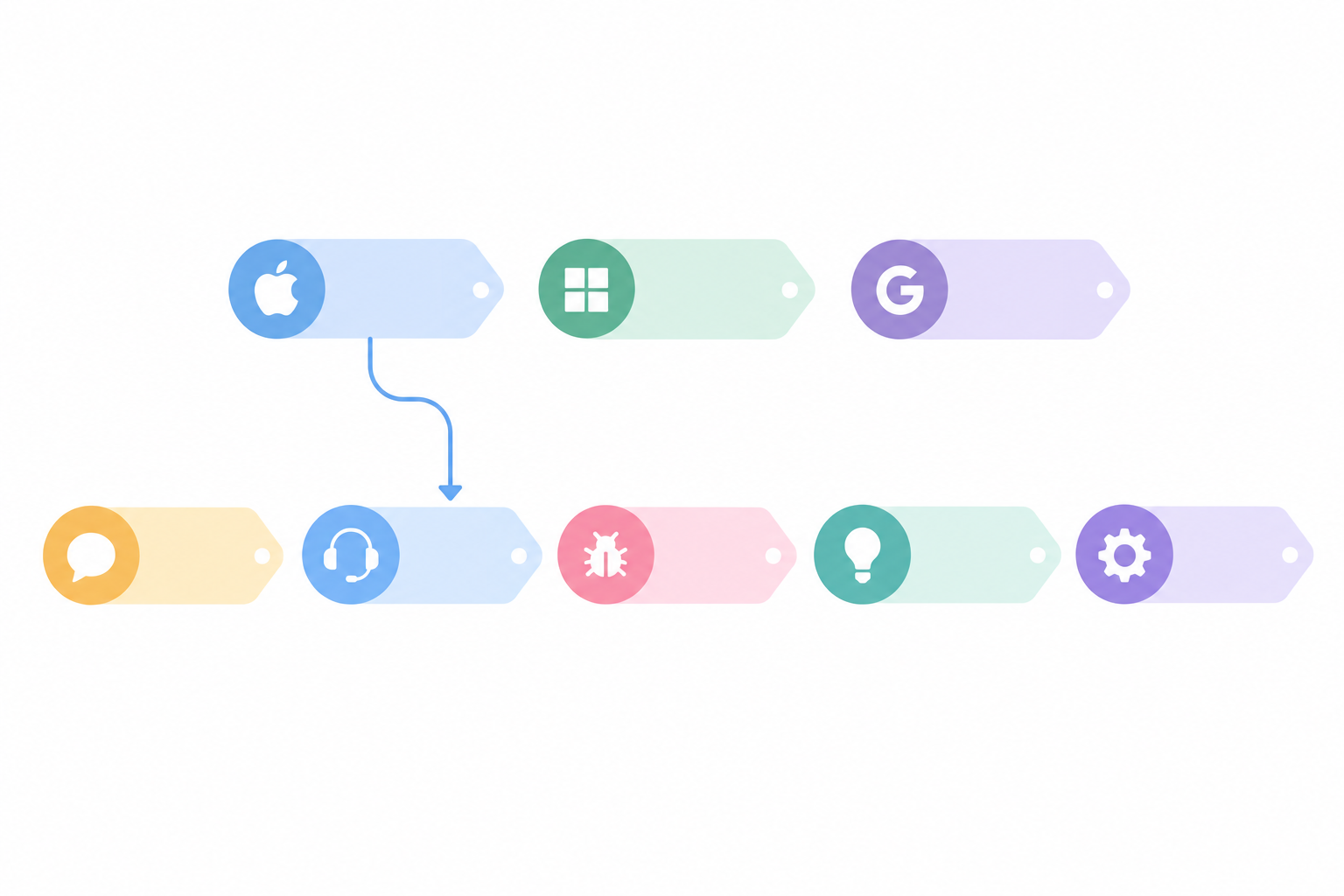
Layer one is the brand or product tag. Think brand-shop or brand-app. It goes on every customer conversation that relates to a product, which is nearly all of them, and it's what keeps each roadmap separate.
Layer two is the topic tag. It describes what the customer is raising: feature-request, bug, onboarding-confusion, billing, praise. Use the same topic tags across every brand. That's the clever bit, because it lets you compare products side by side.
An optional layer three covers specific themes, like a named feature (csv-export, say). Use it sparingly and review it regularly, because this is where tag lists tend to balloon.
Choose a simple support tag naming convention
Tiny habits here save you a lot of pain later:
- Lowercase everything.
- Use hyphens instead of spaces.
- Use consistent prefixes (
brand-for products, for example). - No near-duplicates. If you have
bug, you don't also needbugsorbug-report.
How many support tags should you use?
A single conversation might carry brand-shop, feature-request and csv-export. That isn't over-tagging. It's one customer message telling you which product, what kind of feedback, and which feature, and those three tags answer a product lead's question in seconds.
Treat support tag rules as defaults, not laws
Real inboxes are messier than tidy diagrams, so agree a few exceptions up front:
- Spam and irrelevant messages: skip the brand and topic tags, or give them a single
spamornot-relevanttag. Either way, exclude them from your counts so they don't skew the numbers. - Conversations with several separate topics: if a customer reports a bug and asks for a feature in the same message, add both topic tags. A fourth tag is fine when it genuinely earns its place. The three-tag guideline exists to keep tagging quick, not to make you throw away useful information.
- Conversations that span brands: if a customer is writing about two products, add both brand tags. It's rare, but it happens.
How many support tags should you use across brands?
This is the question I get asked most, so here's my honest answer. The numbers below are starting points from experience, not industry benchmarks. Your own product and team size will shift them.
Count the layers separately, because brand tags scale with the number of products and topic tags shouldn't:
- Shared topic tags: start with roughly 10 to 20 across all brands. That covers your product team's questions without making agents hesitate.
- Brand tags: one per product. If you run twelve brands, you'll have twelve, and that's fine, because they're simple and agents choose them without thinking.
- Theme tags: a handful per brand at most, and only for things the product team is actively watching.
A few things to keep in mind:
- The trade-off is real. Too few tags hide detail. Too many create inconsistency and slow agents down, because they hover over the list wondering which one fits.
- Do a quarterly "retire or merge" check. Any tag used only a handful of times is a candidate for merging into something broader or retiring altogether.
- Let everyone in. Your product and customer success colleagues should be able to read and tag conversations, because the people who care most about the feedback should see it first-hand. If your help desk charges per seat, check how that affects who gets access.
How to tag support conversations consistently as a team
A good tag list is only half the job. The other half is everyone using it the same way. Here's how I'd get there.
- Write a one-page tag guide. Give each tag a plain-English definition and one example. "Confusion: the customer can't work out how to do something that does exist. Example: 'Where do I find my invoices?'" Keep it short enough that people actually read it.
- Decide who owns the list. Usually that's one support lead acting as gatekeeper, with product leads as advisors. Agree how new tags are requested (a quick message in your team chat is plenty).
- Make tagging part of closing a conversation, not an afterthought or something to "get round to". If your help desk lets you require tags before closing, use it. You'll get far more complete data, as long as spam and irrelevant messages have their own quick way out.
- Run a 15-minute calibration session. Have everyone tag the same five sample conversations, then compare. You'll be amazed how differently two sensible people read the same message, and the chat that follows is where the real alignment happens.
- Spot-check weekly. Look at a handful of tagged conversations each week and give gentle, friendly feedback. You're coaching, not policing.
One last tip: pair tags with internal notes. A tag can't capture nuance, like the customer's exact words or the workaround you suggested. A quick internal note such as "Customer said: 'I assumed exporting would include archived items'" gives your product team the colour behind the count. Keep those notes right alongside the conversation so there's no extra tool to open.
Manage support tags across multiple brands without creating chaos
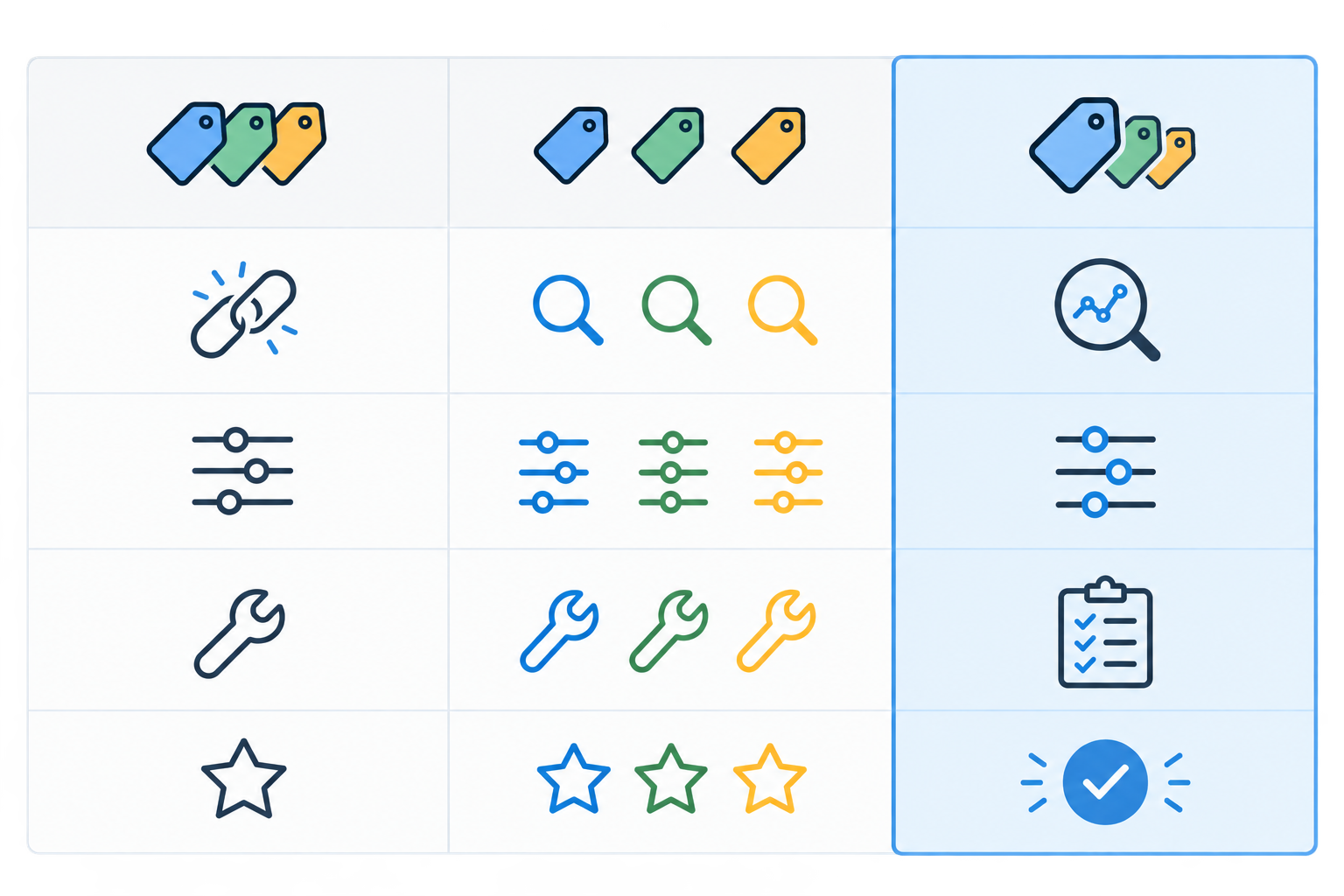
When you run several brands, the big question is whether everyone shares one tag list or each brand keeps its own. There are three realistic approaches.
| Fully shared tags | Separate tags per brand | Hybrid (recommended) | |
|---|---|---|---|
| Cross-brand comparison | Easy | Difficult | Easy |
| Flexibility for each brand | Low | High | Good |
| Maintenance effort | Low | High | Moderate |
| Best for | Very similar products | Very different customers or products | Most multi-product companies |
Why the hybrid support tag approach usually wins
The hybrid approach means shared topic tags plus a brand tag on every conversation. Cross-brand comparisons stay easy, and each brand can still add a few specific tags of its own.
There's one catch to know about before you compare brands: raw counts can mislead when brands are different sizes. Imagine Brand A has 40 onboarding-confusion conversations out of 2,000, and Brand B has 30 out of 300. Brand A has more tickets, but only 2% of its conversations carry the tag. Brand B's rate is 10%, which points to a much bigger onboarding problem. So use raw counts to track change within a brand, and compare the share of conversations carrying a tag when you're comparing across brands.
The hybrid model has exceptions too. A separate list can make sense when your brands serve very different customer types, say a consumer app and an enterprise tool, where the language and the problems barely overlap. If that's you, it's fine. Just accept you'll lose some easy comparison.
Let the inbox do some of the labelling
If your shared inbox lets you set up a separate live chat widget and email address for each brand, you can tell where a conversation came from before anyone reads a word. That makes it much easier to apply the right brand tag, or to spot a conversation that's been mislabelled.
Who should own shared and brand-specific tags?
Shared topic tags need one owner, otherwise "bug" quietly becomes five slightly different things. Brand-specific tags, on the other hand, can be owned by each brand's support lead. Clear ownership is boring, but it's what keeps the system tidy a year from now.
Use shared inbox filters to find product feedback patterns
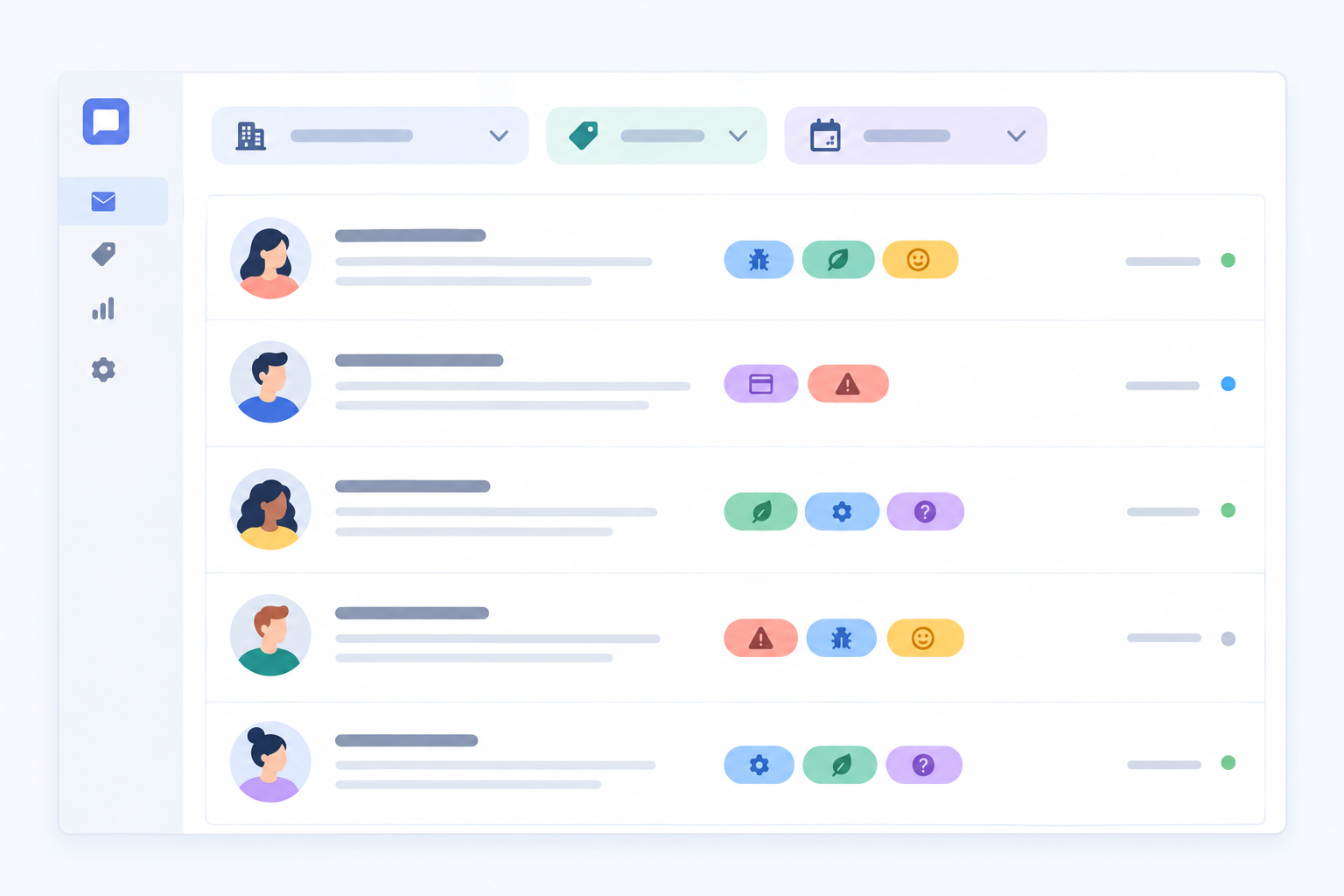
Tags only pay off when you can slice them, and that's where shared inbox filters earn their keep. Here's the monthly routine I like:
- Filter by brand tag and date range. This shows one product's conversations for the month.
- Layer a topic tag on top (for example,
feature-request) and note both the count and the total number of conversations for that brand. - Work out the share. Divide the tagged conversations by the brand's total. That's the figure to use when comparing brands.
- Compare with the previous month. Is the theme growing, shrinking, or brand new?
- Open a sample and actually read them. Numbers show scale, but the customer's words show the why.
- Save the filters you use every month. Then the review takes minutes, not hours.
You can also filter by channel (live chat versus email) or look at response times, which sometimes reveals something useful. If confusion tickets mostly arrive through live chat, for instance, people may be getting stuck mid-task and need an in-app hint. If billing questions come by email, customers may have been sitting on them for a while first.
And a gentle reminder: a tag count is a signal, not a verdict. Eighteen feature requests sounds like a lot, until you realise it's out of 2,000 conversations. Always ask "out of how many?" before you sound the alarm.
Run a monthly product feedback review
This is the part that turns tagging from admin into impact. Keep it small and repeatable.
- Block 45 to 60 minutes on the same day each month. Consistency matters more than length.
- Bring one person from support, plus one from each product team (or a representative if you have lots of brands).
- Follow a fixed agenda: the top five tags by volume, the biggest movers since last month, three representative customer quotes, and anything that surprised you.
- Agree two or three actions per brand. Typical ones are "investigate", "add to roadmap discussion", or "update help docs".
- Record decisions in a shared note. Months later you can look back and see which trends turned into real changes, which is very motivating.
- Bank a quick win early. If confusion tickets spike and you update a help article, then watch them fall the next month, everyone sees the point. Momentum is half the battle.
A fixed agenda stops the meeting from turning into a general moan about the product, which is tempting but rarely useful.
A worked example: turn a support tag trend into a product decision
It helps to see the whole loop once, so here's an illustrative example. The numbers are made up, but the pattern is very real.
At the monthly review, you filter brand-shop plus feature-request and spot that csv-export has jumped from 6 conversations to 18. Total volume barely moved, so the share of the brand's conversations has gone from 0.3% to 0.9%. That's small in absolute terms, but it has tripled, so it's worth a closer look.
Someone opens ten of the conversations and reads them. The pattern is clear: customers aren't asking for export in general. They want archived items included, and they assumed it would work that way. The internal notes back this up, with several customers using almost the same words.
The agreed actions are small and specific. The product lead adds archived-item export to the next roadmap discussion. Support updates the help article with a workaround and adds a macro for the reply. Next month, you check the count again. If it's falling, the help article is working. If it isn't, that's a stronger case for building the feature.
What made that possible was a consistent tag, a rate rather than just a count, and a few real customer words.
How to report support tag trends to product teams
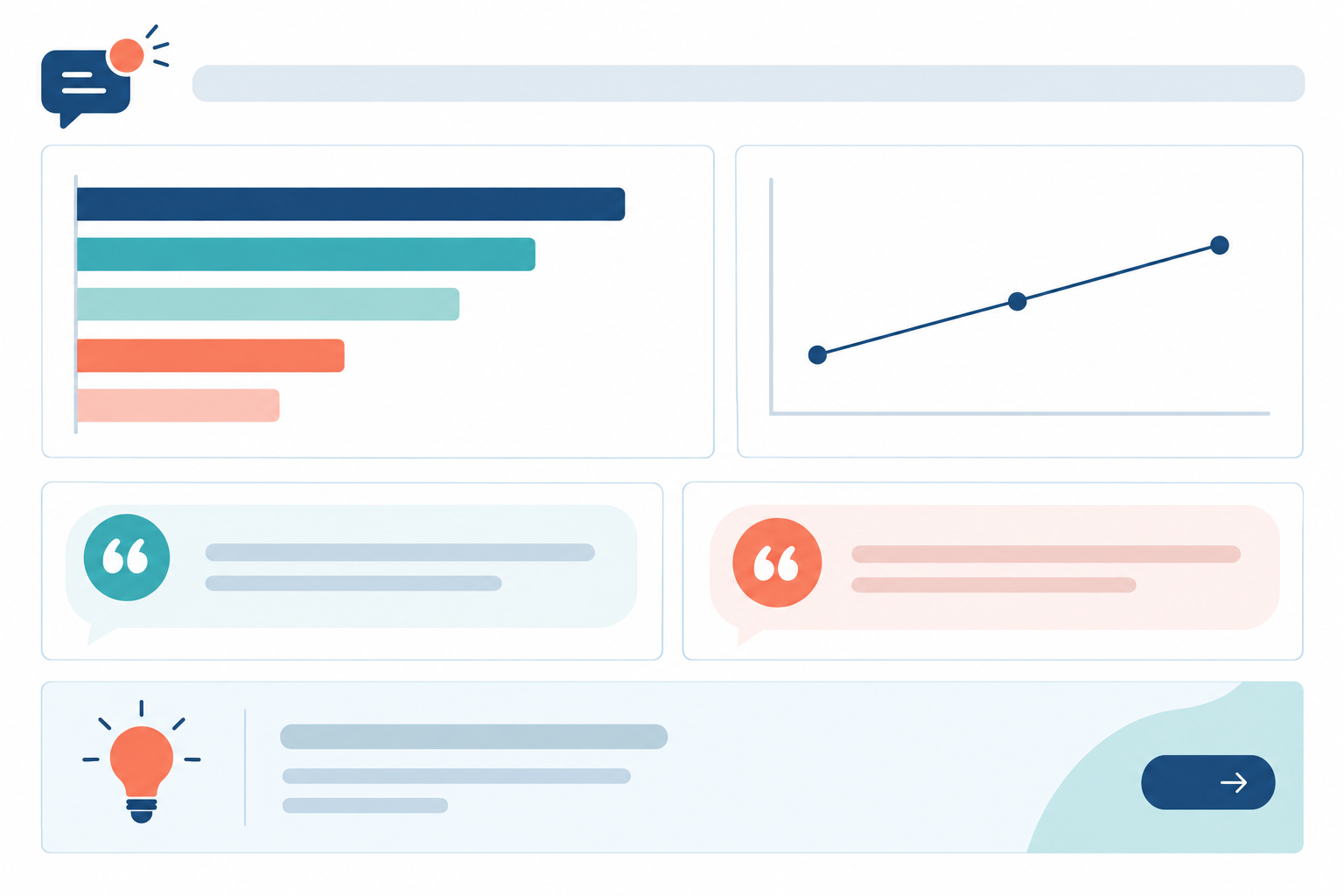
Product teams are busy, and the easiest way to lose them is a forty-tab spreadsheet. Keep your report to one page per brand: a headline trend, the supporting numbers, two or three real customer quotes, and a suggested next step.
Lead with the story, then the data. For example: "Customers keep asking for CSV export of archived items. It was 18 conversations last month, up from 6 the month before." That's far more persuasive than a table with no narrative.
Simple charts help too, like a bar chart of top topics and a line showing one theme over time. Skip the dense dashboards. Add a short cross-brand section for issues that appear in more than one product, showing the share of conversations for each brand, because that's the insight you only get with a single inbox.
Close the loop with customers and your support team
When something customers asked for ships, tell them. It builds loyalty and often turns a mildly annoyed customer into a fan. Tell your support team as well. Agents who see their tagging lead to a real change are far more likely to keep doing it carefully.
If your help desk includes an AI assistant trained on your own docs, it can help draft replies to routine questions. That frees up time for the work humans do best: tagging thoughtfully, reading between the lines, and running the review.
Common support tag mistakes to avoid (and how to recover)
I've made most of these myself, so no judgement here.
- Creating too many tags in week one, then abandoning the system. Start small. You can always add more.
- Letting every agent invent tags on the fly. You'll end up with
bug,bugs,buggandbroken. Route new tag ideas through the owner. - Tagging only the interesting conversations. This skews your data badly, and the boring, repetitive ones are often the most valuable.
- Comparing raw counts across brands of different sizes. Look at the share of conversations as well.
- Skipping the monthly review when things get busy. That's exactly when trends matter most.
If you've slipped on any of these, don't panic. An imperfect system used consistently beats a perfect one nobody follows. Merge the duplicates, tidy the guide, and carry on.
Get started with support tags this week
You don't need a big project plan. Here's a realistic week.
- Bring all your brands into one shared inbox. Set up a live chat widget and email forwarding for each brand.
- Create your brand tags (one per product) and a starter list of 10 to 15 shared topic tags.
- Share your one-page tag guide and run your calibration session.
- Save your first set of filters for the month ahead.
- Put the first monthly review in the calendar. Do it now, before you close this tab.
A quick note on tools. I work on Sonny, a shared inbox with unlimited agents and conversations on a flat monthly fee (at the time of writing, $19.99 a month, quoted in US dollars) and a free trial. Please check the current pricing and terms on the website before you decide, as these can change. It's one practical option for this kind of setup, and everything in this guide works in any help desk that supports tags and filters.
Frequently asked questions about support tags
How many support tags should I use?
As a starting point, aim for around 10 to 20 shared topic tags, one brand tag per product, and only a few theme tags. If agents hesitate over which tag to pick, merge or retire the ones that overlap.
Who should own the support tag list?
One person, usually a support lead, should own the list and approve changes. Product leads advise on what they need to learn, and you review it together each quarter.
How do I handle support tags across multiple brands?
Use shared topic tags plus a brand tag on each conversation. Compare brands by the share of conversations carrying a tag, not just raw counts, so a small brand isn't overshadowed by a big one.
How do I report support tag trends without overwhelming the product team?
Keep it to one page per brand: the headline trend, a few numbers, two or three customer quotes, and a suggested next step.
What if my team is already tagging inconsistently?
Don't start over. Merge duplicates, write a short guide, and run a calibration session so everyone tags the same way from here on. There's usually no need to fix the whole backlog.