
How to Switch Help Desk Software With Less Risk: A Step-by-Step UK Plan
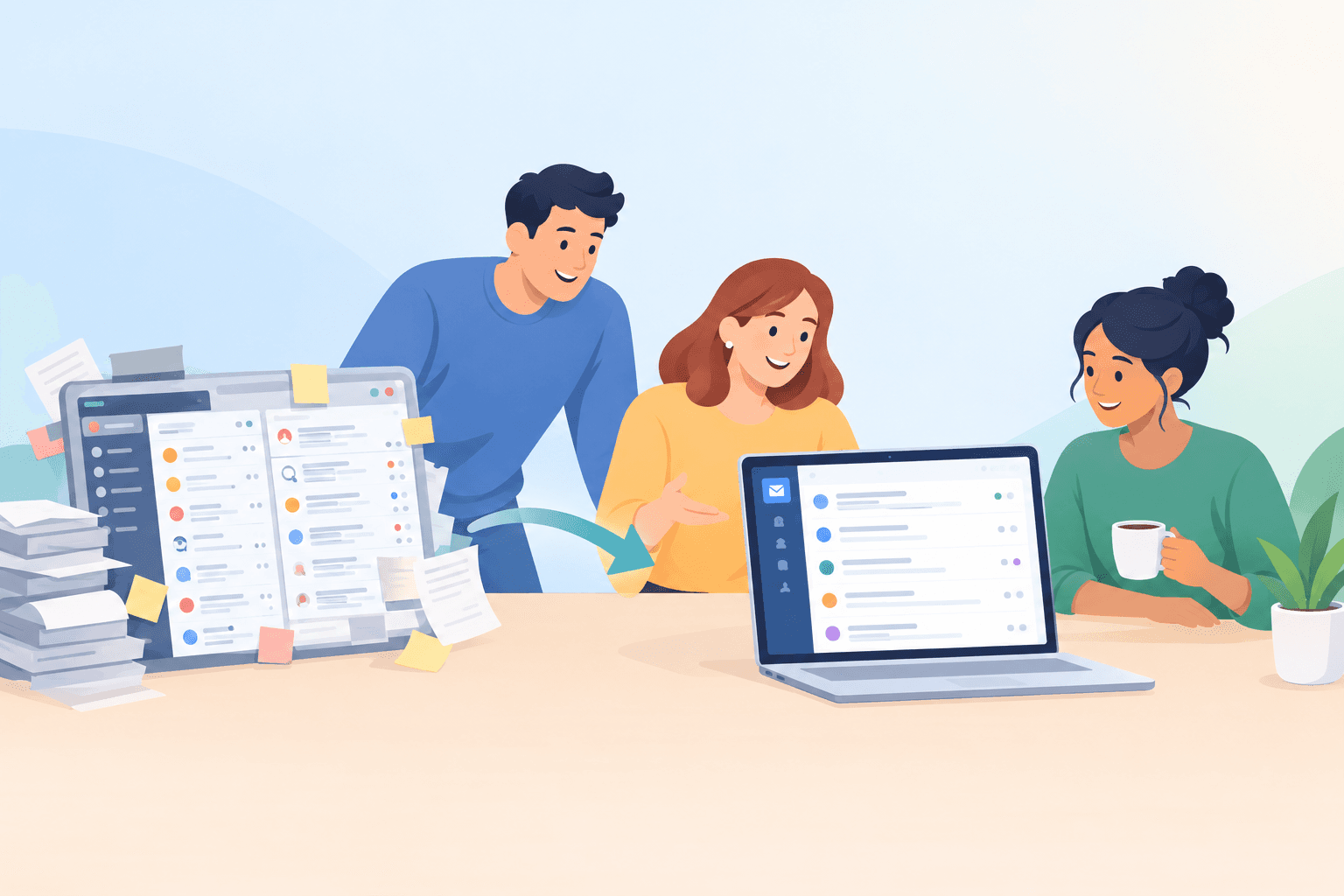
A low-risk help desk migration is a gradual handover, not a big-bang cutover. No migration can promise that every message will arrive perfectly, but you can cut the risk of lost or missed customer conversations a long way. Run the new tool alongside the old one, move your email and live chat channels over one at a time, and only cancel the old plan once you've confirmed nothing is falling through the cracks.
For a small team with a handful of channels and a modest archive, one to two weeks is a reasonable planning estimate. More channels, complicated integrations or a big ticket history will stretch that, and I'll point out where.
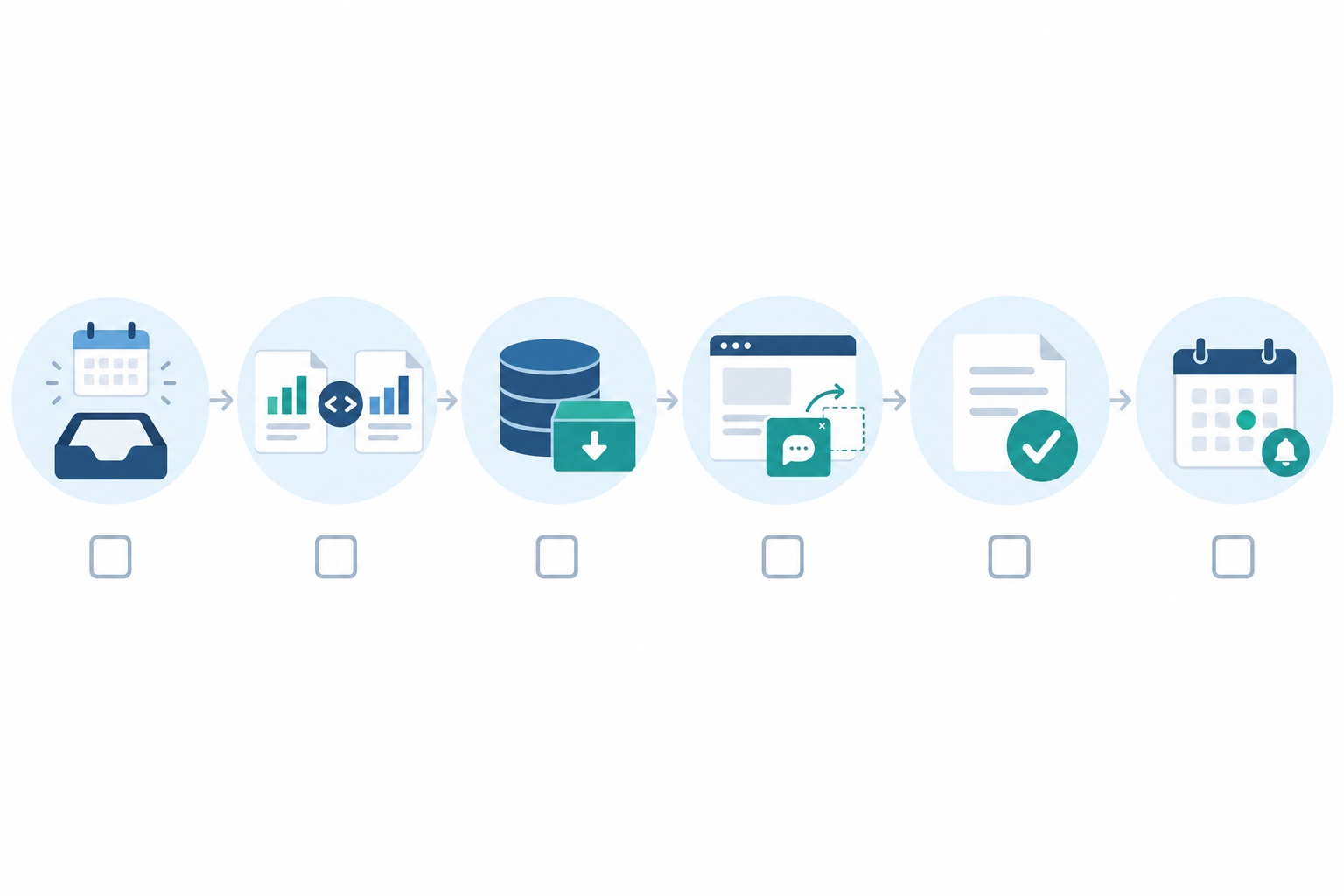
Here's the plan at a glance:
- Audit what you actually use.
- Trial the new tool in parallel, using a test address.
- Redirect email, then chat, then forms, verifying each one.
- Overlap for a short while with clear ownership.
- Cancel the old plan last, once nothing new is arriving there.
The rest of this guide is the practical detail. Grab a cuppa. ☕
A quick note on transparency: I'm part of the Sonny team, so I use Sonny as the example. Product details, prices and trial terms are Sonny's own claims and can change, so check the current Sonny site before you decide. The plan itself works with any help desk.
Is it time to switch help desk software? Signs it's costing too much
You know the moment. Someone new joins the team (or your co-founder offers to help over the Christmas rush) and your first thought isn't 'great, extra hands'. It's 'ugh, that's another seat.' If you've ever rationed logins to keep the monthly bill down, you're in good company.
Here's what I'd look for:
- Per-agent billing keeps creeping up. Part-timers, founders and seasonal staff all count as seats, even if they only reply to a handful of messages a week.
- Usage-based charges punish busy months. Black Friday should feel like a win, not a billing event.
- People share logins or get left out of the inbox. It saves money, but it wrecks accountability, and nobody can tell who replied to what.
- You're juggling separate tools for live chat, email and internal notes, and copying details between them.
- You pay for features nobody touches. If your team uses tags, saved replies and a basic report, a giant feature list is just overhead.
Before you decide to switch, compare total cost, not just the subscription price. Add up add-ons, integrations, admin time and the hours your team spends on manual workarounds. Note your baseline numbers now too (first-response time, resolution time, backlog, ticket volume) so you can tell later whether the new setup is actually better.
And please hear this: wanting to switch isn't disloyalty. It's good housekeeping.
How flat-rate pricing changes the maths
Per-agent pricing climbs with every person you add. Flat-rate pricing doesn't. At the time of writing, Sonny's published price is $19.99 a month with unlimited agents and unlimited conversations, so inviting the whole team costs nothing extra. That's a product-specific claim, so check the pricing page for the current figure and terms.
If you're in the UK, two things will nudge your real bill. The price is in dollars, so what you pay in pounds will move with the exchange rate. And VAT treatment depends on your setup and the supplier, so check whether any quoted price includes it, and confirm with your accountant if you're unsure. Look at your current invoice, then do the sums with both in mind.

Cost isn't the only thing to weigh, though. A cheaper tool is no bargain if it disrupts your customers, which is why the rest of this plan is built around never leaving a channel unwatched.
Before a help desk migration: audit what you actually use
I'll be honest: this is the least glamorous step, and the one that saves you the most grief. A migration that only moves tickets can still break routing, notifications or reporting, because the real setup lives in all the little connections around your tickets.
Work through these six steps:
- List every channel feeding your current tool. Support email addresses, the live chat widget, contact forms, social inboxes. Everything.
- Note which features your team uses day to day, such as tags, saved replies, internal notes, filters and reports. Ask the people in the inbox, not just the admin, and look at actual usage rather than guessing.
- Identify the integrations and automations you rely on. For each one, decide whether it's essential or nice-to-have, and check whether the new tool has an equivalent.
- Decide what history you need. Recent open conversations are a very different thing from five years of archived tickets.
- Export what you can. Customer lists, tags and saved replies are a good start. Check what your current provider actually lets you download, and in what format.
- Check your contract end date and notice period. Don't let an auto-renewal catch you out, and read the notice terms in your supplier agreement rather than assuming they match the last provider you used.
Here's a hypothetical, but very plausible, scenario. A small team switches over, everything seems calm, and three weeks later someone notices a 'Contact us' form on an old landing page is still quietly sending enquiries to the previous tool. Nobody was logging in there any more, so those messages just sat. A ten-minute audit of every place customers can reach you would have caught it.
A help desk migration audit checklist
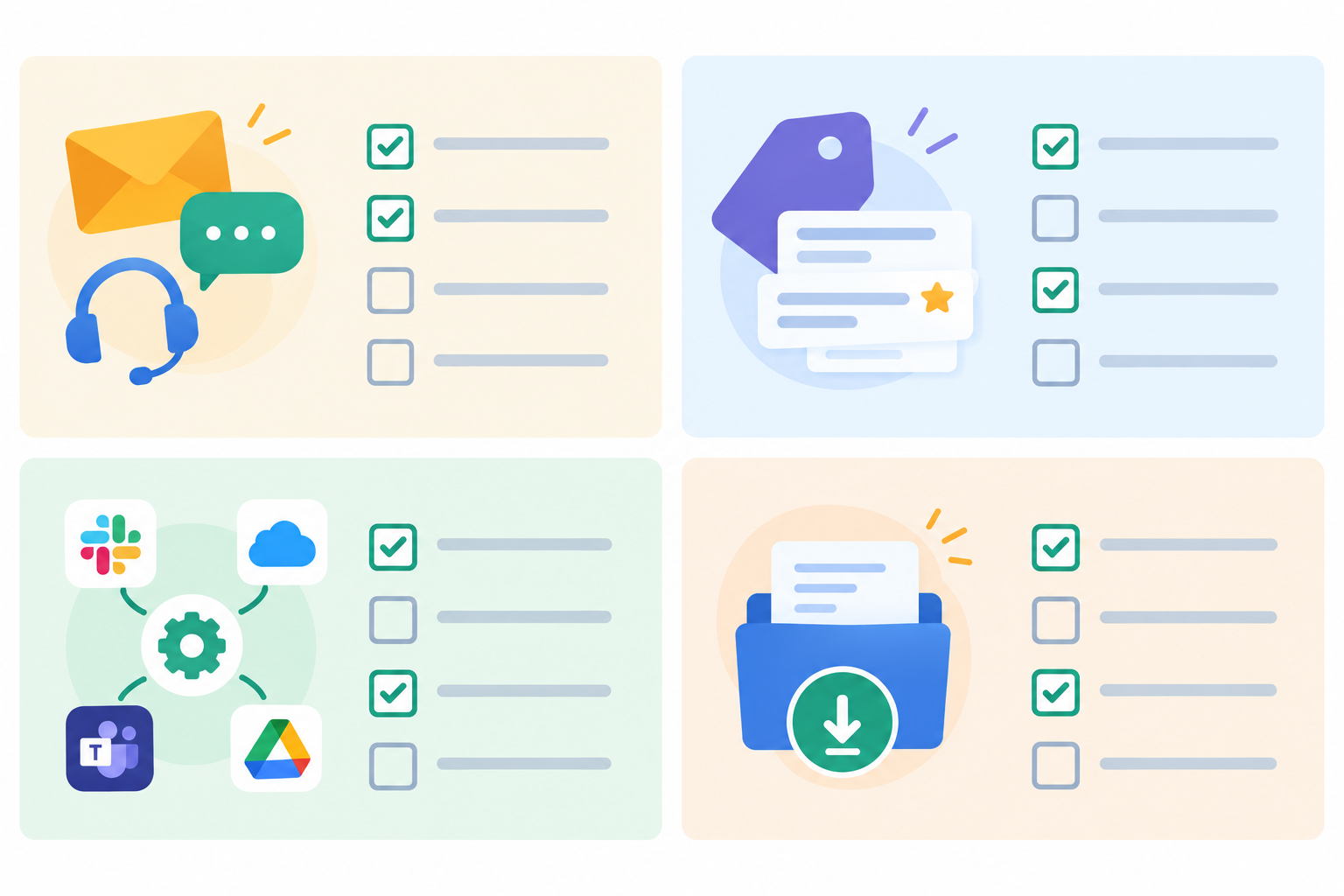
- Channels: support email(s), live chat widget, contact forms, social inboxes, help centre links
- Features: tags, saved replies, internal notes, filters, reports
- Integrations: what each connects to, who owns it, essential or nice-to-have
- History: open conversations, recent customers, anything you must keep for legal or reference reasons
- Admin: exports downloaded, renewal date, notice period, baseline response times noted, original email routing settings recorded (a screenshot is fine)
Help desk migration and your history: will you lose past conversations?
This is the question I hear most, so let's tackle it head-on. The honest answer is that it depends on what your old provider lets you export, and you probably won't need everything moved across anyway.
A migration doesn't automatically preserve every part of a conversation. Public replies, private notes, authors, timestamps and attachments can be handled differently from one system to the next. Sometimes a whole thread gets flattened into a single block of text, which keeps the words but loses useful context. So rather than assuming, open a sample export and check what it really contains.
You've got three practical options, and plenty of teams combine them:
- Import key customer data so your agents recognise returning customers.
- Keep the old tool on a cheap or read-only plan for a while, if your provider offers one, purely as a reference library.
- Export archives to CSV or PDF and store them somewhere safe and searchable.
As a starting point, I'd bring over open conversations and recent customers, and archive the rest. Internal notes and tags often matter more than old transcripts. 'Prefers phone calls, had a refund in March' is gold. A two-year-old thread about a password reset? Not so much. But that's a starting point, not a rule. If you have longer support, audit or legal retention needs, confirm what you must keep and who needs access before deciding what to import or archive.
A plain-English word on UK GDPR
When you close an old account, think about customer data as well as convenience. Know where the data is stored, how long you keep it, and how you'd handle a deletion request after the move. Under UK GDPR, the storage limitation principle says you shouldn't keep personal data in identifiable form for longer than you need it, so 'keep it all forever, just in case' isn't a safe default.
There are really two questions here. What you need to keep, and for how long, is your decision as the business. When and how your old provider deletes data, backups included, is set by your contract with them. I can't give legal advice, but a ten-minute chat with whoever handles data protection in your business now beats a headache later.
Trial the new help desk software in parallel
A parallel trial removes much of the risk for one simple reason: your old tool stays live while you test the new one. If something feels off, nothing has been lost. Here's how I'd run it:
- Define success first. For example: response times comparable to now, no missed messages, and the team feeling comfortable.
- Start the free trial once your audit is done. Sonny advertises a 7-day trial with no credit card required (check the current terms). Note the expiry date straight away, because a seven-day trial is best treated as your setup and first-test window, not the whole migration. More on that below.
- Set up the shared inbox and invite everyone. With no per-seat cost, you can add the whole team, part-timers and founders included.
- Add the live chat widget to one low-traffic page (or a staging page) rather than your whole site.
- Create a separate test address that delivers only to the new tool, such as a lower-volume alias. Don't copy live customer mail to both tools yet, or you risk the same message being handled twice.
- Let two or three teammates handle real conversations, and ask them to log anything that feels clunky.
- Test against your audit list. Internal notes, tags, filters and reporting should all do what you need.
- If you fancy the AI copilot, train it on your help docs and review its answers before you trust it with customers.
Sonny says setup takes under five minutes with no onboarding call, so you could be testing the same afternoon. Your own setup, with its integrations and email domain, may take longer.
What if the trial ends before you've finished?
It might. Here's how I'd handle it. Use the trial for steps 1 to 7 above, then decide a day or two before it expires whether you're happy enough to continue. If you are, move to a paid plan so the overlap and verification can carry on without interruption. If you're not sure, extend your parallel testing on the test address only and don't redirect any live mail yet. Either way, don't let the trial lapse while customer email is pointing at it. Check the current trial and plan terms, including what happens to your data when a trial ends, so you aren't guessing.
Can I run two help desk tools at once? Yes, with clear ownership
Yes, and I'd recommend it. The only thing to avoid is chaos, so give the overlap some structure.
The simplest rule is this: new conversations go to the new tool, and existing conversations finish in the old one. Keep a single system of record for each channel. Two tools both claiming the same email address or chat entry point is how messages vanish or get answered twice.
During the overlap, agree who owns which inbox each day and check both at the start and end of the day. Name one person to watch the old inbox for legacy replies, too. Customers will hit reply on a thread from last month, and it'll land in the old tool. Answer from there, or copy the context into the new tool and carry on. It fades as old threads go quiet.
For most small teams, one to two weeks of overlap is plenty. It's cheap insurance on a monthly plan: a few weeks of double subscription against one lost customer is no contest.
Redirect email and chat gradually during your help desk migration
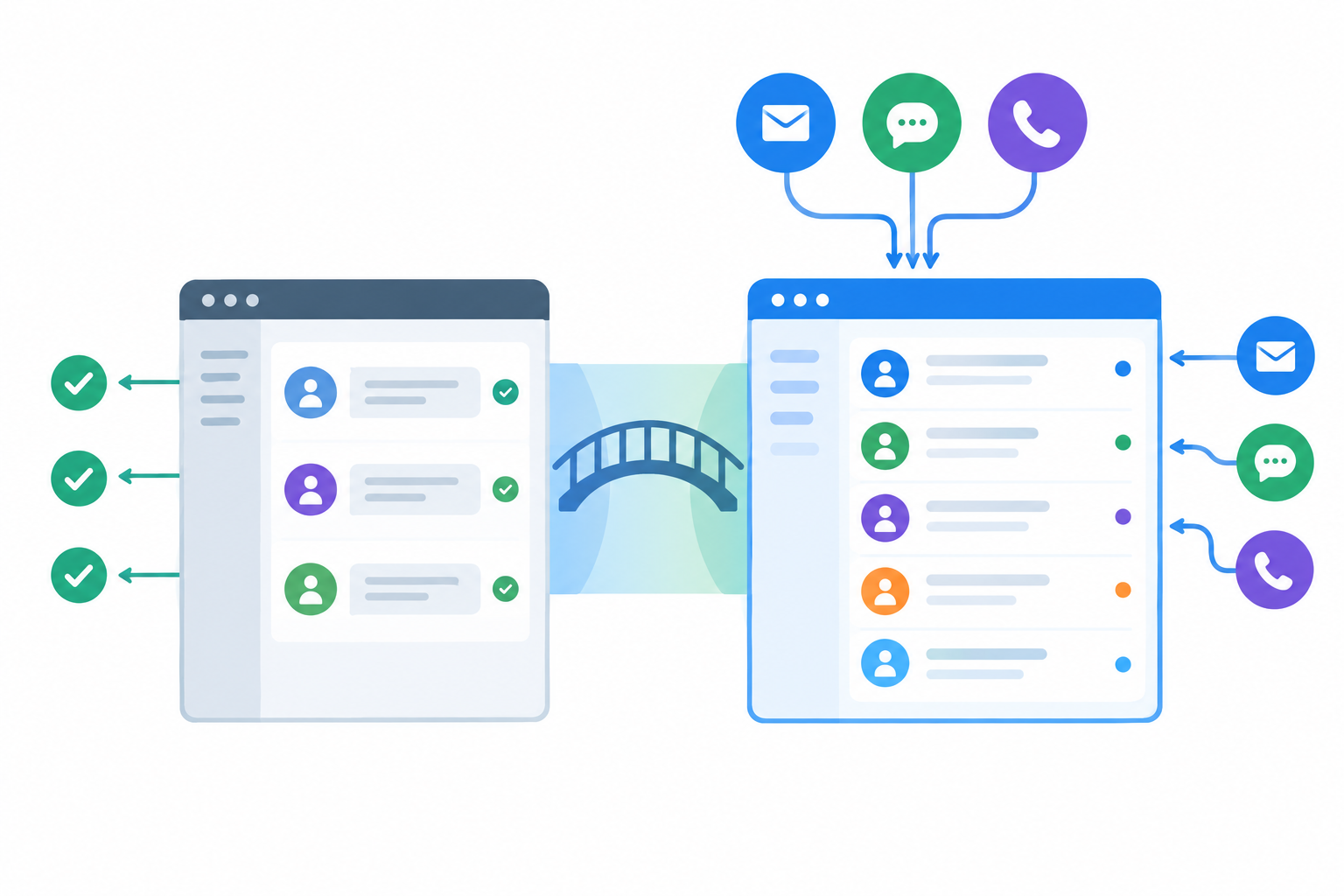
Now the real handover. Go one channel at a time and verify each before moving on. Try to pick a quiet week, and avoid Black Friday, the run-up to Christmas and bank holiday weekends, when a hiccup costs you the most. A Tuesday or Wednesday morning is kinder than a Friday afternoon, because you'll have the whole team on hand to spot problems.
Email needs the most care, because 'forwarding' can mean two different things. A copy leaves the message in the old inbox as well, so both tools may create a ticket. A redirect changes where the message is delivered, so only the new tool gets it. Check which one your email provider does before you flip anything.
- Record your current routing. Take a screenshot or note of the existing forwarding or delivery settings for the support address, so you know exactly what to restore if you ever need to.
- Test before you go live. Send a test message from a personal account to the address you plan to switch. Check that exactly one ticket appears, in the new tool only, with the right sender and subject.
- Test replies both ways. Reply from the new tool and confirm it arrives from the address you intended, then reply as the customer and check it threads into the same conversation.
- Check email authentication. Follow the new provider's instructions for setting up SPF and DKIM on your domain, and ask whoever manages your domain to confirm those records, and any DMARC policy you have, are correct. These checks matter, but they don't guarantee inbox placement, so send test replies to a few different mailbox providers and look in the spam folders.
- Switch the live address. Once the tests pass, redirect the support address so the new tool is the only place new mail is delivered.
- Know your rollback plan. After the switch, the old account stays accessible (people can log in and look) but it should not be receiving new mail or being worked as a queue. Your rollback trigger is simple: a test or real message doesn't show up in the new tool within a few minutes, or a customer tells you they've had no reply. If that happens, restore the routing you recorded in step 1, send a fresh test message, and have one named person check the old inbox until you've found the cause.
- Move live chat next. Swap the old widget for the new one on one page. Once you're happy, roll it out site-wide.
- Update contact forms and help centre links last, since they're the easiest to forget.
- Do a 'mystery shopper' test. Send a message through every route (email, chat, each form) and confirm each one lands once, in the right place.
- Keep a simple tracker. One row per channel, with a status of old, testing, switched or verified.
A worked example: a five-person online shop
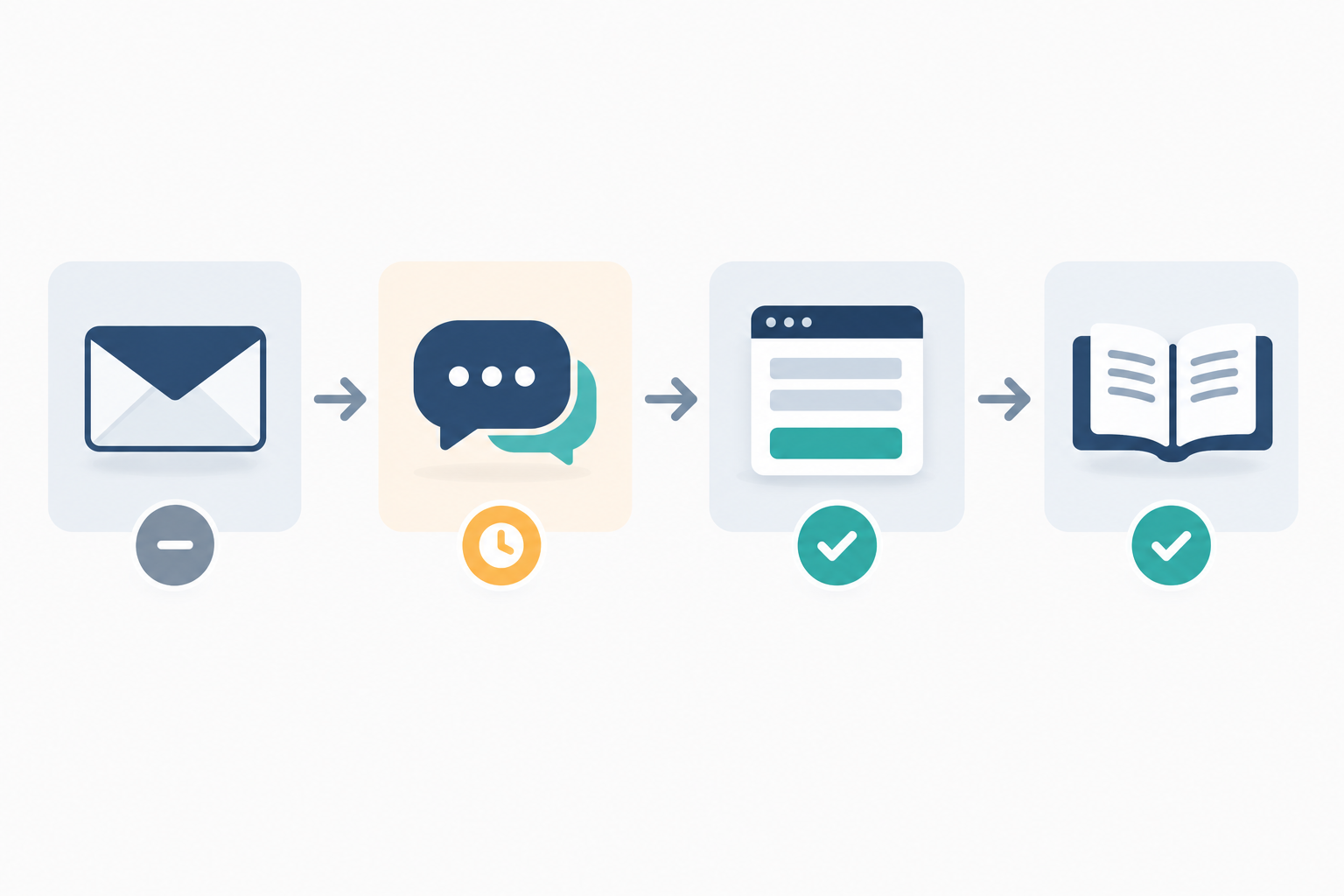
Here's an illustrative example, not a case study. A five-person shop has one support email address, a chat widget and a contact form. On day one the team audits those channels and finds a second form on an old gift-card page. They start a trial with a test alias and a chat widget on one product page. Midweek they check that a test email creates one ticket, that a reply threads correctly and that it doesn't land in spam, and they subscribe to a monthly plan before the trial ends. Then they redirect the main address on a quiet Tuesday, with one person checking the old inbox twice a day. After a week with no new messages there, they export their data and cancel. Nothing dramatic, which is exactly the goal.
How do I tell customers I've switched help desk software?
If you've redirected everything properly, most customers will never notice. Your support email address is the same, and so is the chat button. They ask a question and get an answer.
A heads-up is only worth sending if something customer-facing changes, such as your support address, a portal link or help centre URLs. If that's you, keep it short and warm:
Hi there, a quick note to say we've updated our support set-up so we can help you faster. You can still reach us at the same address, but if you use our old help centre link, please use this new one instead. Thanks for your patience, and as ever, just reply if you need anything!
Give your team a line, too, in case someone asks why replies look slightly different: 'We've upgraded our support tools, so things might look a touch different, but you're in the same good hands.' Then update email signatures, website footers and auto-replies. Customers care about fast, clear answers, not your software stack.
Move your team over to the new help desk
A simple tool shouldn't need weeks of training. Here's what's worked well for small teams:
- Run a 20 to 30 minute walkthrough instead of a formal training programme.
- Show the basics: replying, assigning, internal notes, tags and filters.
- Set up saved replies and tags before anyone logs in, so day one feels familiar.
- Invite everyone, including part-timers, founders and anyone who helps out from other teams.
- Use internal notes and @mentions to replace side-channel chat threads where context goes to die.
- Install the native apps (iPhone, Mac, Android) for people who answer on the go.
- Gather feedback after the first week and tweak your setup.
- Celebrate quick wins. 'First day with zero missed messages' deserves a biscuit.
Cancel the old help desk plan safely
This is the step where people get nervous, and rightly so. Cancelling is the one move that's hard to undo, so we do it last and we do it carefully.
- Run a 'nothing missed' check. Confirm no new messages have arrived in the old inbox for at least a week.
- Compare reports from both tools over the overlap period. Response times and volumes should look sensible.
- Export any final data you want to keep (customers, conversation archives, saved replies). Open the files and check they're usable, including attachments and notes, then store them securely.
- Check your contract. Look at the notice period, final billing terms and any refund or pro-rata policy. Terms vary by provider.
- Retire the old routing. Once you're certain you won't roll back, remove the old chat widget code and switch off any rules that still deliver mail into the old tool. Keep your recorded settings from earlier until the account is closed.
- Cancel, then get written confirmation. Ask for the account closure date and for the provider's deletion timetable, including backups, and check it against your contract. Asking for deletion doesn't by itself settle what you're required, or allowed, to keep. For that, the ICO's UK GDPR guidance is the place to start.
- Set a calendar reminder for a month later to check nothing is still pointing at the old account.
One tip to avoid 'cancelled too early' regret: if your provider allows it, downgrade to a cheap or read-only plan for a month rather than closing outright. It costs a little and buys a lot of peace of mind.
How long does a help desk switch take, and what could go wrong?
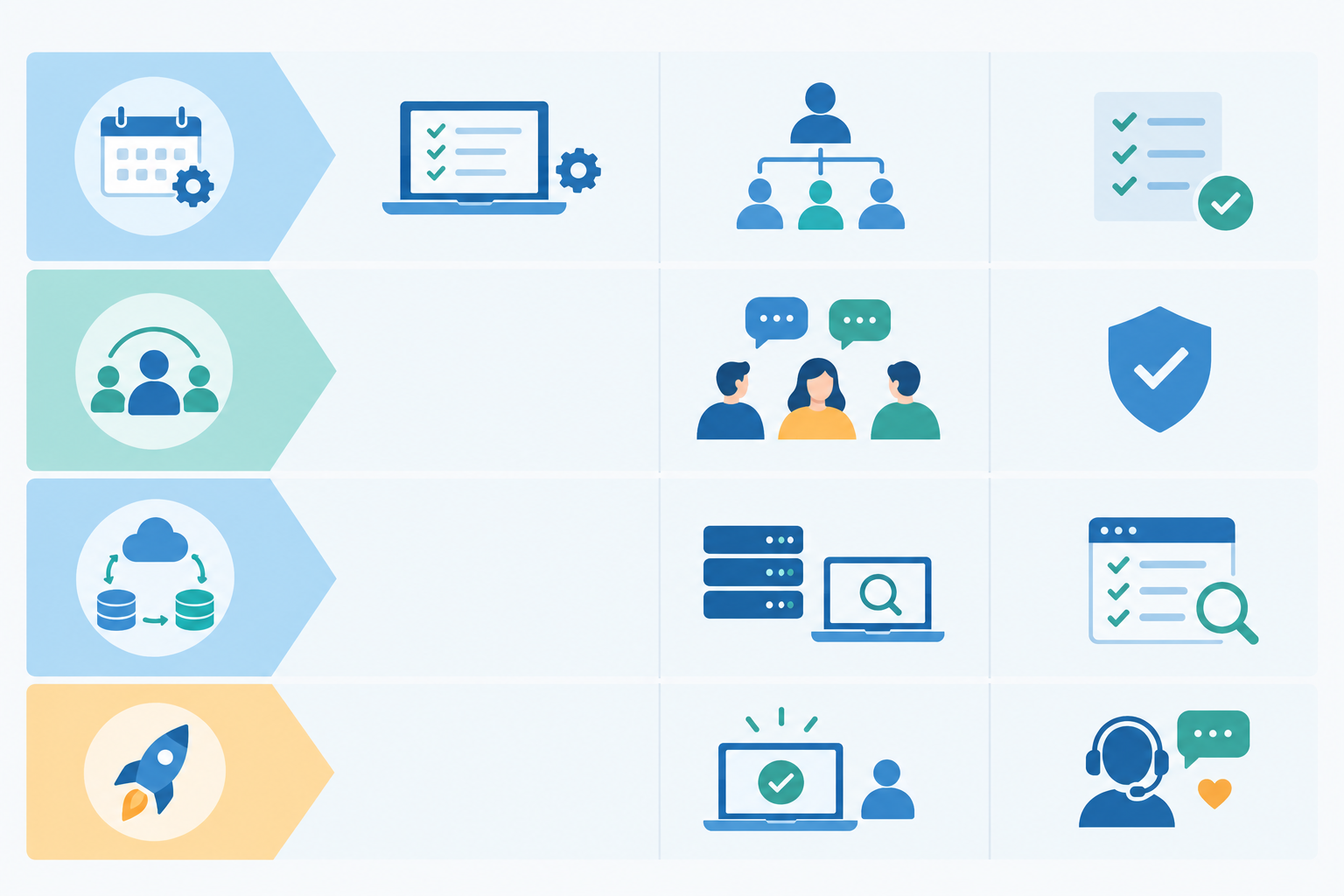
Here's a sample plan for a small team with a few channels, a handful of integrations at most, and a modest archive. Treat it as a reference, not a promise. The sections above explain each step in full.
| Days | Action | Who's involved | What to check |
|---|---|---|---|
| Day 1 | Audit channels and features, download exports | Whoever owns support, plus an admin | Contract dates noted, routing settings recorded |
| Days 2-4 | Start trial, parallel testing with a test address and one chat page | Two or three agents | Trial expiry date noted, team feedback, tags, notes and reports working |
| Days 5-8 | Decide on a paid plan before the trial ends, then redirect email, chat, forms and links | Support owner, plus whoever manages your domain | One ticket per test message, replies thread correctly, mystery shopper test passes |
| Days 9-14 | Overlap and verification (on a paid plan if the trial has ended) | Whole team | No new messages in the old inbox, reports compared |
| After day 14 | Cancel the old plan | Account owner | Written confirmation, one-month reminder set |
A few things commonly stretch the timeline: lots of channels, complex integrations or automations, a large archive you want to migrate, a long notice period on your old contract, or a team that needs more than a short walkthrough. If that's you, add a week or two and keep the same sequence.
Common help desk migration pitfalls and quick fixes
- A forgotten contact form still routes to the old tool. Your audit list and the mystery shopper test will catch it.
- The same message creates tickets in both tools. Find out whether your forwarding copies or redirects, and test with a single message first.
- Replies land in spam. Follow the new provider's domain-authentication steps and have your domain administrator review them.
- Teammates keep logging into the old tool out of habit. Agree an owner for each inbox, and remove old access once you're verified.
- Auto-renewal catches you out. Note the notice period on day one and put the deadline in your calendar.
Most switches feel much bigger in your head than they turn out to be in practice. If you're curious, the easiest way to find out is to try Sonny's free trial alongside your current tool. Check the current trial terms first, and nothing in your existing setup needs to change until you decide it should.
FAQ: switching help desk software
Will I lose past conversations when I switch help desk software?
Not necessarily, but it depends on what your old provider lets you export, and export options vary a lot between providers. Check what yours offers, open a sample export to see whether notes, timestamps and attachments survive, and confirm any retention needs before you archive or delete anything. Usually the most useful things to bring over are open conversations, key customers and saved replies.
How long does a help desk migration take?
For a small team with a few channels and a modest archive, one to two weeks is a sensible planning estimate. More channels, integrations or a large ticket history will add time. A seven-day free trial may not cover the whole overlap, so decide before it ends whether to move to a paid plan.
Can I run two help desk tools at the same time?
Yes, and it's the safest approach. Keep the old tool live while you test the new one, give each channel a single owner, move channels over gradually, and only cancel once nothing new is arriving in the old inbox.
Do I need to tell my customers I've changed help desk software?
Usually not, as long as your support email address and chat entry points stay the same. A short heads-up is only worth sending if customer-facing details like addresses or portal links are changing.
Is flat-rate pricing really cheaper than per-agent pricing?
It depends on your team size and how many people need access. Per-agent pricing tends to climb with every person you add, while flat-rate pricing stays predictable. Compare the total cost on your current invoice with the provider's current pricing, and allow for currency conversion and VAT if you're a UK business paying in dollars.