

How Customer Support Metrics Help Reduce Response Times Without Adding Headcount
If your replies feel slow, I'd bet the problem isn't how many people you have. It's friction in how conversations move through your team. The good news is that your customer support metrics can show you exactly where that friction is. Most small teams can reply noticeably faster with the same headcount by getting four things right:
- Bring live chat and email into one shared inbox, so nothing sits unseen.
- Make it obvious who owns each conversation.
- Use internal notes and saved answers so nobody repeats work.
- Let your metrics show you where conversations stall.
That's the whole idea. The rest of this guide walks you through it in six steps, starting with measurement, and you can fit them into about 30 days. ☕
A quick disclosure before we start: I'm part of the team that makes Sonny, a shared inbox for live chat and email. I mention it where it's relevant, but every process fix below works with whatever tools you already use.
Why slow customer support response times are usually a process problem, not a people problem 🤔
Picture a three-person team. There's one email mailbox, a separate chat tool, and a team messaging app where everyone asks 'has anyone replied to this?' A customer writes in at 10:14. Priya sees it and assumes Tom has it, because he usually handles billing. Tom sees it and assumes Priya has it, because she's nearer the top of the inbox. Forty minutes later the customer is still waiting, and two perfectly capable people each believe the job is done.
Nobody in that story is lazy, and hiring a fourth person wouldn't fix it. A fourth person would just be one more person who might assume someone else has it. Headcount costs money, and it adds coordination overhead if the workflow underneath is messy.
So before you open a job ad, I'd suggest trying the six steps below. You can start most of them this week, and many take under a day. One idea runs through all of them: you can't improve what you haven't measured. That's where we begin.
Step 1: Measure customer support metrics and response times first
I know, measuring isn't the exciting bit. But without a baseline, you'll never know whether a change helped or whether you just had a quiet week.
Understand the key customer support metrics
These three get muddled constantly, so here they are in plain English:
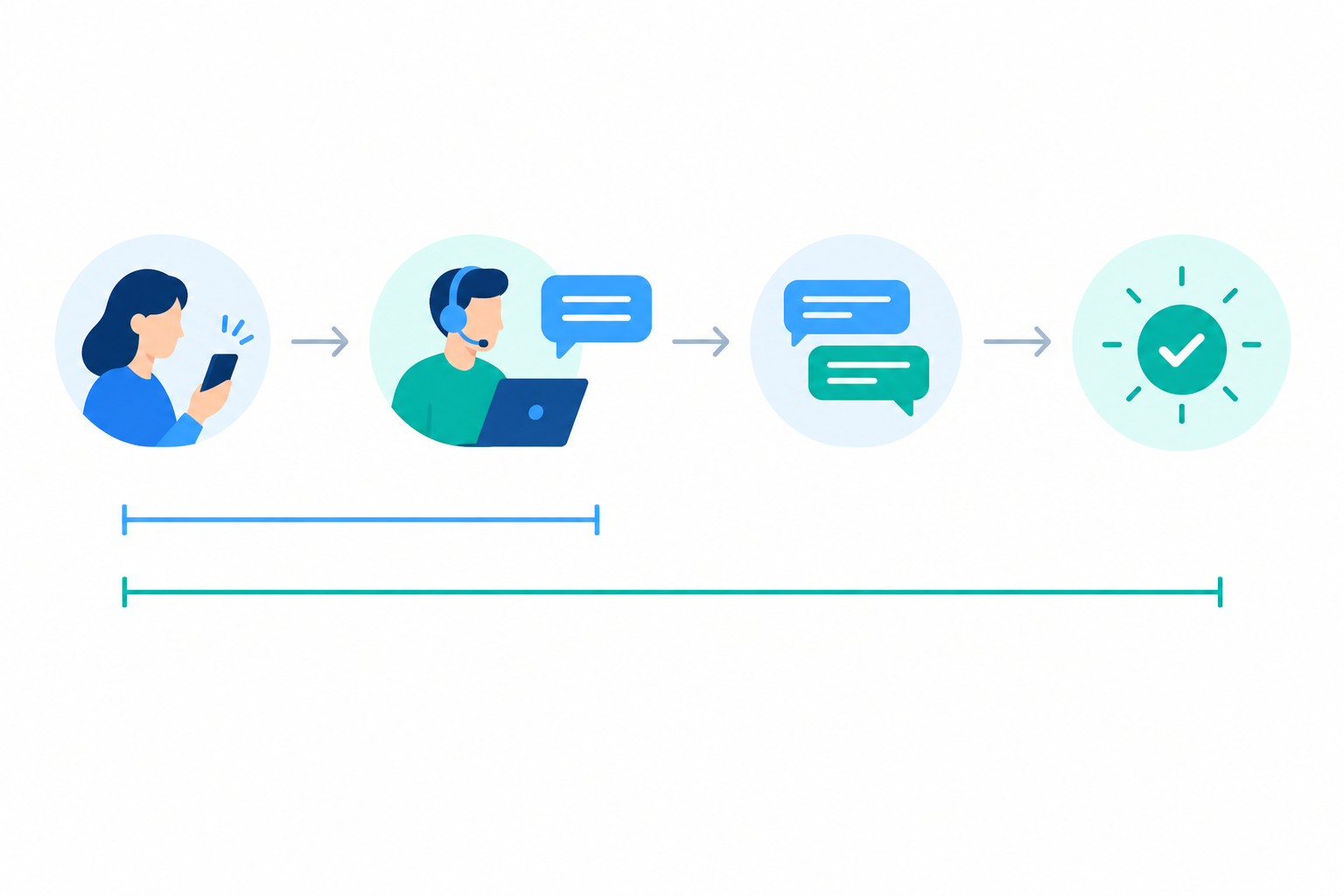
- First response time is how long it takes from the customer's first message to the first real, human reply. An automatic 'we've received your message' doesn't count. Track those separately, or they'll make you look faster than you are.
- Resolution time is how long it takes from the first message until the issue is actually solved.
- Total waiting time is the customer's waiting added up across every gap in the conversation, meaning each stretch between a customer message and your next reply. If you reply after 10 minutes, then 3 hours, then 20 minutes, the total is 3 hours 30 minutes. A fast first reply followed by slow ones still feels slow to the customer, and this is the measure that shows it.
How to measure customer support response time
Here's how I'd do it:
- Collect timestamps. From your mailbox, grab the time each email arrived and the time of your first human reply. Do the same from your chat logs. If the data is patchy, don't panic. A rough sample of 30-50 conversations per channel is far better than nothing.
- Split by channel. Chat and email behave completely differently, and blending them hides the real picture.
- Separate working hours from out-of-hours. If your team works UK business hours, a message arriving at 9pm shouldn't count as a 12-hour failure. Decide on your convention (staffed hours or calendar hours), and treat weekends and bank holidays as non-working time unless you staff them. Write the rule down and stick to it so comparisons stay fair.
- Record the median, not just the average. One email that sat over a bank holiday weekend can drag your average up and make a good week look dreadful. The median tells you what a typical customer experienced. If you can, note the slowest 10% as well, because that's where your unhappiest customers live.
- Track a few companion metrics from day one: volume per channel, reopen rate (how often 'solved' conversations come back), and backlog at the end of each day.
These companion metrics matter more than they look. A falling response time with a rising reopen rate usually means people are replying fast but not well. End-of-day backlog is my favourite early-warning sign, because it tells you whether you're keeping up before customers start complaining.
What is a good customer support response time?
Honest answer: there's no universal number. It varies by industry, by how complex your product is, and by whether you're answering 'where's my parcel?' or debugging an integration.
What we do know is that customer expectations are high, and reality tends to lag behind. These are surveys of expectations, not targets, and some are older and not UK-specific, so check the original reports before quoting them:
- HubSpot's 2018 customer service survey: 90% of respondents said an 'immediate' response was important or very important when they had a service question, and 60% defined immediate as 10 minutes or less.
- Salesforce's State of the Connected Customer report (2023): 83% of customers said they expect to interact with someone immediately when they contact a company.
- SuperOffice's 2018 customer service benchmark report: the average email response time was 12 hours and 10 minutes, and 62% of the companies tested didn't reply to the test email at all.
Put side by side, they show the gap between what customers hope for and what they often get.
The table below is my editorial suggestion for a first target, not a measured industry benchmark. Treat it as a sketch to adjust against your own baseline:
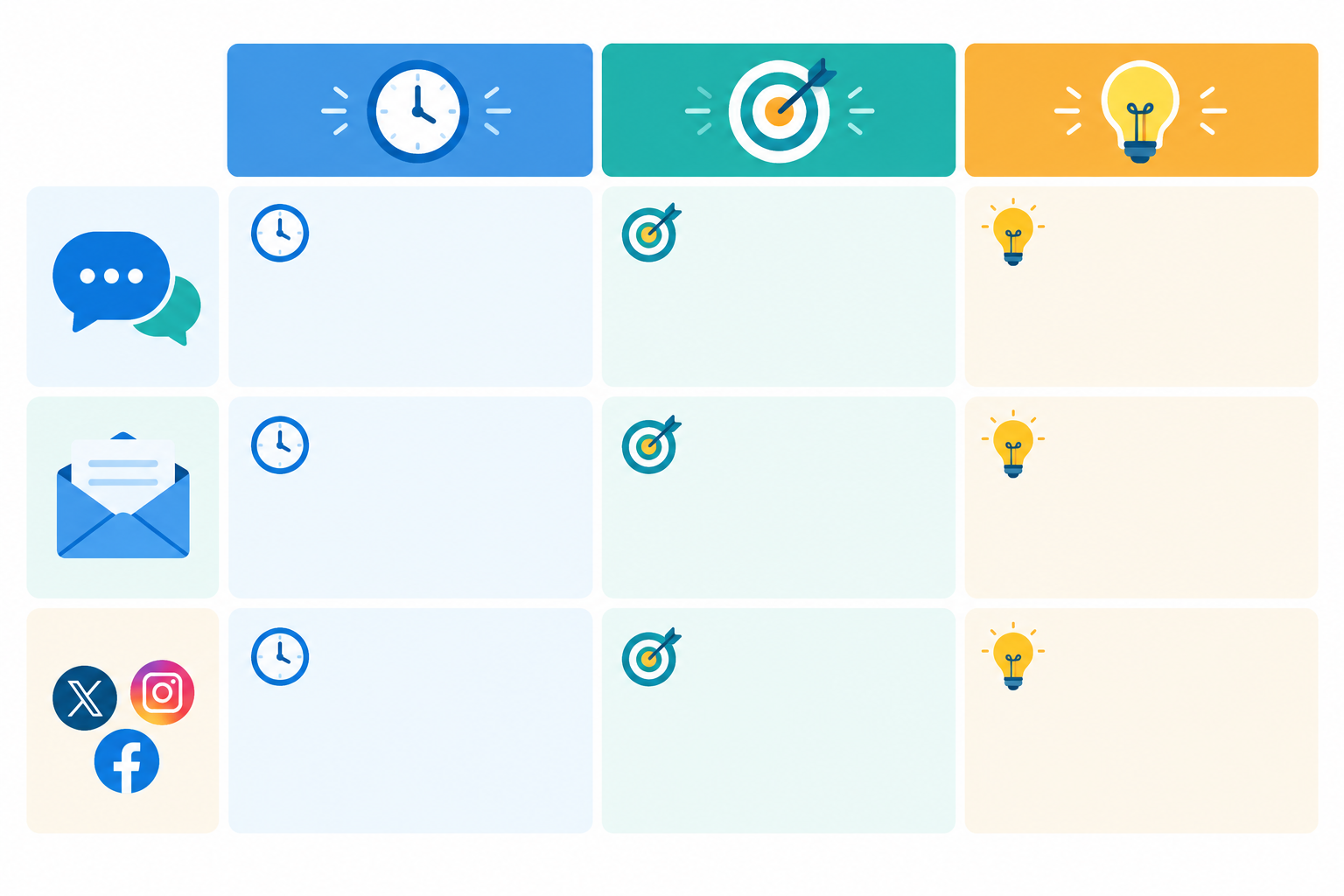
| Channel | What customers tend to expect | A realistic first target for a small team (suggestion) | Tip |
|---|---|---|---|
| Live chat | A minute or two | Under 2 minutes during published hours | Show your opening hours on the widget |
| Same working day at the very latest | Within a few working hours, always same day | Don't count auto-replies as a response | |
| Social (if you offer it) | Within an hour or so in working hours | Same working day, or move it into chat/email | Take complex issues out of public view |
The most useful rule I know is this: a realistic target you hit consistently beats an ambitious one you keep missing. Missing a promise teaches your team to ignore the target. If your median email reply is currently six hours, aiming for 'within four working hours' is sensible. Aiming for 15 minutes is a fantasy.
Then do two more things:
- Set targets per channel, and consider treating urgent, business-blocking issues differently from routine questions.
- Tell customers what to expect. A line like 'We reply to emails within one working day' removes anxiety and gives you something to measure against. Set an internal alert at the halfway point, so a one-day promise gets flagged after half a working day without a first reply.
Step 2: Cut tab-switching with a shared inbox
Now for the fix that tends to make the biggest immediate difference. Think about what your day looks like right now. You check the mailbox, then the chat tool, then the team chat app where somebody pasted a screenshot of a customer message. Each switch costs you a little attention, and each gap is a place where a message can hide. You end up with missed messages, duplicate replies (two agents answering the same person) and lost history, because the chat lives in one place and the follow-up email in another.

A shared inbox fixes this by putting your live chat conversations and email into one queue. Everything that needs a reply is in one list, and everybody sees the same list.
When you're comparing customer support software or help desk software, here's what I'd look for:
- Email-to-ticket forwarding, so your existing support addresses feed straight in.
- A live chat widget you can drop onto your site.
- Tagging and filtering, so you can slice the queue by topic or urgency.
- Internal notes, which we'll get to in Step 4.
- Mobile apps, so replies aren't tied to a desk.
- Reporting on response times and team performance.
Here's my favourite practical tip, whichever tool you pick: forward your existing support addresses into the shared inbox rather than changing what customers see. Customers keep emailing support@yourcompany.com, and nothing changes on their side. You've just changed where the messages land.
Where Sonny fits: it's the tool we built around this setup. At the time of writing, it has native apps for iPhone, Mac and Android plus browser access, and flat-rate pricing of $19.99 a month with unlimited agents and conversations. That matters for small teams, because you can give everyone who helps with support, including the founder who jumps in on busy days, access without doing per-head sums. Pricing and features can change, so check our website for current details.
Step 3: Make customer conversation ownership obvious
Remember Priya and Tom? That's the 'everyone's looking, no one's replying' problem, and it quietly inflates response times in almost every small team I've seen. When a conversation belongs to everybody, it belongs to nobody.
The fix is a handful of simple rules:
- Assign on pick-up. The moment you start a conversation, it's yours. One owner per conversation, always.
- Make hand-offs explicit. If you pass something on, reassign it and leave a short note. No silent drift.
- Use tags and filters to route work. Tags such as urgent, billing, bug report and pre-sales mean the right person sees the right message first.
- Set up a lightweight rota. Decide who covers the inbox at which hours, including lunch breaks and holidays. A shared calendar will do.
- Agree what happens when someone's off. For example, whoever is on cover checks the unassigned queue at set times, such as 9:30, 12:30 and 3:30.
- Keep the conversation about a conversation inside it. With @mentions and assignments, you can ask a colleague a question right on the ticket instead of in a side channel where the context gets lost.
This step costs nothing and takes an afternoon to agree. I'd do it before anything else on this list.
Step 4: Use internal notes to avoid repeat customer questions
Here's a scene you'll recognise. A customer explains their problem to Sam in careful detail. Sam needs to check something with engineering, goes off shift, and Alex picks it up the next morning. Alex, with no context, replies: 'Hi! Could you tell me a bit more about what's happening?' The customer sighs, and then types it all out again. That's slower for everyone and a bit embarrassing for you.
Internal notes solve this. They're private comments attached to the conversation itself, so context travels with it: what's been tried, what's waiting on engineering, what the customer prefers. Add the full customer history in a shared inbox, and a colleague can pick up where you left off without asking anything twice.
To keep it quick enough that people actually do it, use a simple four-line template:
- Issue: one sentence.
- Steps taken: what you've already tried.
- Next action: what needs to happen next.
- Waiting on: who or what is holding it up.
That's about 20 seconds of typing, and it'll save the next person (and the customer) several minutes.
Step 5: Prepare answers for your most common support questions
Most support inboxes are quietly repetitive. A handful of questions make up a big share of the volume, and answering them from scratch every time is where a lot of time disappears. Here's how to tackle it:
- Review the last 30-60 days. Tag your conversations by topic and see which questions come up most. The results are usually surprising.
- Pick the top 10. Prioritise by frequency, by how long they take to answer, and by how much they matter to the customer.
- Write clear, human saved replies or help articles. Keep them short, give the customer the steps or links they need, and leave room to personalise. A reply that starts 'Hi Jess, great question' lands very differently from one that reads like a policy document.
- Make them easy to find with consistent titles, and give each answer an owner. Update them monthly or whenever your product or policies change. An outdated saved reply is worse than none.
Where does AI help a small customer support team?
This is where AI can help, with suggested replies, summaries of long threads, and first drafts built from your own documentation. But the hype is loud, so let me be balanced. Klarna, for example, reported in a February 2024 press release that its AI assistant handled around two-thirds of its customer service chats in its first month. That's a company-reported result at very large scale, not a forecast for a five-person team.
Here's a low-risk test a small team can run instead:
- Pick your three most frequent, low-risk questions, such as opening hours or password resets.
- Let the AI draft replies from your approved documentation, and have an agent check each one before it goes out.
- After two weeks, compare repeat contacts, edits made and customer satisfaction, not just how many conversations it touched.
Good source documentation matters a lot, since the tool can only be as accurate as what it's trained on, and a person should always check anything sensitive. Sonny's optional AI copilot, trained on your company docs, works in this spirit: it speeds up the first draft, and your agent decides what goes out.
Can live chat lower support email volume?
Sometimes, yes, but it isn't automatic. A quick 'does this come in blue?' or 'how do I reset my password?' is far better answered in a two-minute chat than in a three-day email thread. Pre-sales and how-do-I questions are where I see it work best.
The trade-off is real, though. Chat creates pressure for instant replies, and if you offer a live channel you can't staff, missed chats turn into extra emails and undo your gains. So:
- Set opening hours on your live chat widget and be upfront about them.
- Route by type: chat for quick questions, email for complex or well-documented issues.
- Make it easy to turn a chat into an email ticket when something needs more time, with the history preserved. That's much simpler when chat and email share one inbox.
To find out whether chat is helping, measure total conversation volume before and after, not just chat volume. If emails on the same topics fall while resolution time, repeat contacts and satisfaction hold steady, chat is paying its way. If total volume simply rises, you've added a channel without removing any work.
Step 6: Use customer support metrics to find slow spots
Once your conversations live in one place, your reports become useful. You're not stitching numbers together from three tools anymore. These are the views I'd look at first:
- First response time by channel, by hour of day and by agent. Where you can, look at the median as well as the average, as in Step 1.
- Backlog at the end of each day.
- Resolution time, ideally by tag, so you can see which topics drag.
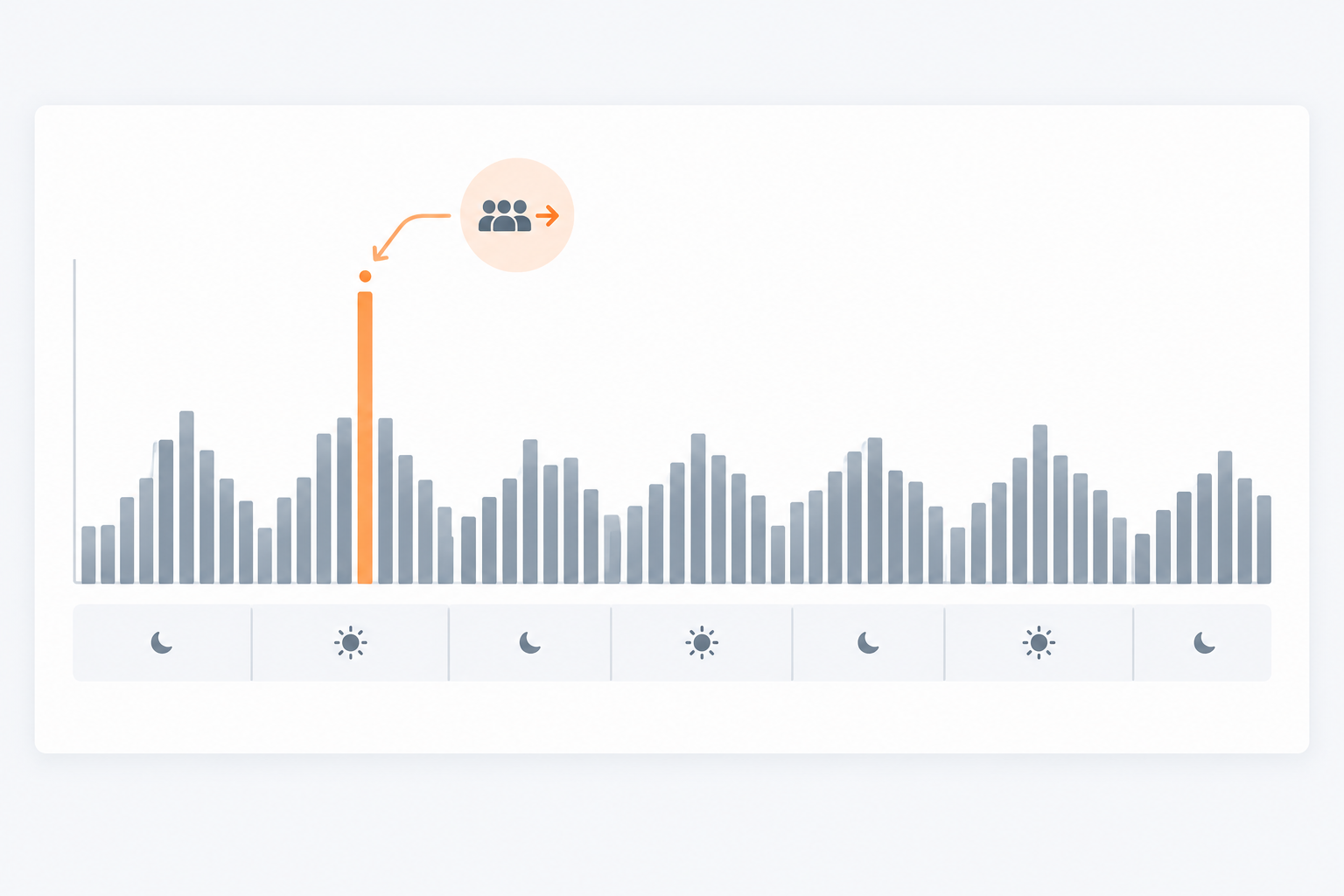
Then look for patterns. A spike every Monday morning, one tag with consistently long waits, or a hand-off stage where conversations stall all point to something fixable. Here are three typical bottlenecks and a matching fix for each:
- Monday morning backlog: shift your cover. Move a start time or put someone on early weekend checks so the pile doesn't build up.
- Billing queries are slow: write a saved reply and a clearer help page, so most are answered in seconds.
- Bug reports sit waiting: improve your escalation notes, so engineering gets what they need first time.
One gentle warning: use these reports for coaching and balancing workload, not for blaming individuals. If one person's response time is slower, the first question should be 'what's getting in their way?' and not 'why are you slow?' Often they've simply been given all the tricky conversations.
My recommendation is a 20-minute weekly review. Pick one bottleneck, change one thing, and check the numbers next week. Change five things at once and you'll never know what worked.
A simple 30-day plan to improve customer support response times
Here's how I'd sequence everything. Nothing here needs a big project or a budget meeting.
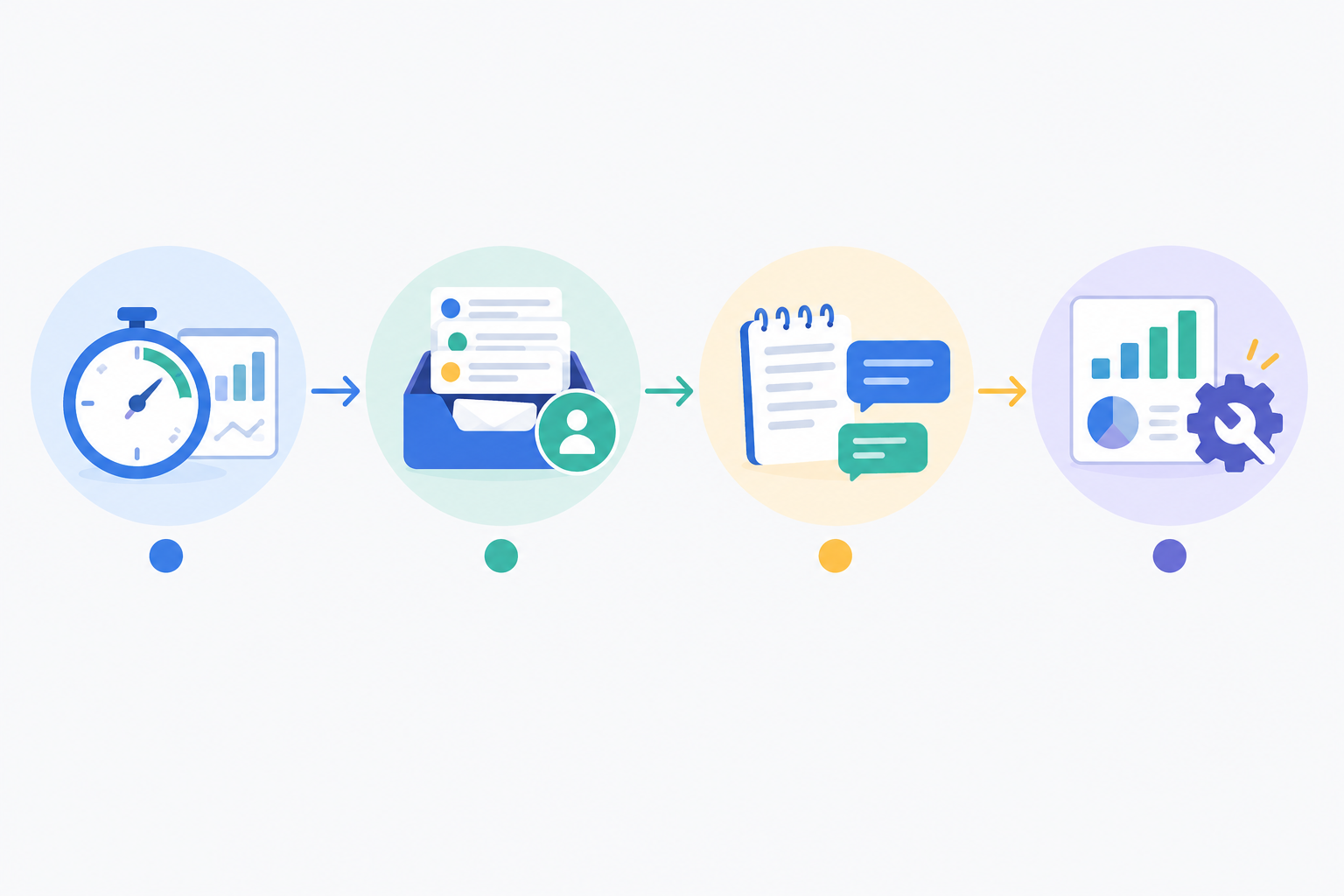
- Week 1: capture your baseline and set first targets (Step 1).
- Week 2: move chat and email into one shared inbox and agree ownership rules (Steps 2 and 3).
- Week 3: introduce notes, tags and saved replies, starting with your top five questions (Steps 4 and 5).
- Week 4: review your reports, pick the single biggest bottleneck and fix it (Step 6).
If you'd like to try the shared inbox part, Sonny offers a 7-day free trial with no credit card needed, so you can test it on real conversations with your real team. No pressure either way, because the process fixes above work with any tool.
FAQs about customer support metrics and response times
What is a good response time for customer support?
It depends on the channel. Live chat customers usually expect a reply within a couple of minutes, while many small teams aim to answer email within a few working hours and always the same working day. Start from your own baseline and improve gradually.
How do I measure customer support response time?
Track the time between a customer's first message and your first human reply, split by channel and time of day. Use the median as well as the average so one slow outlier doesn't skew the picture.
Can live chat reduce the number of support emails?
Often, yes. Quick questions get answered in the moment instead of becoming email threads. It works best with clear chat hours and an easy way to move complex issues into an email ticket.
Where does AI actually help a small support team?
Mostly with drafting replies from your existing documentation, summarising long conversations and suggesting answers to repeat questions. Keep an agent checking replies before they go out, especially for sensitive issues.
Do I need per-seat software to give my whole team access?
Not necessarily. Some tools, including Sonny, use flat-rate pricing with unlimited agents, so adding a colleague doesn't raise the bill. Check current pricing with any vendor before you commit.