
How Customer Support Software Cuts E-commerce Response Times Without Hiring More Agents
Here's the thing I tell every e-commerce team I work with: before you post a job listing for another support agent, run the numbers on where your time is actually going. Most brands lose hours to disorganised inboxes, repetitive typing, and unclear ownership over who's supposed to answer what — not because there aren't enough people on the team. The right customer support software makes each of these problems visible, often within an afternoon of digging through your own ticket data.
That said, I want to be upfront about the limits of that claim. Sometimes the delay really is a staffing problem — if your ticket volume has genuinely outgrown your staffed hours, no amount of routing logic will fix that. The point of this article is to help you tell the difference before you spend money on either fix. We'll come back to exactly how to spot a genuine capacity shortfall near the end.
Fixing workflow-based delays usually looks like this: a shared inbox to sort out ownership and routing, a canned response library to cut repetitive typing, and an AI copilot to speed up drafting on the questions that take the most time. Teams that work through all three tend to see meaningful drops in response time — the exact percentage varies by starting point, ticket mix, and team size, so treat any single number you read (including ones in this article) as directional rather than guaranteed. Let's walk through how to actually do it, and how to measure whether it's working.
Why Fast E-commerce Customer Support Matters for Conversion
Let's start with why this matters for your bottom line, not just your support dashboard.
When a shopper messages you before checkout, they're usually asking about something time-sensitive: shipping timelines, sizing, return policies, or why their payment didn't go through. These aren't idle questions — they're moments where someone is actively deciding whether to complete a purchase or close the tab. Baymard Institute's ongoing checkout research points to uncertainty as a major driver of cart abandonment, with the average documented abandonment rate hovering around 70% across the studies it aggregates. Support delays aren't the only cause of that number — plenty of abandonment happens for reasons that have nothing to do with support — but slow answers to pre-purchase questions are a plausible contributor, even if the exact causal size is hard to isolate from factors like shipping cost or account creation friction.
The expectations gap is real too. HubSpot's own service research has repeatedly found that most customers rate a fast response as important when they have a service question, and separate industry surveys (Zendesk's Customer Experience Trends reports among them) have found that a notable share of customers say they'd consider switching brands after a single poor service experience. The exact percentages shift slightly from survey to survey and year to year, so I'd treat them as evidence of a strong pattern rather than a precise universal figure. In the UK specifically, live chat and next-day delivery have trained shoppers to expect quick answers, and when that expectation isn't met, patience runs out fast.
So here's the mindset shift I'd encourage: stop thinking of response time as a support metric you report on internally. Start thinking of it as something closer to a revenue metric, the same way you'd think about page load speed or checkout friction. A slow reply during a high-intent moment isn't just a support failure — it's a plausible lost sale, even if it's rarely the only factor at play.
If you want to test this on your own store rather than take my word for it, here's a simple way to do it: tag pre-purchase support conversations separately from post-purchase ones, then track what share of those pre-purchase conversations convert within, say, 48 hours — broken down by how fast the first reply went out. You don't need a data scientist for this. A rough band (under 5 minutes, under 1 hour, over 4 hours) is usually enough to see whether the pattern shows up in your own numbers before you draw conclusions.
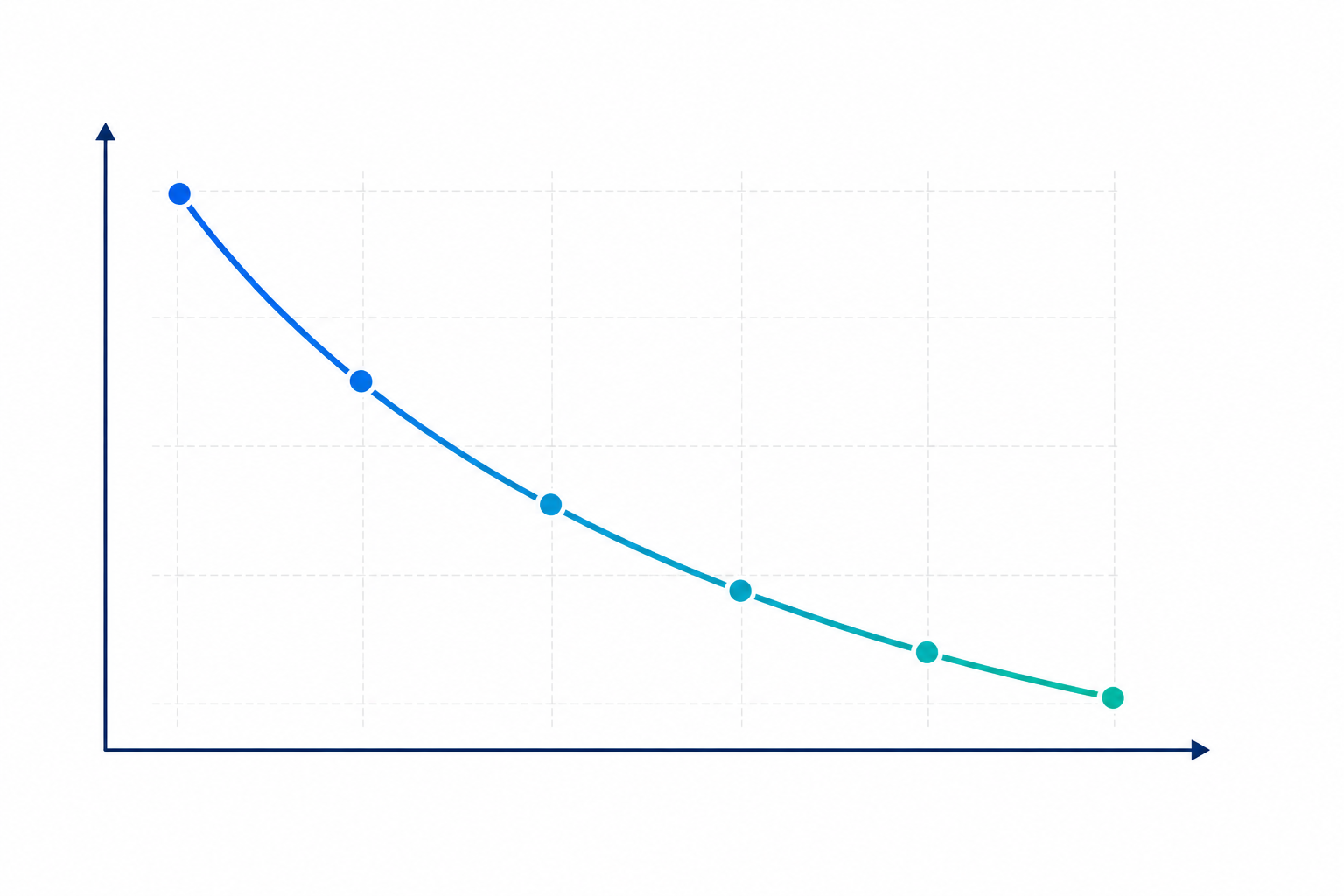
Note: the chart above illustrates a pattern reported across broader industry research — it isn't a dataset from a controlled experiment on any single store. Your own numbers, tracked the way I described above, are what will actually tell you whether this holds true for your shop.
How to Audit Customer Support Response-Time Delays
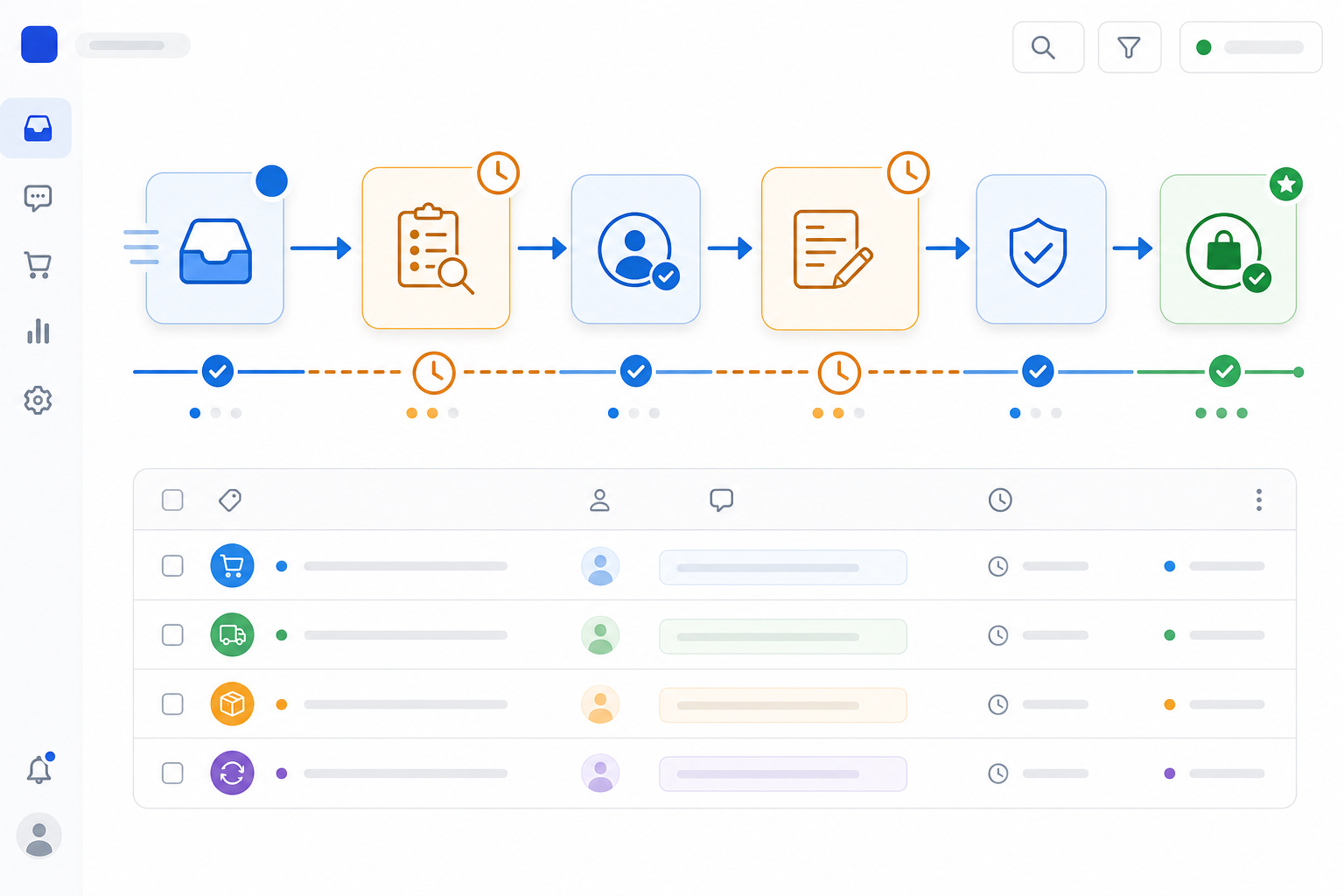
Before you fix anything, you need to know exactly where the time is going. Most teams assume they know, and most teams are at least partly wrong. Here's how to run a proper audit using whatever customer support software you're currently on.
- Pull your last 30 days of tickets and tag them by type. A simple taxonomy works fine to start: order status, shipping delay, return/refund, sizing/product question, payment issue, complaint, and other. Assign one person to own this taxonomy — usually your support lead — so tags stay consistent instead of drifting as different agents interpret categories differently. For many stores, a handful of these categories will account for a disproportionate share of total volume, but pull your own numbers rather than assuming a fixed percentage, since ticket mix varies a lot by product category and order value.
- Separate first-response time from resolution time. These measure different things, and mixing them up is one of the most common audit mistakes I see. A slow first response usually points to a triage or coverage issue — nobody's claimed the ticket yet. A slow resolution usually means the agent needed more information, more approvals, or more back-and-forth than necessary.
- Check whether ownership is actually clear. This is where a lot of teams lose time without realising it. If tickets can sit in a general inbox with no assigned owner, no routing rule, and no SLA clock (SLA just means the internal target time you've committed to hitting), delays happen by default — not because anyone's slow, but because nobody's officially responsible. Assignment rules, skill-based or round-robin routing, defined queues, and simple escalation paths ("if unclaimed after X minutes, alert the team lead") are what actually fix this, more than any single tool feature.
- Check for channel silos separately. If your email lives in one tool and your live-chat widget lives in another, agents can't see the full customer context, and tickets fall through the cracks between systems.
- Use your shared inbox's reporting to find where tickets sit untouched the longest. This step tends to be the most revealing. Look for one specific ticket type or time window — often the first hour after a delivery-partner delay, or overnight before the team logs on — where things consistently stall.
Once you've got these numbers, here's how to turn them into a decision rather than just a report:
| What you find | What it usually means | What fixes it |
|---|---|---|
| Lots of unassigned tickets sitting idle | Routing problem | Shared inbox rules, assignment logic, escalation paths |
| First response is fast, but resolution drags | Drafting or approval bottleneck | Canned responses, AI copilot, clearer approval process |
| Backlog builds specifically overnight or on weekends | Coverage gap | Adjust staffed hours, set honest "office hours" expectations, or consider hiring |
| Same five questions retyped constantly | No templates in use | Canned response library |
When teams run this audit properly, the finding is rarely "we need more hands." It's usually some combination of "tickets aren't routed clearly," "we're retyping the same five answers," and "drafting takes longer than it should for complex questions." Each of those has a different fix, which is exactly why the next three sections tackle them separately — and why the table above matters more than any single metric on its own.
Using Canned Responses to Speed Up E-commerce Support
Once you've tagged your ticket types, you'll probably notice the same handful of questions coming up again and again: "Where's my order?" "How do I return this?" "Do you ship to Ireland?" These eat up disproportionate agent time simply because someone's retyping a similar answer for the hundredth time.
Here's a simple structure for a canned response that actually gets used, using an order-status reply as an example:
Hi {{customer_name}}, thanks for reaching out! Your order {{order_number}} shipped on {{ship_date}} via {{carrier}} and is tracked here: {{tracking_link}}. Standard delivery within the UK typically takes {{delivery_window}} — let us know if it hasn't arrived by then and we'll look into it straight away.
A couple of practical notes on the mechanics here, because the details matter more than they seem to at first. Ideally, those variables — carrier, ship date, tracking link — pull automatically from your order system rather than getting typed in by hand each time; that's a big part of what good customer support software actually does for you. And build in a fallback line for when tracking data isn't available yet ("we're still waiting on tracking confirmation from {{carrier}} — I'll follow up the moment it updates") so agents aren't stuck improvising when the automation doesn't have an answer.
A few more rules for building the library:
- Start with your top 8–10 recurring questions, not 100. A bloated library nobody can navigate is worse than no library at all.
- Personalise the first line, then let the template do the heavy lifting. A quick greeting before the saved reply keeps things human without costing drafting time.
- Assign an owner and a review date to each template. Policies and shipping partners change. Without someone responsible for reviewing templates on a set schedule (monthly is reasonable for most small teams), you'll eventually send outdated information, which creates more tickets rather than fewer.
- Store templates directly inside your shared inbox, not in a document someone bookmarked eighteen months ago. When responses live where agents actually work, newer team members can answer accurately almost as fast as your most experienced person — useful during busy periods when everyone's pitching in.
This one change tends to shave real minutes off first-response time, because the agent isn't starting from a blank cursor every time. To know if it's actually working, track median drafting time on your top ticket types before and after rollout, and check what share of replies to those categories are using an approved template rather than a fully hand-typed answer.
Using an AI Copilot to Draft First Replies
This is the piece most teams haven't tried yet, and it's worth understanding both what it does well and where it needs guardrails.
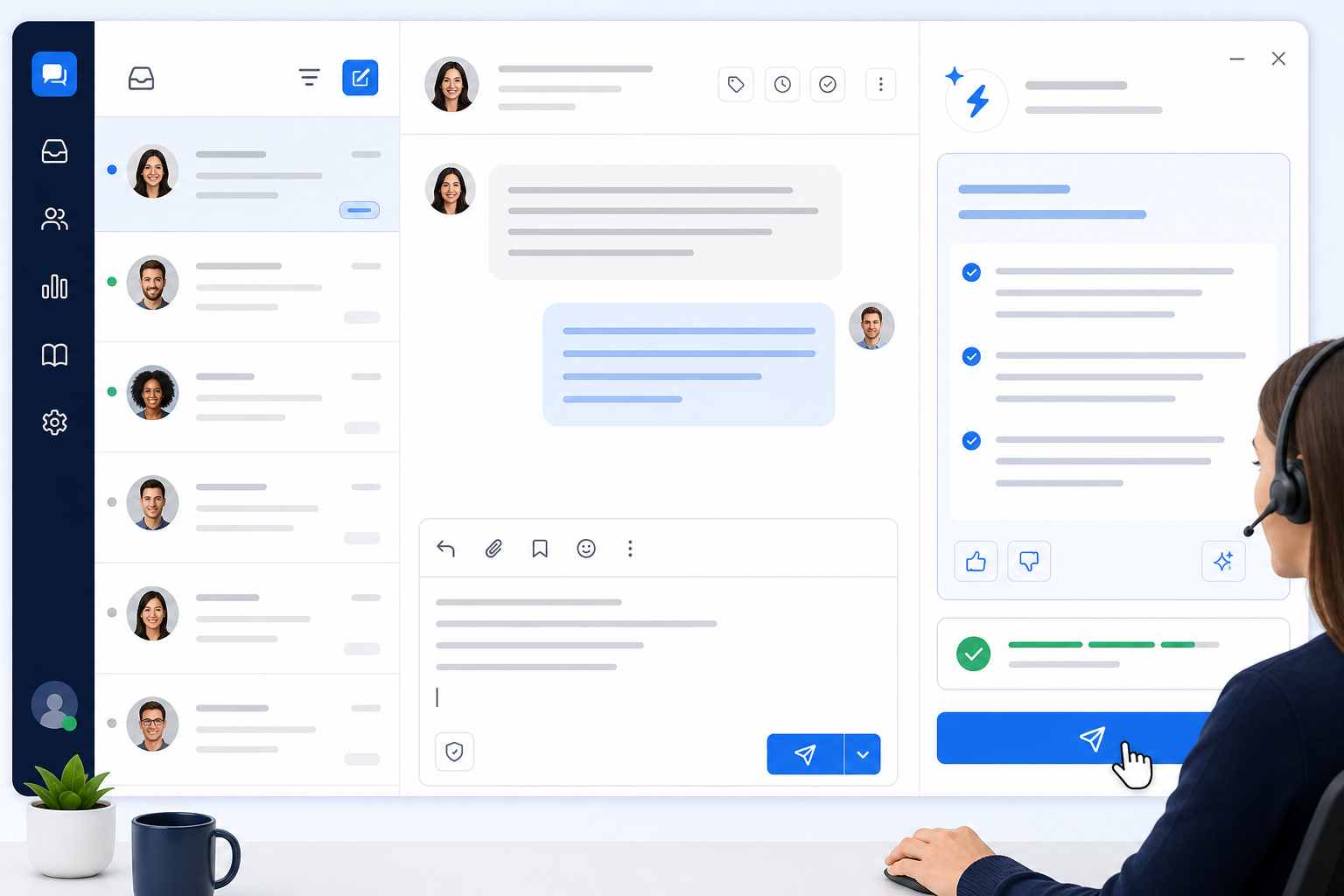
An AI copilot trained on your help docs, product pages, and past ticket history can draft a first response in seconds — ideally one that reflects your actual policies and product catalogue rather than a generic reply. The agent's job shifts from typing an answer from scratch to reviewing a draft and either sending it or tweaking a line first. For well-documented, repetitive questions, that shift can meaningfully cut drafting time. I'd stop short of saying typing is always the slowest part of every ticket, though — for tickets that need an order-system lookup, a refund approval, or a genuine investigation, the bottleneck is usually the lookup or approval, not the typing. The copilot helps most on the questions where the answer is already known and just needs to be written down clearly.
This works well for predictable, well-documented questions: order status, policy questions, product specs, sizing guides. It's worth being more careful with anything emotional or complaint-related — a customer whose order arrived broken deserves a response that's been genuinely thought through, not just auto-drafted and rubber-stamped. Gartner's research on service automation makes a similar point: automation tends to work best on repetitive, low-risk requests, while complex or emotionally sensitive cases should stay firmly with a human decision-maker.
A few safeguards worth building in from the start:
- Restrict the copilot to approved sources — your actual help docs and policies — rather than letting it draft freely from general knowledge, which is where inaccurate or invented details ("hallucinations") tend to creep in.
- Keep a human review step for every draft, at least initially. No draft should send automatically without someone checking it.
- Set a confidence threshold for escalation. If the copilot isn't confident it has the right answer, that ticket should route to a human rather than get a best-guess draft.
- Be mindful of customer data handling — check what the tool does with ticket content and whether it meets your data protection obligations under UK GDPR before rolling it out widely.
And don't roll this out blind — measure it. Once you turn a copilot on for a ticket type, sample a batch of drafts weekly (20–30 is plenty for a small team) and check for factual accuracy, how often agents edit the draft before sending, how often the ticket gets escalated back, and whether CSAT on that ticket type holds steady. If edit rates and escalations are high, that's a sign the copilot needs better source material, not that agents are being difficult.
This also doesn't need to be all-or-nothing. When you're evaluating customer support software with AI drafting built in, look for the ability to turn it on for specific ticket types first, review performance, and expand from there — tools including Sonny offer this kind of gradual rollout, and it's worth checking whether any platform you're considering does too, rather than committing to an all-at-once overhaul.
Setting Realistic E-commerce Customer Support Response-Time Targets
Once your workflow's tighter, you'll want targets to measure against — but a lot of teams accidentally set themselves up to fail here. Chasing a sub-one-minute reply across every channel is a fast route to burning out a small team.
Before setting any target, establish your own baseline first — pull last month's median first-response time per channel from your reporting, and check the 90th percentile too. Medians hide a nasty long tail: a channel can have a great median and still leave one in ten customers waiting hours. The ranges below are a reasonable starting target for a small UK e-commerce team with standard business-hours coverage — not an external benchmark and not a universal rule. They reflect median first-response time during staffed hours, not resolution time, and not 24/7 elapsed time:
| Channel | Suggested starting target (median, staffed hours) | Why |
|---|---|---|
| Live chat | Under 2–3 minutes | Chat carries the highest expectation of near-instant reply |
| Under 4 hours | Email is inherently asynchronous; customers generally accept a longer wait if replies are genuinely useful when they arrive | |
| Social/messaging (Instagram, Facebook, WhatsApp Business) | Under 30–60 minutes | Public visibility raises expectations, though instant replies aren't assumed the way they are on live chat |
For context on external benchmarking (not a target to copy directly): Comm100's published chat benchmarking has found average waits well under a minute for some businesses, though this varies widely by industry, volume, and how "wait time" is defined — treat it as a data point about what's possible, not a number to hold your own team to without adjusting for your context.
A few practical notes on using targets well:
- Review response time reports weekly, not daily. One slow Tuesday might just mean a delivery partner had issues and volume spiked — weekly trends tell you more than daily snapshots.
- Track first-response time, resolution time, and 90th-percentile response time separately. A good median doesn't mean the long tail is healthy too, and a good number on one metric doesn't mean the others are fine.
- Adjust for your actual coverage. If your team isn't staffed outside 9–6 UK time, don't set targets that assume overnight coverage — set an "office hours" target and be transparent with customers about response windows outside that.
Pricing structure is also worth factoring into how you choose customer support software, because it changes what's realistic during peak periods. Some tools charge per agent, which makes it expensive to pull in extra help from other parts of the business during a sale event; others (Sonny among them) offer flat-rate pricing with no per-seat penalty. Whichever model you're considering, check current pricing directly on the provider's site, since terms and rates can change, and weigh it against how often you actually need to flex your team size.

A 30-Day Plan to Improve E-commerce Customer Support Response Times
Rather than trying to fix everything at once, here's a rough sequence that works for most small teams — with a success marker for each stage so you know whether to move on or keep tuning.
Week 1 — Audit. Pull 30 days of tickets, tag them by type, and separate first-response time from resolution time. Identify whether your biggest delay is routing, drafting, or coverage. Success marker: you can name your top three delay sources with numbers behind them, not guesses.
Week 2 — Fix ownership. Set up (or tighten) routing rules, queues, and assignment logic in your shared inbox so tickets don't sit unclaimed. Add a simple escalation rule for anything unclaimed after a set time. Success marker: roughly 90%+ of tickets get assigned to an owner within 10–15 minutes of arrival during staffed hours.
Week 3 — Build your canned response library. Start with your top 8–10 recurring questions, assign an owner to keep them current, and get the team using them consistently. Success marker: those top ticket types are using an approved template most of the time, and median drafting time on them has visibly dropped.
Week 4 — Trial an AI copilot on low-risk ticket types. Turn it on for order status and policy questions first, keep human review in place, and expand gradually based on how the drafts perform. Success marker: low edit rate on sampled drafts, low escalation-back rate, and stable CSAT on those ticket types.
If you want to test this against your own ticket volume, look for customer support software that lets you try the shared inbox, canned responses, and AI copilot together rather than piecing together separate tools — Sonny is one option that offers a free trial (check the current trial length and any card requirements on their site, as these details can change), but it's worth comparing a couple of platforms against your specific audit findings before committing.
Bringing Customer Support Software and Process Together Without Adding Headcount
So where does that leave you? The three fixes we've walked through — clear ownership and routing, a well-maintained canned response library, and a carefully guardrailed AI copilot — solve the vast majority of response-time problems I see in e-commerce support teams. None of them require adding a single person to your roster, and all three are things reasonably good customer support software should let you do without custom development work.
But I promised earlier I'd tell you when hiring actually is the right call, so here it is. Consider bringing on more help when:
- Your audit shows tickets backing up specifically during hours you're supposed to be staffed — not unclaimed because of routing, but genuinely unanswered because everyone's already stretched.
- Your 90th-percentile response time stays high even after routing, templates, and AI drafting are in place and being used properly.
- Your team is regularly working extra hours just to keep the backlog from growing, week after week, not just during one-off sale spikes.
- Ticket volume has grown in a sustained way that outpaces what your current staffed hours can reasonably cover, even with a tightened workflow.
If none of those apply, the fix is almost certainly process, not headcount. The brands that see the biggest improvement usually aren't the ones who hire fastest. They're the ones who fix the boring process issues consistently — tagging tickets properly, keeping canned responses current, reviewing weekly reports instead of reacting to one bad day. Small fixes, applied steadily and measured honestly, tend to beat throwing more people at a broken workflow.
Frequently Asked Questions About E-commerce Customer Support Software
How can I improve customer support response times?
Start with an audit: tag your last 30 days of tickets by type, and separate first-response time from resolution time so you know which problem you're actually solving. Most teams find the delay sits in one of three places — unclear ticket ownership, repetitive manual typing, or slow drafting on complex questions. A shared inbox with clear routing rules fixes the first, a canned response library fixes the second, and an AI copilot (with human review) speeds up the third. Measure each fix against a baseline you pulled before you started, not just a gut feeling that things improved.
Do I need more agents to reduce response times?
Not usually, if the delay is a workflow problem rather than a genuine coverage gap. If your audit shows tickets sitting unclaimed during hours you're supposed to be staffed, or agents retyping the same answers repeatedly, fixing the process will likely help more than hiring. Hiring makes sense when your ticket volume has genuinely outgrown your staffed hours — for example, if your 90th-percentile response time stays high even after routing, templates, and AI assistance are properly in place. Run the audit first; it tells you which situation you're in.
How can I improve response times without a big budget?
The good news is the highest-impact fixes here are mostly about process, not spend. Tightening routing rules and building a canned response library cost time, not money, and both can be done inside whatever shared inbox tool you're already using. If you're on a free or low-cost plan, prioritise ownership and templates first — those alone typically account for the bulk of the improvement. An AI copilot is worth adding once budget allows, but it's the accelerant, not the foundation.
What tools help speed up email and chat replies?
A unified shared inbox that combines email and live chat is usually the biggest single lever, since it removes the blind spots that come from checking multiple tools. Layer in a canned response library for repetitive questions and an AI copilot for first-draft replies on well-documented topics, and drafting time drops noticeably on the ticket types where the answer is already known. None of these replace clear routing and ownership rules, though — those need to be set up deliberately, not assumed. When comparing customer support software options, check specifically for shared inbox functionality, flexible routing, a template library, and optional AI drafting with human review controls.
What's a good average response time for e-commerce support?
As a starting point for a small UK e-commerce team with standard business-hours coverage: aim for a median first response under 2–3 minutes on live chat and under 4 hours on email. Treat these as a baseline to adjust from, not a fixed rule — your right target depends on order volume, team size, and actual staffed hours. Measure your own baseline, including your 90th-percentile response time, before committing to a specific number.