
E-commerce Support During Peak Season: How to Scale Without Rising Seat Costs
E-commerce brands can scale support during peak season by decoupling staffing from cost, not by hiring more expensive seats. With a flat-rate shared inbox like Sonny, you can add unlimited agents, including seasonal hires, contractors, or teammates borrowed from other departments, at no extra charge. Tagging helps you triage the flood of Black Friday and holiday tickets, and automating answers to repetitive questions frees up human agents to focus on issues that actually need a person.
The result: faster support during your busiest weeks, and no ugly surprise on your January bill.
I'll be honest with you: I've talked to a lot of e-commerce teams who dread Black Friday for reasons that have nothing to do with sales. The sales part is great. It's the three weeks after that keep them up at night, buried under a mountain of "where's my order" emails and refund requests. If that sounds familiar, grab a coffee. I want to walk you through how brands get through peak season without leaving customers waiting or torching their budget on seat fees.
Why peak season breaks traditional e-commerce support setups
Here's the thing about Black Friday, Cyber Monday, and Boxing Day sales here in the UK: your ticket volume doesn't creep up gradually. It doesn't give you a polite heads-up. It spikes, often three to five times your normal volume, practically overnight. One minute you're comfortably handling 40 tickets a day, and the next you're staring down 200, with every customer wanting an answer right now.
Most support setups just weren't built for that kind of swing. And oddly, the tools designed for scale often punish you at exactly the moment you need to grow. Per-seat pricing is the classic example. If your help desk charges per agent, adding five seasonal staff to handle the surge means five new monthly bills stacked on top of an already stretched budget. It's a strange incentive: the software charges you more precisely when you need more help.
Then there's the classic fallback for smaller brands: a shared email inbox, usually a Gmail or Outlook account the whole team logs into. This works fine when volume is low. Under pressure, though, it falls apart fast. Two teammates reply to the same customer without knowing the other already answered. An urgent refund request gets buried under 50 "where's my discount code?" emails. Nobody can tell what's been handled and what's still sitting there, quietly making a customer angrier by the hour.
I remember hearing about a brand that ran a flash sale using exactly this setup: one inbox, no tags, no filters. A customer's order arrived damaged, and they emailed asking for a refund. That email got lost in the flood, was resent twice, and didn't get resolved for nearly a week. By then, the customer had left a public review about it. Nothing about that story is unusual. It's just what happens when your support tooling isn't built for volume, and it's exactly the problem a shared inbox with proper tagging and filtering solves.

How to add temporary support agents without extra cost
So how do you staff up for a surge without your bill spiking right along with your ticket volume? This is where flat-rate pricing changes the math entirely.
With a tool like Sonny, priced at $19.99/month with unlimited agents, the number of people in your shared inbox doesn't touch your bill. Three agents or thirty, the price stays exactly the same. That one detail quietly removes the biggest obstacle to seasonal staffing: the fear of watching your support software bill climb.
Here's what that opens up for an e-commerce brand heading into peak season:
- Bring on temporary or seasonal hires for the six-to-eight-week crunch without negotiating a new contract or upgrading your plan.
- Add contractors for overflow coverage on weekends or evenings, when your core team can't stretch any further.
- Pull in teammates from other departments, marketing, operations, product, whoever can help, for a few days during the worst of the rush, then remove them once things calm down.
None of that works if every added person costs more money. It only works when the software gets out of the way and lets you staff based on actual need instead of budget anxiety.
There's also the practical question of onboarding. Nobody has time in the middle of Black Friday week to run a new hire through hours of software training. Sonny is built to be set up in under five minutes, no onboarding calls required. Add a seasonal hire to the shared inbox, walk them through the tagging system, and they're answering real tickets within the hour. That speed matters more during peak season than almost any other time of year.
If you're weighing this up before committing, there's a 7-day free trial that doesn't ask for a credit card. That makes it a low-risk way to test the full setup, tagging, the live chat widget, team collaboration, before your sale goes live. You want to walk into Black Friday knowing your tools work, not discover mid-crisis that something's misconfigured.
Use support tags to triage high-volume shopping periods
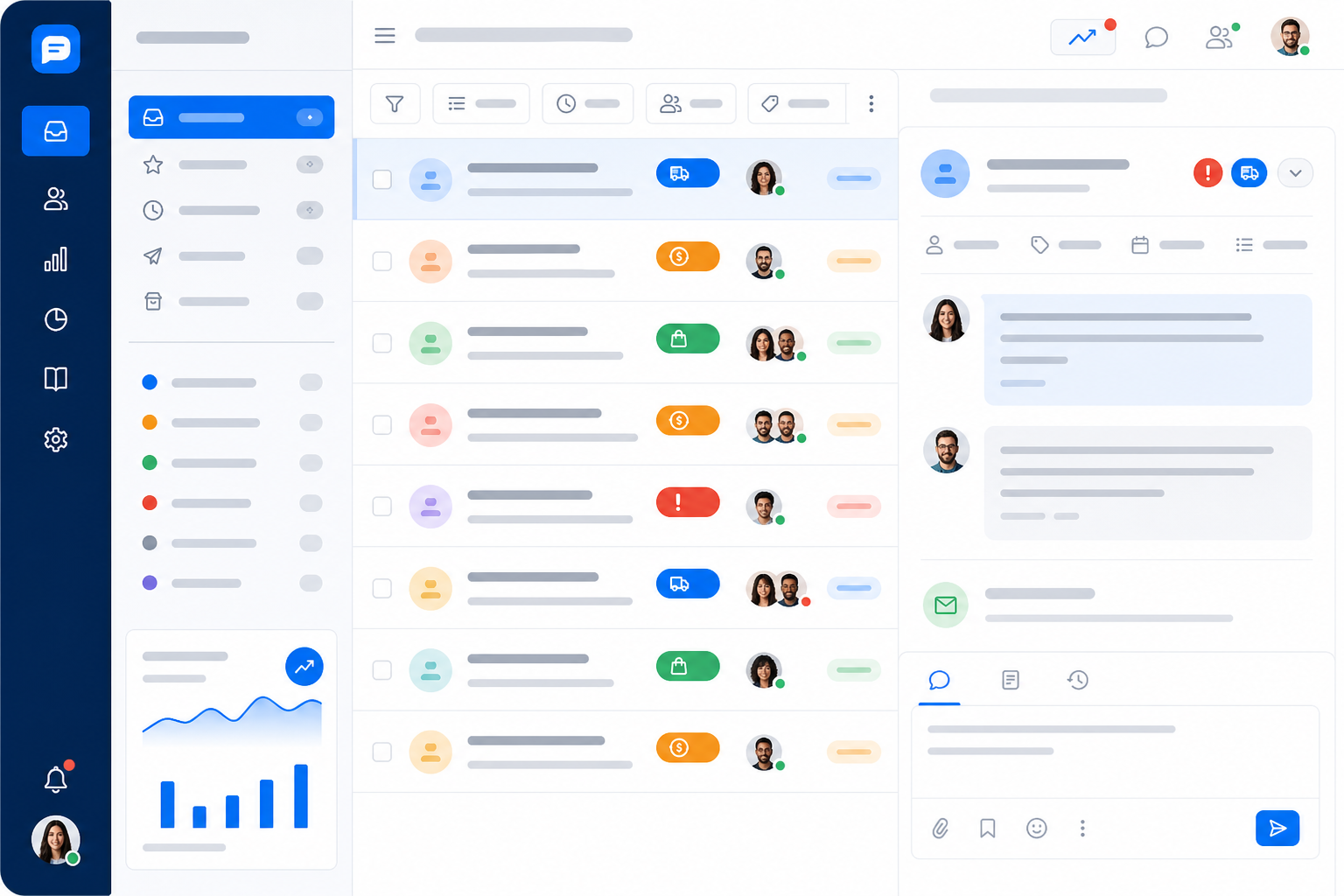
Adding people solves half the problem. The other half is making sure those people know what to work on first. This is where tagging earns its keep. It's one of those unglamorous features that makes a surprisingly big difference once your inbox spikes.
Before your sale starts, set up tags for the ticket types you already know are coming. Every e-commerce brand's peak-season inbox looks roughly the same:
- Shipping Delay – for the "where is my order?" wave that follows a major sale
- Refund Request – so these time-sensitive, emotionally charged tickets never get buried
- Order Status – for general tracking questions that don't need urgent escalation
- Discount Code Issue – common during flash sales when codes expire or fail to apply
Once tags are set up, filtering does the heavy lifting. Route tickets tagged urgent, damaged goods, failed payments, or angry customers to your fastest or most experienced responders. Lower-stakes tickets, like general order-status questions, can get spread more evenly across the team.
It's a simple form of triage, but it can be the difference between your best agent spending the morning fixing a payment failure that's costing a customer money, versus answering "what's your return policy?" for the tenth time.
Internal notes matter here too. When a teammate needs to flag something, "this customer already called and is quite upset" or "we've already issued a partial refund, don't offer another," they can leave that context directly on the ticket without it showing up in the customer-facing thread. That quiet coordination keeps a growing team from tripping over each other during the busiest weeks of the year.
One more benefit is easy to overlook: all that tagging becomes useful data afterward. Once the dust settles, you'll have a clear record of what customers were actually struggling with, which makes your post-season review a lot more useful than guesswork.
Automate e-commerce FAQs before Black Friday
Here's an uncomfortable truth: a huge chunk of the tickets flooding your inbox during peak season are questions you've already answered hundreds of times. "When will my order ship?" "What's your return window?" "Does this run true to size?" None of these are complex, but multiply them across a few hundred tickets and you get exhausted agents and slower replies for everyone.
The fix isn't necessarily more agents typing faster. It's automating the predictable stuff so your team can focus on tickets that actually need human judgment. Here's how to set that up before the rush hits:
Audit last year's peak-season tickets. If you don't have historical data, look through tickets from your earliest sales this season. Look for patterns, especially the same five or ten questions showing up again and again.
Build quick-answer flows into your live chat widget. Shipping cut-off dates, return windows, sizing guides, these are perfect candidates for instant automated responses. The widget can handle predictable questions without a human ever stepping in.
Consider an AI copilot trained on your help documentation. A good copilot doesn't replace your team, it drafts a response based on your existing docs, and an agent reviews and approves it in seconds instead of typing from scratch. That's a real speed boost during high-volume weeks, without cutting out the human check.
Keep a human in the loop for money, complaints, and account issues. Automation is great for "where's my order?" But a customer asking for a refund on a £300 order deserves a person reading the message and deciding what happens next. Speed matters, but not more than getting it right.
The brands that handle peak season smoothly aren't necessarily the ones with the biggest teams. They're the ones who did the groundwork ahead of time, so their live chat widget and help desk absorb the repetitive stuff while human agents focus where they're actually needed.

Post-season e-commerce support review: what to track
Once the sales end and the dust settles, it's tempting to just move on. But the weeks right after peak season are one of the best times to figure out what worked, what didn't, and what needs to change before next year's rush.
A few things worth including in a proper review:
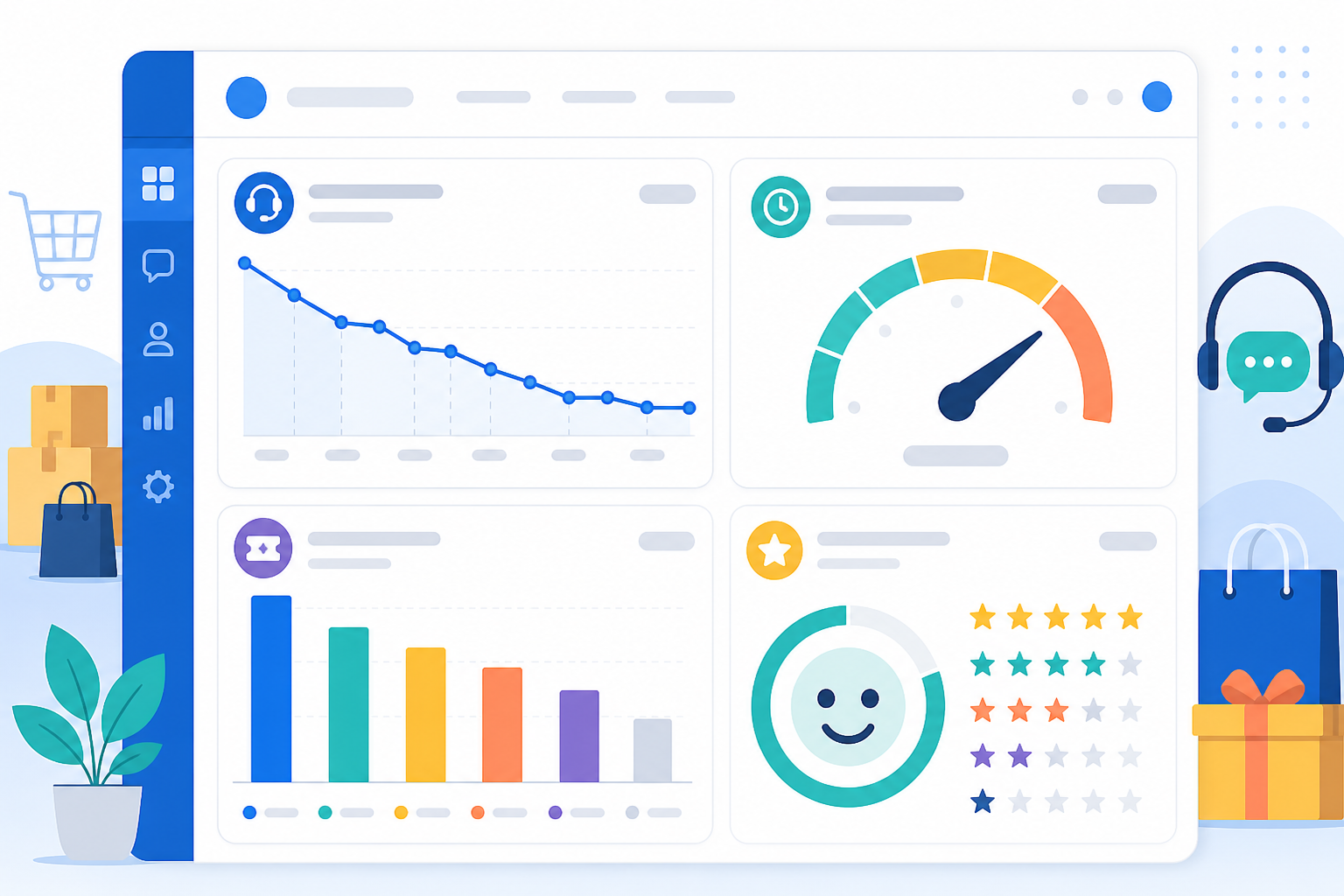
- First response time and resolution time, compared against your normal, non-peak baseline. If response time during the sale was three times slower than usual, that's a clear sign you were understaffed, under-tagged, or both.
- Ticket volume by tag. This is where the tags you set up earlier really pay off. If "Shipping Delay" dwarfs every other category, that's probably less a support problem and more a sign you need a conversation with your shipping partner.
- Team performance reporting, so you can see who handled the volume well under pressure and who might need extra support, training, or a lighter load next time. This isn't about pointing fingers. It's about setting your team up better for next time.
- Customer satisfaction trends. Speed is only half the story. If response times improved but CSAT scores dropped, answers may have been rushed, or automation leaned on too heavily in situations that needed a human touch.
This review doesn't need to be complicated. Even a simple thumbs-up or thumbs-down after each conversation gives you a useful satisfaction signal. The goal is to finish peak season with real data instead of vague memories of "that was stressful," so next year you're refining a system instead of starting over.
Bringing your peak-season support strategy together
Peak season doesn't have to be the thing your support team dreads every year. The brands that come through it smoothly usually aren't doing anything radically clever. They're just not letting their tools work against them. They staff up without a pricing penalty, triage instead of treating every ticket the same, automate the predictable questions, and review performance afterward.
That's really the whole philosophy behind a shared inbox with flat-rate pricing and unlimited agents: your support setup can flex with your actual business needs, busy or quiet, without you having to do mental math on what each extra teammate costs.
Whether you're running Sonny or evaluating other help desk software, that flexibility is worth sorting out before your next big sale, not during it.
Frequently asked questions about peak-season e-commerce support
How do e-commerce stores handle Black Friday support volume?
Most successful stores prepare in three ways: they staff up temporarily without breaking the bank, set up self-service answers for predictable questions like shipping times, return policies, and order status, and use tagging or triage systems so urgent issues, like payment failures, get seen before less pressing requests.
The stores that struggle most are often still relying on a single shared email inbox with no way to divide or prioritize the workload.
Can I add seasonal support agents without paying more?
Yes, if you're using flat-rate support software like Sonny. Since pricing isn't tied to the number of agents, you can bring on temporary staff, contractors, or team members from other departments during peak weeks, then remove them afterward, no extra charge, no contract change.
With per-seat tools, each temporary hire adds a real cost, which is exactly what pushes brands to under-staff support at the moment they need it most.
What support metrics matter most during peak shopping season?
First response time and resolution time are the big ones, since delays compound fast during high-volume periods. Ticket volume by tag helps you spot which issues are climbing, shipping delays, sizing questions, discount-code errors, so you can go fix the root cause instead of just the symptom.
Customer satisfaction matters just as much. Even a simple thumbs-up or thumbs-down after each chat can tell you whether faster responses are coming at the cost of quality.