

Flat-rate pricing vs. usage-based billing: which fits your support software budget?
Here's the short answer. Usage-based billing can suit very small teams, or teams whose busy periods are short and whose quiet periods are really quiet, as long as the savings in the low season outweigh the charges in the peak months. Flat-rate pricing tends to suit teams that want a fixed monthly cost while headcount and ticket volume grow. If you're seasonal, model both your quietest and busiest months before choosing, because a big peak is exactly when usage-based bills climb fastest. Below, I'll walk through how each support software pricing model works so you can decide which fits your team and budget.
Why your support software bill keeps surprising you 😅
Picture a small team heading into the festive rush. You bring on two part-time agents to cope with the extra live chat and email. Everyone's coping, customers are happy, and then the invoice lands, nearly double what you paid last month. Nobody did anything wrong. You grew, and the pricing model charged you for it.
If that sounds familiar, you're in good company. Per-seat and per-conversation pricing can feel like a penalty for being busy or hiring. The better your business does, the more your customer support software can cost, and the harder it gets to commit to a number when finance asks.
This isn't a hard sell. I'll be honest about where usage-based billing genuinely wins, because in some situations it does. By the end, you'll have a way to match a pricing model to your growth pattern, plus a checklist you can use on any vendor. One disclosure up front: we make Sonny, a flat-rate help desk, so I'll say clearly when I'm using it as an example and when I'm using made-up numbers.
How support software pricing models work
Before comparing prices, it helps to know what you're actually being charged for. Vendors call things by different names, and the billing unit (an agent, a ticket, a conversation, a resolution) matters far more than the headline price.
Think of these four labels as common pricing mechanisms, not four boxes you have to pick from. Plenty of real plans mix them: a per-seat fee for access, tiers with caps, and a usage charge on top for certain features such as AI.
- Per-seat (per-agent) pricing: you pay a set fee for every person who logs in. Zendesk, for example, prices its support plans per agent, so agent count becomes your main cost driver.
- Usage-based billing: you pay for what you consume, such as tickets, conversations, resolutions or AI interactions. Intercom, for instance, has listed its Fin AI Agent at $0.99 per resolution. Check current pricing before you budget, as vendors change rates and their definitions of a billable resolution.
- Tiered pricing: bundles with caps. Go over the cap and you're nudged up to the next plan.
- Flat-rate pricing: one fixed monthly fee regardless of team size or volume. At the time of writing, Sonny's published plan is $19.99/month with unlimited agents and conversations. That's our own product, so check the pricing page for current terms.
One caution: 'flat-rate' doesn't always mean unlimited. Some flat plans still cap seats, features or other resources, and many have fair-use clauses, so read the small print. It's also why you'll often need to budget for a predictable base and a variable add-on.
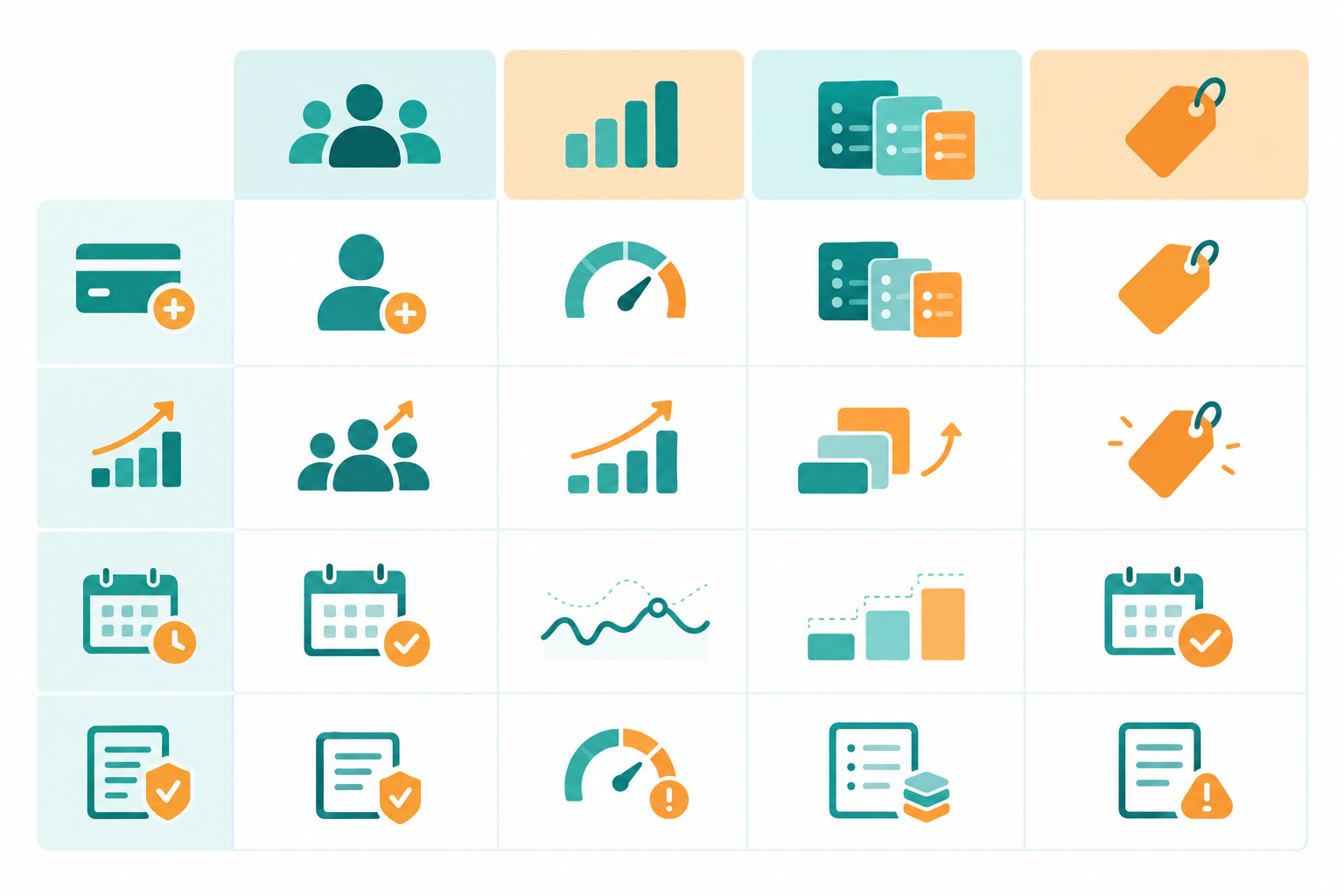
Here's the same comparison in table form. Treat each column as a mechanism a vendor might use alone or blend with others:
| Per-seat | Usage-based | Tiered | Flat-rate | |
|---|---|---|---|---|
| How you're charged | Fee per agent | Fee per ticket, conversation or resolution | Bundle with caps | One fixed fee |
| What scales your bill | Headcount | Volume | Crossing a cap | Usually fixed; check usage, fair-use and feature limits |
| Ease of forecasting | Moderate: easy until you hire | Hard: depends on volume | Moderate: steps are hard to spot | Easy, within the plan's terms |
| Typical fine print | Add-ons, annual commitments, minimum seats | Overage rates, billable-event definitions, AI charges | Feature gating, forced upgrades | Fair-use clauses, feature limits |
A quick note for UK buyers 🇬🇧
Many SaaS vendors price in US dollars, so your pound cost moves with exchange rates. Whether VAT applies, and whether the quoted price already includes it, depends on the quote and on your business's circumstances (for example, whether you're VAT-registered and can reclaim it). Don't assume a flat 20% uplift. Just make sure you know which basis each quote is on.
To compare quotes fairly, line them up on the same footing:
- The same billing period (monthly vs. annual equivalent)
- The same exchange rate assumption, noting the date you used
- The same VAT basis, either all including or all excluding
Here's a quick example, using an assumed rate of $1 = £0.80 (check the current rate). $19.99 a month is about £16.00 before VAT, or about £19.19 if 20% VAT is added on top. A $50 per-agent seat would be roughly £40 before VAT, or £48 with it.
Flat-rate pricing vs. usage-based billing: predictability or flexibility?
It really comes down to this. Usage-based billing gives you flexibility: low spend when things are quiet and a pay-as-you-go feel. Flat-rate pricing gives you predictability: finance can pencil in the same number every month and be done with it.
For small teams, predictability tends to matter more than people expect. When you're a team of five, one surprise invoice isn't a rounding error. It's a real hit to your month, and it can lead to awkward conversations about whether you can afford to keep answering customers quickly.
Flexibility only helps if your usage actually dips. Many support queues don't dip much. Customers keep emailing, new ones arrive, and a quiet month for you is rarely a quiet month for your inbox. If your volume only ever goes up, a model that charges per unit of volume will charge you more every year. If your business is genuinely seasonal, with long, truly quiet stretches, the maths can swing the other way, which is why it's worth modelling both.
There's also a cost of flexibility that rarely shows up on an invoice: your time. Checking usage dashboards, rationing seats so only 'real' agents can log in, deciding whether a founder or developer really needs to see a customer thread. It all takes effort. With per-seat or usage pricing, every access decision turns into a small budget decision. Threshold alerts help if you go usage-based, but they're still a chore.
What happens to your support software bill during a busy month? 📈
Let's make this concrete with a worked example. These numbers are illustrative assumptions, not vendor quotes, so swap in real prices when you run your own comparison. I'll use the same assumptions in the break-even section later: $50 per agent per month, $0.20 per conversation, a tiered plan of up to 1,500 conversations for $300 (stepping up to $800 beyond that), and a flat $19.99 a month.
The catch is that these models have different cost drivers. Per-seat costs follow headcount, usage-based costs follow volume, and tiers follow whichever cap you cross. So let's look at two separate situations for a team of 5 agents handling 1,000 conversations a month.
Scenario A: volume spikes to 3,000 conversations for one month, no new hires
| Model | Normal month | Spike month |
|---|---|---|
| Per-seat | $250 | $250 |
| Usage-based | $200 | $600 |
| Tiered | $300 | $800 |
| Flat-rate | $19.99 | $19.99 |
Usage-based costs triple, before any overage rates, and they jump at the moment you're busiest. The tiered plan moves in a step rather than a slope, which can feel arbitrary.
Scenario B: you add three temporary agents, with volume unchanged at 1,000
| Model | Normal month | With 8 agents |
|---|---|---|
| Per-seat | $250 | $400 |
| Usage-based | $200 | $200 |
| Tiered | $300 | $300 |
| Flat-rate | $19.99 | $19.99 |
Now the per-seat bill is the one that moves. That looks manageable on paper, but many per-seat plans come with annual commitments, minimum seat counts or full-month billing for temporary seats, so your 'temporary' cost can outlast the rush. In both scenarios, the flat-rate figure holds only as long as you stay within the plan's usage, seat and fair-use terms.
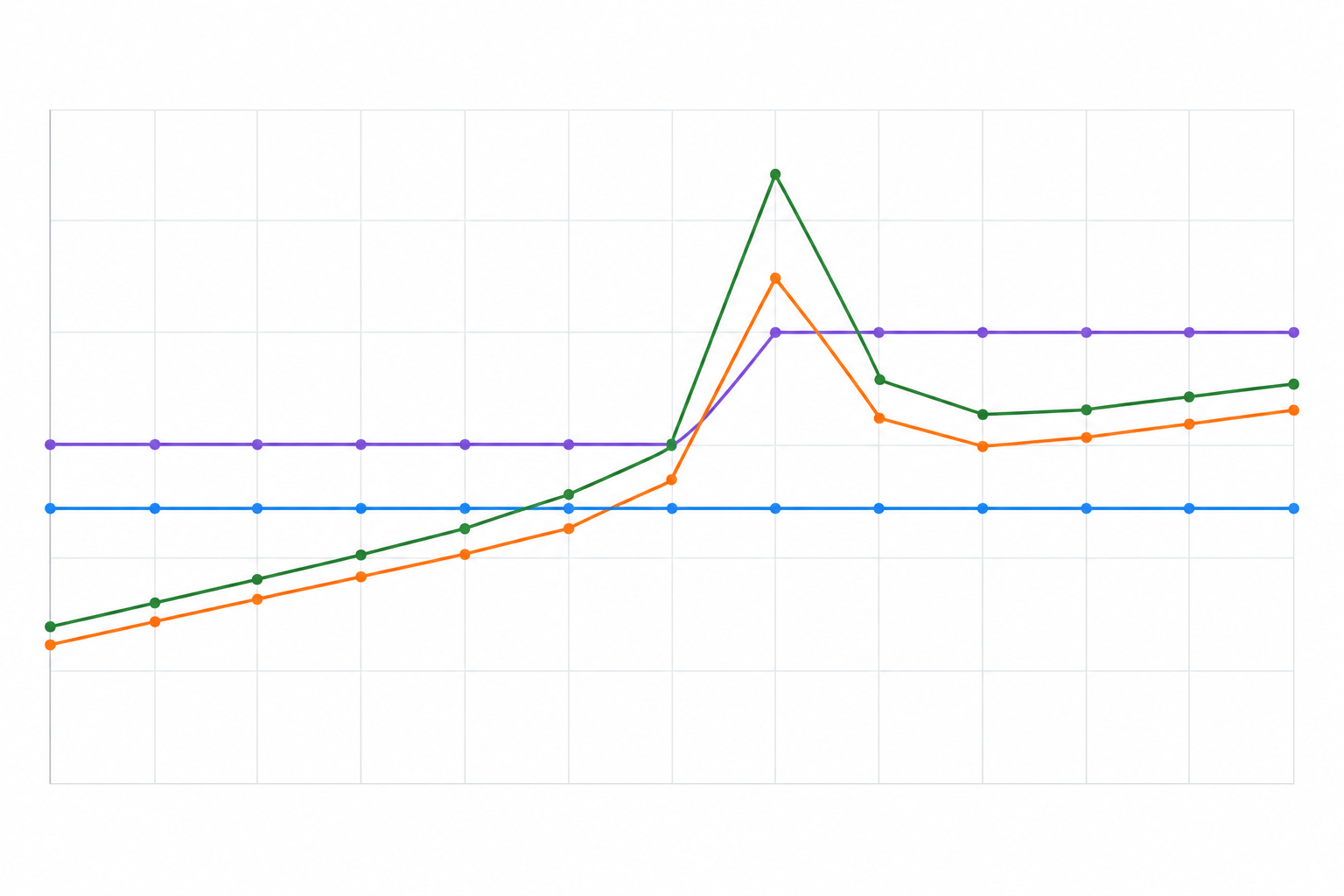
Busy months often land right when you can least afford to ration access. Black Friday, a big launch, an outage. Those are the days you want everyone who can help in the shared inbox, not a short list of people you've decided are worth the seat fee.
A small caution on forecasting: a sales spike isn't a direct forecast of a ticket spike. Use your own history of how sales relate to contact volume rather than assuming the two move together.
Who benefits from usage-based billing?
I promised to be fair, so let's give usage-based billing its due. It works well for:
- Solo founders or very small teams with low, occasional ticket volume.
- Teams testing support for the first time who aren't sure they'll use it much.
- Businesses with flat or declining volume and a stable small team.
- Seasonal businesses with long, genuinely quiet periods, where low-season savings outweigh peak-month charges.
- Products with very high-margin transactions, where a per-ticket cost is trivial next to the revenue.
If you handle a handful of conversations a month, pay-as-you-go can be cheaper than any subscription, including ours. There's no shame in that. Pay for what you use, and move on when your volume or team grows.
If you do go this route, ask about usage dashboards, threshold alerts, spending limits and invoice-level detail. Those controls are what stop growth from quietly turning into a budget problem.
Who benefits from flat-rate pricing?
Flat-rate pricing tends to shine when your team, your volume or both are moving upward or bouncing around. It usually suits:
- Growing teams adding agents, part-timers or cross-functional helpers (product, sales, founders) who need access to the shared inbox.
- E-commerce brands with short, sharp seasonal spikes in live chat and email ticketing.
- SaaS teams who want everyone in the loop without counting seats.
- Teams with a tight support software budget who need a number they can commit to.
People underestimate the collaboration point. Imagine a small software company where the developer who fixes bugs can read the customer's actual message, instead of a second-hand summary passed along in Slack. Issues get spotted faster, answers are more accurate, and nobody has to ask for a login. That kind of open access is hard to justify when each extra person costs a monthly seat fee. (That's a hypothetical, but I suspect plenty of small teams will recognise it.)
One example, clearly labelled: Sonny, our product, has a shared inbox, live chat widget, email-to-ticket forwarding, internal notes, tagging and filtering. Its published plan is $19.99/month with unlimited agents and conversations, and it offers a free trial. Confirm the current price, trial terms and fair-use policy on the pricing page, and compare it against any alternative using the checklist below.
Which pricing model is cheaper for your support software budget in the long run?
Honestly, neither model is inherently cheaper. It depends on how your support volume changes, how many people need access, and whether the plan includes the features you need. What you can do is work out the break-even point.
How to calculate the break-even point
The formulas are simple:
- Per-seat: agents × seat price × 12, plus add-ons, onboarding and other charges.
- Usage-based: conversations × unit price × 12, plus any platform fee, minimum commitment or overage charges.
- Flat-rate: fixed fee × 12.
To find the crossover between a flat fee and usage-based billing, divide the flat fee by the unit price. Using the same $0.20 per conversation from the busy-month example, $19.99 ÷ $0.20 is roughly 100 conversations a month. Below that, usage-based costs less. Above it, the flat fee costs less, and the gap widens with every extra conversation.
That calculation assumes there's no platform fee, minimum commitment, add-on or overage charge on either plan, and that both plans do the same job. Real plans rarely line up that neatly, so add those in once you have actual quotes.
Compare support software costs over 12 months
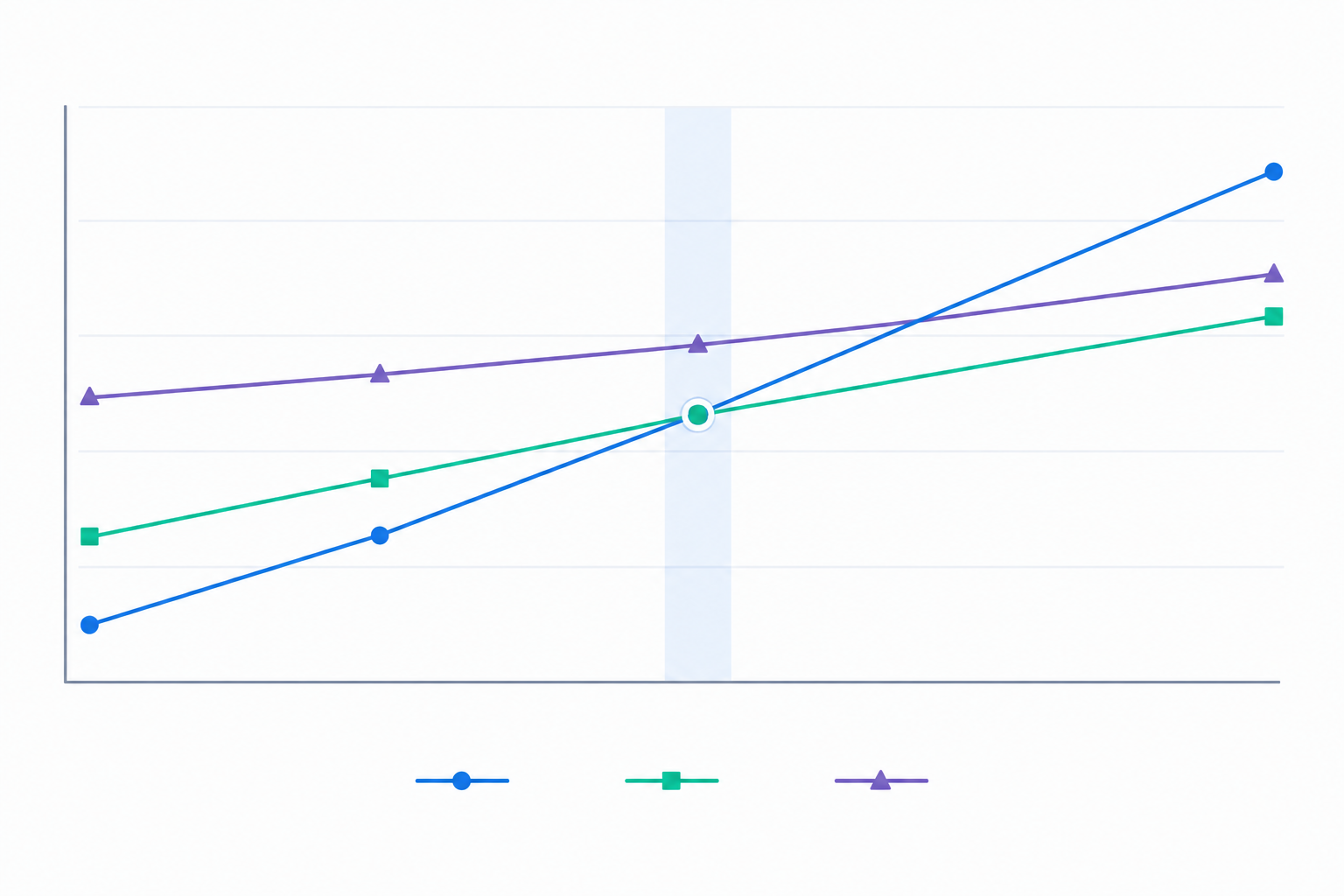
Here's a simple comparison for three team sizes. It's a simplified, price-only illustration. It uses $50 per agent per month for per-seat, $0.20 per conversation for usage-based, and $19.99/month for flat-rate. Conversation volumes are assumed at 500, 1,500 and 3,000 a month respectively. It excludes onboarding fees, add-ons, minimum commitments, VAT and currency movement, and it doesn't account for differences in features between plans.
| Team size | Per-seat (12 months) | Usage-based (12 months) | Flat-rate (12 months) |
|---|---|---|---|
| 3 agents, ~500 conversations/month | $1,800 | $1,200 | $239.88 |
| 8 agents, ~1,500 conversations/month | $4,800 | $3,600 | $239.88 |
| 15 agents, ~3,000 conversations/month | $9,000 | $7,200 | $239.88 |
See the pattern? Per-seat costs compound with every hire, and usage-based costs climb with every extra conversation. Of course, a real flat-rate plan may not be as cheap as my assumed figure, so rerun this with actual quotes.
Additional support software costs to include
The base price is rarely the whole story. Watch for:
- Onboarding calls or setup fees
- Add-ons for AI features
- Annual-only plans that lock you in
- Extra fees for additional channels
- Currency movement and VAT if the price is in dollars
One more thing in fairness: flat-rate prices don't stay still forever either. Check the terms for annual price changes, and check what the vendor means by 'unlimited'.
How to forecast your support software costs
Forecasting sounds intimidating, but it's really an afternoon with a spreadsheet. Here's how I'd do it:
- Count your current agents, plus anyone who occasionally needs inbox access, such as a founder, developer or account manager.
- Pull the last 6 to 12 months of conversation volume and note the peaks. Look out for spikes caused by bots, duplicates or one-off incidents, as these can inflate billable usage.
- Estimate hiring or growth for the next 12 months. Be realistic, and include part-timers and seasonal help.
- Run each pricing model against three scenarios: low, expected and peak. Model the fixed base and any variable charges separately, then add them together.
- Add a buffer for add-ons, AI features, and currency or VAT differences, using one consistent basis across every quote.
A handy tip: the narrower the gap between your best and worst case under a model, the easier it is to budget. If a model's worst case makes you wince, it's telling you something.
Vendor pricing checklist for support software ✅
Keep this next to you whenever you're comparing customer support software, whether it's Sonny or anyone else. Ask every vendor:
- Is the price per seat, per conversation, per resolution or fixed, or a mix of these?
- Are there overage fees, and what are the rates?
- What counts as a billable 'user' or 'conversation'? Do collaborators or light users count?
- Are AI or automation features included or priced separately?
- Can you cancel monthly, or are you locked into annual contracts?
- Is there a free trial, and do they ask for a card up front?
- What does the SLA say about uptime (for example, 99.9%)?
- Are onboarding or setup fees required?
- Is pricing shown in GBP, and is VAT included or excluded?
- What happens to your price if your team doubles?
That last question is my favourite. A good answer is boring: 'nothing changes'. If the answer involves a sales call and a pause, you've learned something.
Where flat-rate pricing wins for support, and where it doesn't
Let me pull it together. Support is spiky and team-driven. Volume rises with launches, sales and the occasional outage, and the team grows as the business does. In those conditions, flat-rate pricing tends to do well because the bill doesn't react to either, provided you've checked the plan's fair-use and feature limits.
That said, if your volume is tiny and you're a solo operator, or your business has long, genuinely quiet seasons, usage-based billing may still be cheaper. Do the break-even sum above with real quotes and trust the result over any vendor's marketing, including ours.
Here's my gentle suggestion. Take your own numbers (agents, monthly conversations, peak months) and run them through each model, on the same currency and VAT basis. If there's a free trial, test it against your real inbox first. Do that once and next year's support software budget gets a lot easier to write.
Frequently asked questions about support software pricing
Is flat-rate pricing always cheaper than usage-based billing?
Not always. If you handle only a small number of conversations each month and have one or two agents, pay-as-you-go can cost less. Flat-rate pricing tends to win once you have several agents, growing volume or short, sharp seasonal spikes, because the bill doesn't rise as you do.
What if my ticket volume spikes?
It depends on the model. Under usage-based billing, a spike usually raises your bill directly, and overage rates can make it steeper. Under per-seat pricing, volume alone doesn't change the bill, but adding people to cope with it does. Under a flat-rate plan, the monthly charge stays fixed only within that plan's usage and fair-use terms, so read those before you rely on it. Check any vendor, including us, for the specifics.
Are there hidden overage fees with usage-based billing?
They're often not hidden, but they're easy to overlook. Look for per-conversation overage rates, caps on tiers, charges for AI interactions and fees for extra channels. Ask for a worked example of a high-volume month before you sign.
How do I forecast support costs if my team is growing?
Start with your current agent count and 6 to 12 months of conversation history, then model low, expected and peak scenarios for each pricing model. The model with the smallest gap between best and worst case is the easiest to budget for.
Do UK businesses need to think about VAT and currency with SaaS pricing?
Yes. Many SaaS tools are priced in USD, so your GBP cost can shift with exchange rates. Whether VAT is added, and whether you can reclaim it, depends on the quote and your business's circumstances. Compare every quote on the same basis (same billing period, exchange rate assumption and VAT treatment) so your support software budget isn't thrown off.