
Help Desk Software for Multiple Brands: A UK Buyer's Guide
Meta description: Compare help desk software for multi-brand companies. Learn how shared inboxes, unlimited agents, team collaboration, reporting and pricing can simplify support across multiple brands.
Yes, good help desk software can manage several brands from one account, with separate inboxes, separate identities and separate reports, all under a single login. That's the short answer. The longer answer is about how that separation actually works, because plenty of tools claim multi-brand support without really delivering it.
Here's the model worth buying: one workspace, one login and, inside it, each brand gets its own inbox, email address, chat widget and reporting view. Agents move between brand inboxes without re-authenticating, while administrators can see across all of them. It's not one giant pile where everything lands together. It's one account containing several properly separated environments. Anything less is just several tools wearing a shared login screen.
If you're currently juggling five different inboxes for five different brands, this guide is for you. We'll walk through the features that matter, where flat-rate options such as Sonny fit into the picture, and where a consolidated approach might not be the right call at all. ☕
The Challenge of Supporting Multiple Brands with One Help Desk
Here's a scenario I hear constantly from founders: you started with one brand, things went well, and now you've got two, three, maybe four product lines or sister companies. Each one has its own support email, perhaps its own live chat widget and possibly its own subscription. Sound familiar?
The chaos creeps in fast. Agents log into one tool for Brand A, log out, log into another for Brand B, and repeat that five or six times a day. Reporting is scattered across dashboards that don't talk to each other. When a customer emails at 4pm asking where their order is, the response time depends entirely on which inbox someone happens to be checking.
The real cost isn't just stacked subscription fees, although those add up fast. It's slower responses, because your team spends the day context-switching instead of helping customers. It's inconsistency too: Brand A gets snappy replies while Brand B feels neglected, simply because nobody's watching that inbox closely. And there's real operational risk, things like a reply sent under the wrong brand's signature, a return policy explained using Brand A's rules for a Brand B customer, or an SLA breach nobody notices until a customer complains publicly.
I think of a founder I'll call Sarah, running an e-commerce brand alongside a sister brand launched the year before. (This is a composite scenario, not a verified case study, but it's a familiar one.) Before consolidating, she checked five inboxes every morning: two email accounts, a live chat tool, a separate ticketing system and a shared Gmail inbox. One week, a return request sat unanswered in that Gmail inbox for four days because nobody realised it was theirs to handle. That's the real problem multi-brand companies face: not a lack of tools, but too many tools that don't talk to each other.
So what should you actually look for in help desk software for multiple brands? Let's get into the must-have features, and the trade-offs worth weighing before you commit.
Must-Have Feature 1: Separate Inboxes and a Shared Inbox Under One Login
This is the foundation everything else builds on. Your team needs to switch between brand inboxes without logging out and back in every time. If your current setup requires separate credentials for each brand, you're not running unified help desk software. You're running several tools that happen to share a company name.
A proper setup means one login gets your whole team into everything they're authorised to see, governed by role-based permissions. Administrators get the full view across every brand. A contractor hired specifically for Brand B might only see Brand B's queue, which matters if you have part-time staff or agents who shouldn't see another brand's customer data.
Sender identity matters too: each brand's inbox should reply using that brand's own email address, name and signature. Before you buy, ask the vendor a few pointed questions. Can an agent accidentally reply to a Brand A customer using Brand B's signature? Can agents search across brands when needed, such as checking whether a customer has contacted you under a different name? And how granular do permissions actually get? Can an administrator be restricted to one brand only, or is it all-or-nothing?
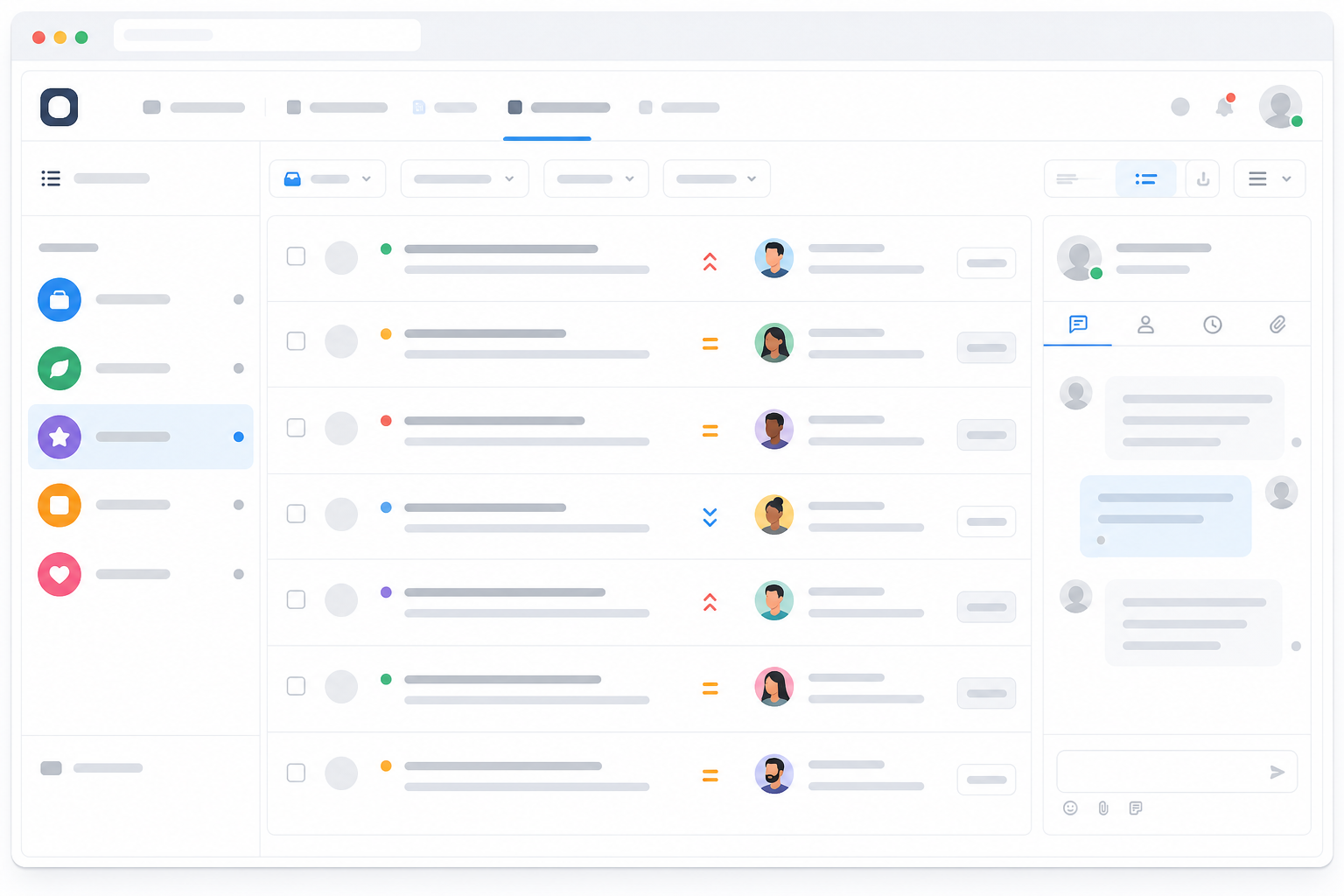
Sonny, for example, sets this up as one workspace with live chat, email ticketing and team collaboration tools, where each brand gets its own inbox, sender identity and per-brand permissions. As with any vendor claim, confirm current permission granularity directly with the provider before you buy. These details tend to evolve as products do.
Must-Have Feature 2: Brand-Specific Tagging, Routing and Filtering
Once your inboxes are sorted, three related capabilities keep conversations organised: tagging, routing and filtering. Vendors sometimes use these terms interchangeably, so it's worth being precise.
- Tagging labels a conversation, by brand, product line or customer segment, usually automatically, based on which inbox or channel it arrived through.
- Routing decides where a tagged conversation goes next: a specific team, a specific agent or a queue based on priority.
- Filtering is what an individual agent does with their own view, narrowing things down to just the brand they're working on right now.
Good implementation looks like this: messages get tagged the moment they arrive, with zero manual sorting. Tagged conversations route to the team trained on that brand's products and policies. An agent supporting three brands can filter to one at a time and switch without losing context. And internal notes and conversation history stay attached to the right brand, so nobody mixes up one brand's return policy with another's.
One scenario worth testing before you buy: what happens when a customer contacts the wrong brand, or a query genuinely spans two (someone who's purchased from both, for example)? Good software lets you re-tag or move a conversation manually without losing message history. If a platform can't do that gracefully, it'll show up as friction in your first week.
Must-Have Feature 3: Consolidated Reporting by Brand
This is where many multi-brand teams get stuck with the wrong help desk software. You need two views at once: the zoomed-out view showing how support performs company-wide, and the zoomed-in view showing how Brand A compares with Brand B.
Without that breakdown, you're flying blind. Averaging response times across all brands might look fine on paper while masking the fact that one brand is quietly failing its customers. Look for reporting you can filter by brand across these metrics:
- First response time – how quickly a customer gets an initial reply
- Resolution time – how long a ticket takes to close
- Backlog – how many open conversations are sitting unanswered
- SLA breaches – how often you miss the targets you've promised
- Reopen rate – how often a "resolved" ticket comes back
- CSAT – customer satisfaction scores, where available
- Volume by brand – so you can staff appropriately as one brand grows faster than another
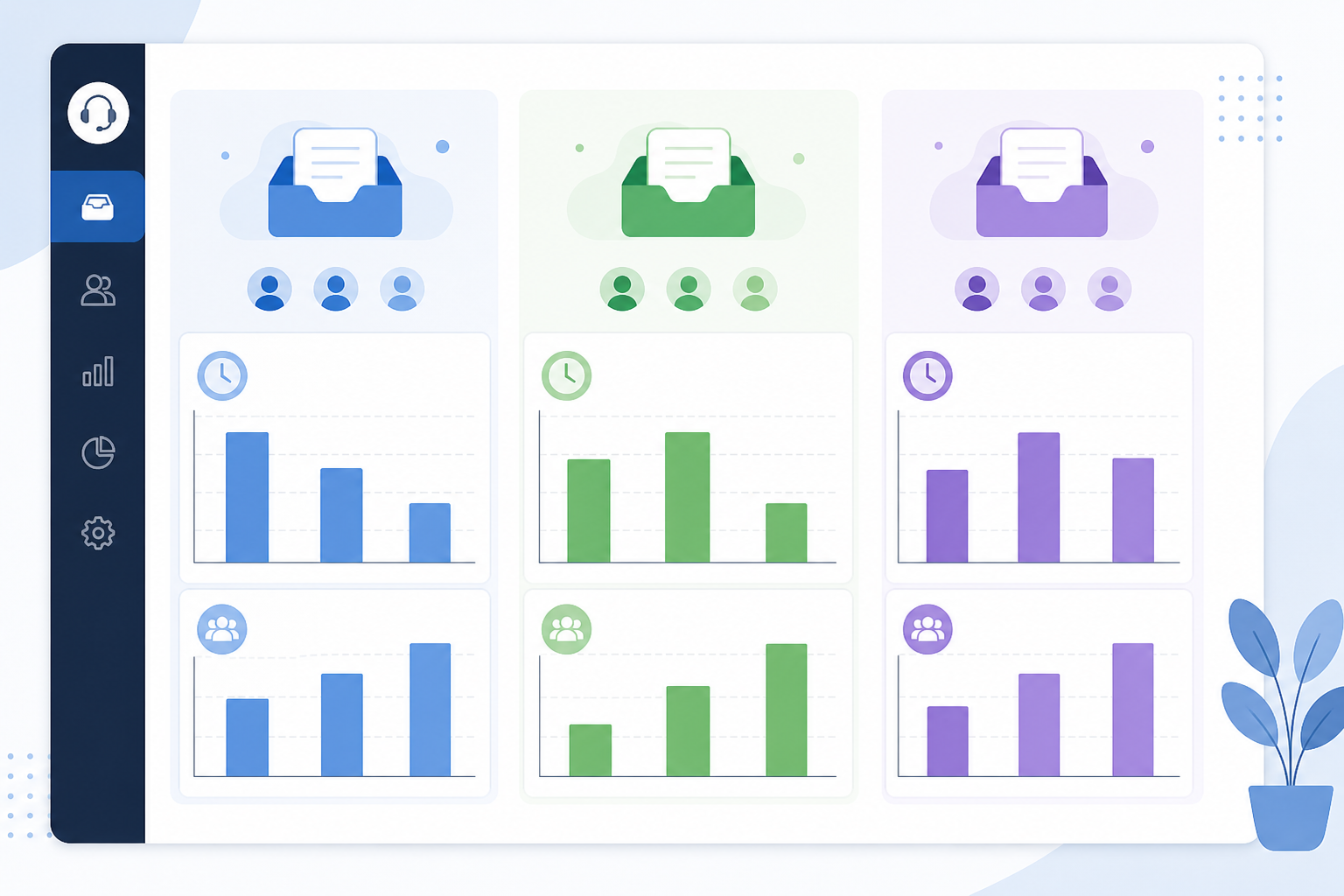
This matters most when brands carry different service expectations. Your flagship product might carry a two-hour response SLA because customers pay premium prices; a newer brand might reasonably have a more relaxed target. Without brand-level reporting, you can't tell whether you're meeting either standard. All you've got is one blended number that doesn't help you decide anything.
Before you buy, check exactly how a tool calculates these metrics and whether reports can be exported or scheduled by brand, not just viewed on screen one inbox at a time. That distinction matters more than it sounds. "Filtering" sometimes just means clicking into each brand's inbox manually, which isn't really reporting.
Must-Have Feature 4: Flat Pricing and Unlimited Agents
Here's the part that catches growing companies off guard: pricing models matter enormously once you're running multiple brands. Per-seat pricing, the model most help desk software uses, gets expensive fast when you're adding agents across several brand teams. Every new hire, seasonal agent or person who needs occasional access adds to your invoice.
Say a typical per-seat tool charges roughly £15–£25 per agent per month. Prices vary by vendor and tier, so treat this as illustrative rather than a quote:
| Team size | Per-seat cost (approx.) | Flat-rate cost (example*) |
|---|---|---|
| 3 agents | £45–£75/month | £16/month |
| 10 agents | £150–£250/month | £16/month |
| 30 agents | £450–£750/month | £16/month |
Illustrative example based on Sonny's published pricing of $19.99/month, converted at the time of writing and excluding VAT. Always check the live price, currency and VAT treatment on the vendor's own pricing page before budgeting.
The trade-off worth naming honestly: flat-rate pricing is usually the better deal once you're past a certain team size, but it isn't automatically cheapest for a very small team running one brand with two agents. A lean per-seat tool might genuinely cost less there. Flat-rate pricing earns its value when headcount or brand count starts climbing, which is exactly where multi-brand companies tend to land.
When comparing total cost, also check for extras both pricing models sometimes charge separately: channel add-ons, automation limits, storage caps and onboarding fees. "Unlimited agents" may still come with restrictions on features, channels or usage, so confirm what the plan includes.
When One Multi-Brand Platform Might Not Be the Right Fit
It's worth being upfront about the limits of this approach, because a good buyer's guide should tell you when to look elsewhere, not just sell you on consolidation.
If your brands operate under different legal entities with strict data-isolation requirements (separate hosting regions, separate data processing agreements or rules that prevent customer data from touching a shared database even logically), a single multi-brand platform may not satisfy your obligations, however well it separates inboxes on the surface. If you're processing UK customer data, ask the vendor directly where data is hosted, whether a data processing agreement (DPA) is available, who the subprocessors are and what security certifications they hold. This is worth a quick check with your privacy or legal team, rather than assuming compliance from a features list.
Similarly, if each brand needs genuinely different automation logic, deeply customised workflows or separate billing relationships with different finance teams, separate tools may serve you better than forcing everything into one account. And if your brands are large enough that each needs its own dedicated team with no cross-visibility at all, not even at administrator level, some platforms' permission models won't go granular enough. Ask directly about audit trails and whether administrators can be restricted to specific brands, rather than assuming "unlimited agents" also means "unlimited access control".
Evaluation Checklist Before You Buy Help Desk Software
Rather than just asking whether a tool has a feature, test it properly during a trial.
- Separate inboxes and fast setup. Test it: Set up a second brand inbox yourself, without a sales call. Pass: Under an hour. Red flag: Requires onboarding calls or engineering support.
- Flat or predictable pricing. Test it: Ask in writing what your bill looks like at double your current team and brand count. Pass: A clear, verifiable answer with current pricing and currency. Red flag: Vague answers or pricing that needs a sales negotiation.
- Tagging and routing without workarounds. Test it: Send test messages through each brand's channel and confirm they're tagged and routed correctly, unassisted. Pass: Correct tagging with zero manual sorting. Red flag: You end up building a spreadsheet to track what's what.
- Reporting broken down per brand. Test it: Pull a report filtered to one brand and check it includes first response time, resolution time and SLA breach data. Pass: Full metric breakdown by brand. Red flag: Only company-wide averages are available.
- Team collaboration. Test it: Check for collision detection, clear assignment ownership and internal notes that stay attached to the right brand. Pass: Your team can hand off conversations without duplicated or crossed replies. Red flag: No visibility into who's already working on a ticket.
- A real trial, not just a demo. Test it: Run actual customer conversations through the trial with your real team for at least a week. Pass: You can genuinely assess workflow fit. Red flag: The "trial" is a guided sales demo with no hands-on access.
- Integrations and migration. Test it: Confirm it connects to your CRM or e-commerce platform, and ask how existing ticket history migrates over. Pass: A documented migration path and working integrations. Red flag: "We'll figure it out during onboarding."
- Data protection and permissions. Test it: Ask directly how the vendor handles UK data residency, DPAs and audit trails, and request documentation. Pass: Clear, written answers. Red flag: No documentation, or answers that dodge specifics.
Frequently Asked Questions About Multi-Brand Help Desk Software
Can one help desk tool really manage support for multiple brands?
In most cases, yes, provided it's built for genuine brand separation: distinct inboxes and sender identities under one login, brand-specific tagging and routing, and reporting you can filter by brand. It's less suited to companies with strict legal data-isolation requirements, where separate systems may be necessary regardless of how well any single platform performs.
How do I keep support conversations separate by product line?
Use a dedicated inbox per brand, each with its own email address and chat widget, plus automatic tagging so conversations land in the right place without manual sorting. Agents can then filter their view to one brand at a time. Test what happens when a customer contacts the wrong brand, or a query spans two. That's where weaker tools show their limits.
Does adding more brands increase my support software cost?
It depends on the pricing model. Per-seat tools generally cost more every time you add an agent or launch a brand. Flat-rate pricing with unlimited agents keeps the monthly cost the same regardless of brand or team count, although it's worth confirming current pricing, currency and VAT treatment directly with any vendor before you commit.
What should I check about data protection before choosing a multi-brand tool?
Ask about UK data residency, whether a data processing agreement is available and how audit trails work across brands. Don't assume a platform is compliant just because it separates inboxes well. That's a legal question worth a quick check with your privacy or legal team, separate from how well the workflow is organised.
How long should I trial a help desk tool before switching?
At least a week, with real customer conversations and your actual team, not just a sales demo. That's long enough to surface friction, tagging errors, permission gaps and reporting limitations, that a fifteen-minute demo won't reveal.
Running support for multiple brands doesn't have to mean juggling multiple tools and multiple logins. But no single platform is automatically right for every company. Choose one consolidated help desk platform if your brands share agents, workflows and reporting needs, and you just need clean separation between them. Choose separate systems if legal, contractual or operational isolation is genuinely mandatory.
Either way, don't decide from a demo: map out each brand's current channels, run a real trial with actual conversations across at least two brands, and confirm permissions, reporting depth, team collaboration features and pricing at your likely future team size before you commit. Get that right, and you'll know exactly which help desk software setup your brands actually need. 🎯