
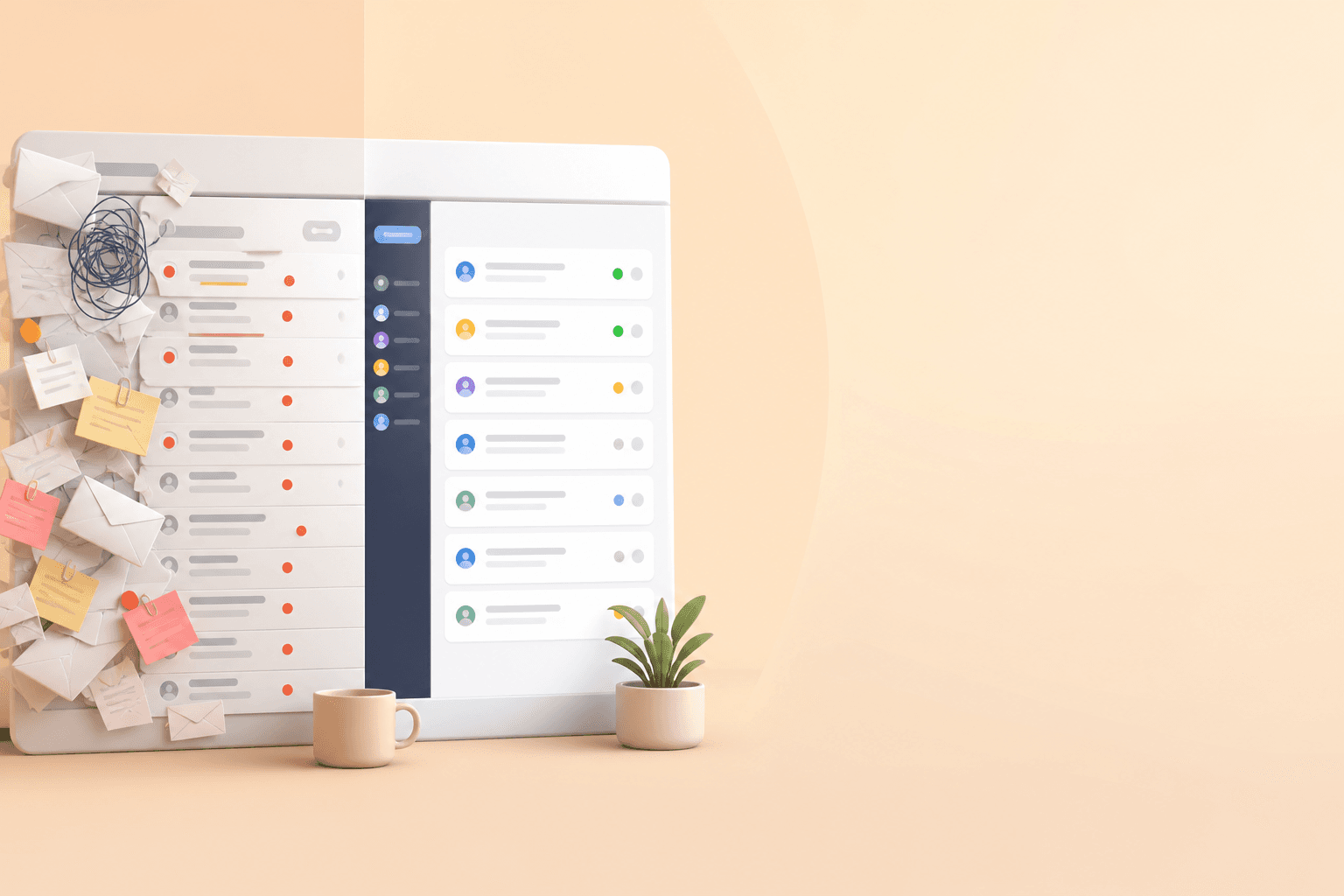
5 signs your team has outgrown a shared inbox (and needs email ticketing)
If your team is CC'ing each other on customer emails, asking "did anyone reply to this yet?" in Slack, or watching response times creep upward, you've probably outgrown email-only support. These are classic signs you need email ticketing, not just a shared mailbox with more people added to it.
Before we go further, let's get the terms straight, because they get used interchangeably and that causes real confusion. A shared mailbox is one email address, like support@yourcompany.com, that multiple people can log into. That's fine for a solo founder or two, but it has no concept of who owns what. A shared inbox typically adds a collaboration layer on top: ownership, assignment, maybe internal notes, though exactly what's included varies a lot by product. Email ticketing goes further, converting each message into a trackable ticket with a status, an assigned owner, a history, and collision prevention, so two people can't unknowingly reply to the same thread. That last part matters more than it sounds like it should. A full help desk platform usually builds on that ticketing foundation with automation, SLA tracking, reporting, live chat, and sometimes a knowledge base.
Here's a rough rule of thumb: use a shared mailbox for one or two people handling light volume, a shared inbox once you need basic collaboration, email ticketing once you need trackable queues and accountability, and full help desk software once you need automation and multiple channels working together. The five signs below should help you figure out where your team actually sits.
A shared mailbox works fine when you're small. Then you hire your second agent, then your third, and the system that used to feel efficient starts feeling like managing chaos through a login screen. I've watched this happen to more than a few teams. Let's walk through the five clearest signs that you've outgrown it.
Sign 1: messages get lost in a shared email account
Here's a scenario that probably sounds familiar. A customer emails support@yourcompany.com with a billing question. Two agents happen to open it around the same time. Both reply: one saying "I've refunded that for you," the other saying "Can you send us your order number?" The customer is left wondering if anyone on your team actually talks to each other. Or the opposite happens. Everyone assumes someone else has it, and the email sits untouched for six hours while your customer starts wondering if they should just ask for a refund and leave a bad review instead.
This isn't purely a people problem. And it's not really a Gmail or Outlook problem either. It's a structural one. Standard email tools generally weren't built for ticket-level ownership. You can rig up labels, filters, or basic delegation to create some structure, and for a very small team that's often enough. But those workarounds rely on everyone remembering to tag things consistently, and they don't give you real collision alerts or a clear "I've got this one" signal. As volume grows, important conversations get buried under newer ones no matter how well organised your labels are.
What actually fixes this is ticket-level assignment and collision detection: the moment one agent opens or claims a conversation, everyone else can see it's being handled. That single capability, not a bigger team or better labels, is usually what closes this gap. This is often the first crack that shows up, and it's the moment most teams realise they need proper email ticketing.

Sign 2: no one can see who owns what
Once more than two or three people are touching the same mailbox, a quieter problem creeps in: nobody, managers included, can say with confidence who owns which conversation, or what's already been said.
Why shared inbox visibility matters for team collaboration
Think about what this looks like day to day. A team lead wants to check whether workload is balanced, or whether a tricky account is being handled properly, so they scroll through the inbox trying to piece it together. There's no status column, no per-agent ticket count, no audit trail showing who touched what and when. So instead of glancing at a dashboard, they end up pinging the team on Slack to ask. Multiply that across ten conversations a day and a manager spends more time reconstructing what happened than actually coaching the team.
It's not just a management headache. Agents feel it too. Email has nowhere obvious to put context that isn't meant for the customer. If someone needs to flag "heads up, this customer is already frustrated, tread carefully," that note usually lands in a side Slack channel, disconnected from the actual conversation and easy to miss once the scroll moves on.
Email ticketing fixes this with three specific things: assignment, so ownership is explicit; internal notes, so context travels with the ticket instead of around it; and a visible status and history, so anyone can open a conversation and see exactly where it stands. Together, those turn "managing by memory" into actually managing with visibility.
Sign 3: response times are climbing
This one sneaks up on teams because it happens gradually. You don't wake up one day with terrible response times. They creep, week by week, as ticket volume grows and your triage system (or lack of one) starts to buckle.
Part of the issue is that a plain inbox gives you no way to prioritise. A customer whose payment failed and a customer asking "how do I change my password?" land in the same inbox, in the same format, with the same visual weight. Without tags, priority flags, or SLA targets, agents tend to work through emails in the order they arrived rather than the order that actually matters to customers.
This is where email ticketing earns its keep. Tagging urgent issues, setting SLA timers, and routing tickets to the right person automatically all attack this problem directly, before you've added a single new channel.
How to measure whether customer support is slowing down
If you want a real read on severity, don't rely on gut feel. Track your median first-response time and your resolution time over a rolling two-week period. Then check how many tickets are sitting open past whatever target you'd consider reasonable for your product. That gives you an actual baseline, not just a sense that "things feel slower lately."
Live chat is sometimes suggested as a fix here, and it can help with quick, real-time questions, but it's a separate decision, not a requirement for solving this sign. Adding a chat widget without adjusting staffing or routing just creates a second queue with its own response-time problem. If email ticketing clears your backlog and customers still need instant answers for time-sensitive moments, such as mid-checkout questions, that's worth considering later. But it's an optional layer on top of ticketing, not a substitute for it.

Sign 4: customers are asking the same question twice
Have you ever had a customer reply with visible frustration: "I already explained this to someone else on your team"? That's usually not a sign that your team forgot. It's a sign that context is fragmented across threads, agents, and sometimes channels.
Maybe the customer emailed three weeks ago about a shipping delay, and now they're back with a related follow-up, possibly from a different email address or a different channel entirely. If whoever picks it up this time doesn't have quick access to that earlier thread, the customer has to start from scratch, again. The earlier email didn't vanish. Finding it, connecting it to the right customer, and surfacing it fast enough to actually use is genuinely hard without the right structure.
That's exhausting for customers, and it makes your team look disorganised even when everyone's doing their best. Nobody wants to feel like a stranger to a company they've already contacted before.
Email ticketing helps by tying conversation history to a customer profile rather than a single inbox thread, though how well this works depends on the platform's ability to match conversations across email addresses and channels. It's worth checking that specifically rather than assuming every tool handles it the same way. Done well, an agent opens the ticket and sees the whole story: what was asked before, what was resolved, and what's still outstanding. If your team runs into repeat-explanation problems often, that's a strong signal you need structured history, not just a tidier inbox.
Sign 5: you can't report on team performance
Which customer support metrics should you track?
Here's a question worth asking yourself right now: do you know your team's median first-response time? Your resolution time? How many tickets are sitting open past a reasonable age? If the honest answer is "not really," you're not alone. But it does mean you're making decisions without much data to go on.
A plain shared mailbox offers limited, unreliable reporting at best. You might cobble together rough numbers manually, but there's no consistent way to spot bottlenecks or measure whether the team is genuinely improving. Three numbers are worth tracking from day one, because each answers a different question. First-response time tells you if customers are being acknowledged fast enough. Resolution time tells you if issues are actually getting solved, not just replied to. And your count of overdue tickets tells you where things are quietly falling through the cracks right now.
This is where dedicated ticketing or help desk software earns its keep. Built-in reporting turns guesswork into actual numbers, broken down by agent and by time period. Some teams discover a large share of their weekly volume lands in a narrow window, say, Monday mornings, or that one agent is quietly handling far more than the rest. Your own numbers will look different, but the principle holds: you can't manage what you can't see, and once you can see it, you can act on it, whether that's rebalancing workload or making a data-backed case for hiring.

What to do next: moving from a shared inbox to email ticketing
If a few of these signs sounded uncomfortably familiar, you're not failing at support. You've outgrown the tool you're using for it. That's a fixable, fairly common problem for growing teams. Here's a vendor-neutral checklist worth working through before you look at specific products.
Run a two-week audit before you decide anything. Track how many replies were duplicated or contradicted a colleague's, how many conversations went more than a day without a response, your median first-response time, how many tickets are currently overdue by your own standard, and how often agents had to ask a customer to repeat information a colleague already had. Two or more of the five signs showing up consistently is a reasonable heuristic for switching, but treat it as a heuristic, not a rule. A single severe issue, like duplicated replies to paying customers, can be reason enough on its own, and the trend matters as much as the count.
Check for the fundamentals of email ticketing. Look for clear ticket ownership, collision detection, internal notes, and status tracking. These are the features that solve Signs 1 and 2 specifically.
Look for reporting you'll actually use. First-response time, resolution time, overdue-ticket counts, and per-agent volume are the basics. If a tool can't show you these without manual spreadsheet work, it's not solving Sign 5.
If you're supporting UK customers, check the data-handling details properly, not just whether a vendor mentions UK GDPR. Ask specifically: is there a data-processing agreement available, who are the subprocessors, what's the mechanism for any international data transfers, can you control retention and deletion, is there an audit log of who accessed what, and where is the data actually stored? These matter more once you're storing conversation history tied to identifiable customers, and "we're GDPR compliant" on a website isn't a substitute for checking the specifics.
Understand the pricing model and its trade-offs. Per-seat pricing can penalise you the moment you hire, which is an awkward incentive for a team trying to scale. Flat-rate pricing avoids that specific problem, but check what's included at each tier rather than assuming flat-rate is automatically cheaper for your situation. If you're billing in the UK, confirm whether quoted prices include VAT and whether you're billing in GBP.
Plan for migration, not just setup. Ask any vendor how existing email threads get imported, whether historical conversations retain their context, how long onboarding realistically takes for your team size, and whether you need a full help desk platform or whether email ticketing alone solves your current signs. You shouldn't need a week of onboarding calls just to start handling customer emails properly.
One example worth knowing about
As a concrete example of a tool built around this kind of checklist, Sonny combines a shared inbox, live chat widget, and email ticketing with internal notes and reporting in one place, using flat-rate pricing with unlimited agents. At the time of writing, they offer a 7-day free trial with no credit card required, so you can test the workflow with your own team before deciding. This is one option among several, and as with any vendor, it's worth confirming current pricing, trial terms, and UK data-handling details directly, since these can change.
Making the switch doesn't have to be a disruptive project. Many teams find that once messages stop getting lost, ownership is clear, and everyone can see what's actually happening across the inbox, things click into place faster than they expected.
FAQ: shared inboxes, email ticketing and help desk software
How do I know when to move beyond a shared email inbox? Run the two-week audit above and see how many of the five signs show up, and how often. Two or more consistently present signs is a reasonable trigger to start evaluating alternatives, but this isn't a strict threshold. A very small team with light, simple volume might get by longer with careful workarounds, while a fast-growing or high-touch team might need to switch sooner. Severity and trend matter more than a raw count: one severe issue, like consistently missed replies to paying customers, can be reason enough on its own.
What are the limitations of using Gmail or Outlook for customer support? Gmail and Outlook can support labels, filters, categories, and basic delegation, which genuinely helps at low volume or with a very small team. What they generally lack is purpose-built collaboration for customer conversations: reliable collision prevention, ticket-level assignment, internal notes attached to the conversation itself, SLA tracking, and built-in reporting. They're not without organisational capability, they're just not designed for structured team support, so those gaps tend to show up as volume and team size increase, particularly around Signs 1, 2, and 5.
When should a small team invest in help desk software? There's no universal threshold, but many teams start feeling the strain somewhere between two and five support agents, or once they're handling more than a few dozen conversations a day. Treat this as a rough guide rather than a rule. Teams with complex products, high-touch customers, or multiple support channels sometimes hit friction sooner, while simpler, lower-urgency support can stretch further with a basic shared inbox. Flat-rate platforms can make the decision easier since your cost doesn't rise every time you add an agent.
What does migrating to email ticketing actually involve? Most platforms let you import or forward existing mailbox history so agents aren't starting from zero, though how much context is preserved varies by tool, worth testing during a trial rather than assuming. Expect to spend time setting up assignment rules, tags or priority levels, and basic reporting views before go-live, but a genuinely low-friction tool shouldn't require weeks of onboarding calls. Start with one queue or mailbox, run it in parallel with your existing process for a few days, and confirm reporting numbers look sensible before retiring the old setup entirely.