
How to Dramatically Reduce Customer Support Response Times Without Hiring More Staff
Cut your customer support response times by 40-60% with three changes: unifying your communication tools, implementing smart templates, and creating intelligent prioritization systems. No new hires needed—just smarter workflows.
Why response times actually matter
I've watched too many small businesses lose customers over slow support responses. The numbers tell the story:
- Customers expect responses to urgent issues within an hour
- Most companies take 5.1 hours to respond
- Cut your response time in half, and you could see customer retention jump by 25%
What slow support really costs you
When customers wait too long for answers, you lose more than their patience:
- Sales slip away while prospects wait for basic questions
- Frustrated customers leave negative reviews
- People send follow-up tickets, doubling your workload
The productivity killer nobody talks about
Here's what I see in most support teams: agents jumping between five different tools just to answer one ticket. Email, CRM, knowledge base, Slack, project management—each switch costs you focus.
Research shows it takes 23 minutes to fully refocus after switching tasks. Do that math across a busy support day, and you'll see why your team feels behind.
5 ways to speed up your support without hiring
1. Put everything in one place
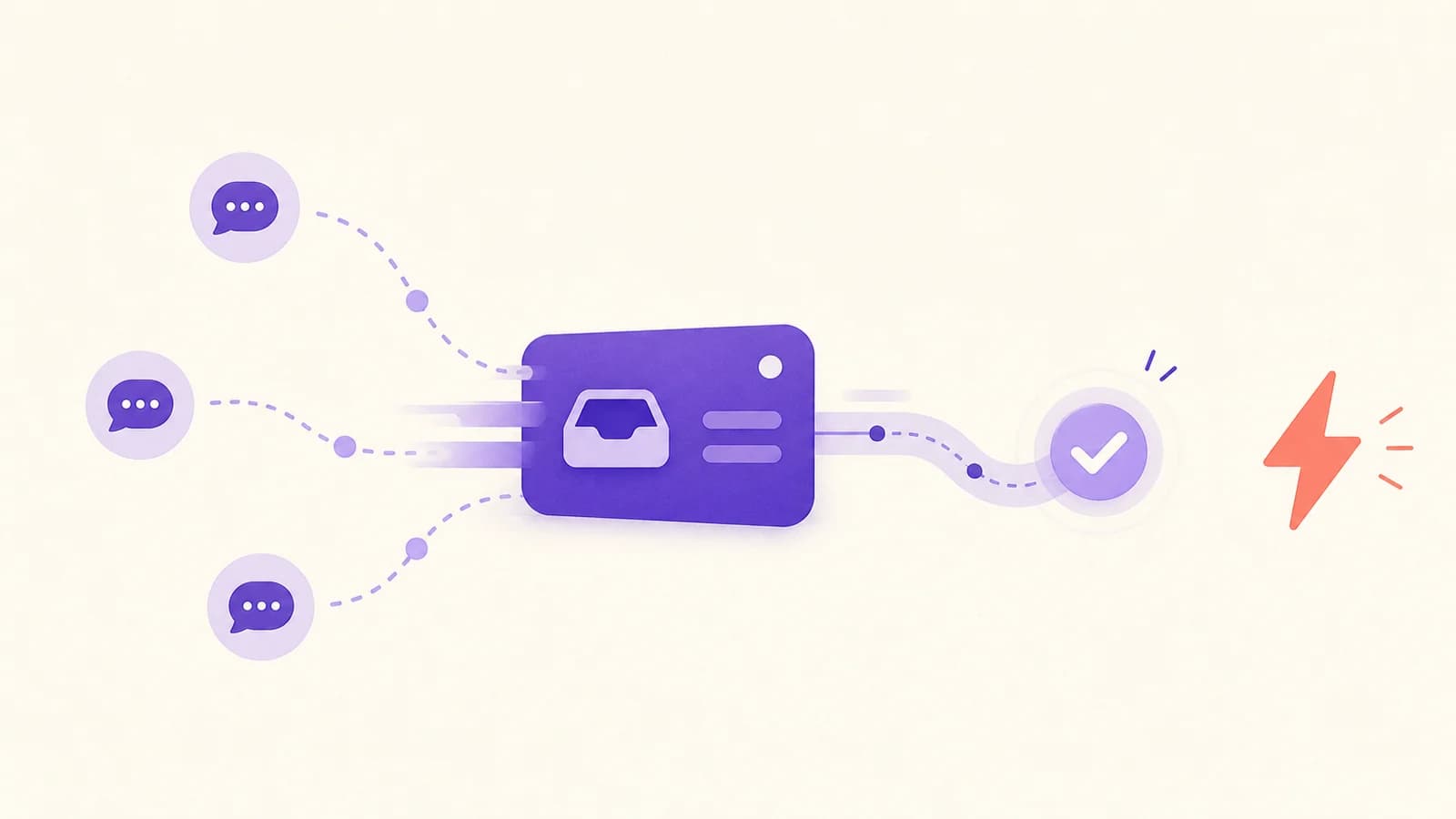
Stop making your team hunt for information across different platforms. A unified inbox pulls all customer conversations into one view. No more "let me check another system."
2. Build a template library that doesn't sound robotic
Write saved responses for your 10 most common questions. But here's the trick: leave spaces for personalization. "Hi [Name], I see you're having trouble with [specific issue]..." Templates should speed you up, not make you sound like a bot.
3. Route tickets to the right person immediately
Nothing kills response time like tickets bouncing between team members. Set up rules so billing questions go to billing, technical issues go to your product expert, and urgent problems get flagged right away.
4. Use smart filtering
Create tags for different issue types and priority levels. When everything looks equally important, nothing is. Your team needs to see which fires need putting out first.
5. Block time for focused support work
I learned this from Sarah, who runs support at a 50-person SaaS company. She has her team block 2-hour chunks for pure ticket work—no meetings, no Slack, just solving problems. Response times dropped 35% in the first month.
Making templates feel human
The difference between good and bad templates? Good ones sound like something you'd actually say.
Bad: "We have received your inquiry and will provide assistance."
Better: "Thanks for reaching out! I can definitely help you with this billing question."
Always include spots where agents can add personal touches. The customer's name, specific details from their message, or a quick acknowledgment of their frustration goes a long way.
What to measure
Track these three numbers:
- First response time: How quickly do you acknowledge new tickets?
- Resolution time: How long from "Hello" to "Problem solved"?
- First contact resolution: What percentage of issues get fixed in one exchange?
I recommend checking these weekly, not daily. Daily numbers bounce around too much to be useful.
Don't get trapped by per-seat pricing
Many support tools charge per agent, which gets expensive fast. When you're slammed with tickets, you want the freedom to bring in extra help without worrying about your software bill doubling.
Look for tools with unlimited agents or flat pricing. Your future self will thank you during busy seasons.
The bottom line
You don't need a bigger team to handle support faster. I've seen companies cut response times in half with the right setup and processes.
Start with one change—maybe consolidating your tools or building your first template library. Measure the impact over a month. Then add the next improvement.
Quick answers to common questions
Q: What's a realistic response time goal?
Under 4 hours for email, under 2 minutes for live chat during business hours. Adjust based on your industry—B2B software can be slower than e-commerce.
Q: Should we focus on email or live chat?
Why not both? A unified platform lets you offer multiple channels without multiplying your workload.
Pro tip: Don't try to implement everything at once. Pick one strategy, give it a full month to show results, then layer on the next improvement. Small, consistent changes compound over time.
The right approach turns customer support from a cost center into a competitive advantage. Your customers notice fast, helpful responses—and they remember them. 🚀