

Mastering Support Ticket Assignment: A Complete Guide to Efficient Customer Service Routing
It's Monday morning, your inbox is overflowing, and three different team members have just responded to the same customer ticket—each with slightly different information. Meanwhile, a VIP client's urgent billing question has been sitting untouched for two hours because everyone assumed someone else was handling it.
Sound familiar? You're not alone in struggling with support ticket management.
Good support ticket assignment means every customer message reaches the right team member quickly. No more missed communications or duplicated efforts.
Why effective support ticket routing matters for your business
The traditional "whoever sees it first" approach creates chaos behind the scenes. When tickets don't have clear ownership, you get:
- Duplicate customer responses
- Nobody taking responsibility
- Agent burnout
- Angry customers
The numbers back this up: Zendesk's 2023 CX Trends Report found that smart ticket routing cuts first-response time by up to 35%.
The real cost of messy ticket management
Forbes reports that organizations lose about $62 billion annually due to poor customer service. A big chunk of that comes from tickets bouncing around aimlessly.
Top conversation routing strategies for support teams
[IMAGE: Simple flowchart diagram showing different routing strategies: skills-based, round-robin, and topic-based paths leading from incoming ticket to appropriate agent icons]
There's no single "right" way to route tickets. Here are the approaches that actually work:
1. Skills-based routing
- Send technical issues to your tech experts
- Route billing questions to account specialists
- Use what your team members are already good at
2. Round-robin assignment
- Spread the workload evenly
- Perfect for teams where everyone handles similar tickets
- Nobody gets overwhelmed
3. Topic or tag-based routing
- Use custom tags to automatically route tickets
- Example: "integration" or "API" tickets go straight to developer support
4. Priority-based routing
- VIP or urgent issues jump to the front of the line
- Salesforce's State of the Connected Customer report shows 68% of customers expect to reach the most qualified agent without being transferred around
5. Hybrid routing approaches
- Mix automatic routing with manual flexibility
- You get efficiency plus human judgment when weird stuff happens
How to actually implement this: A step-by-step workflow

Audit your current ticket flow
- Watch where tickets get stuck
- Find your biggest routing problems
Set clear ownership rules
- Decide who handles what, when
- Make handoff criteria crystal clear
Build a tagging system that makes sense
- Keep tags simple and useful
- Make sure they support your routing logic
Give your team visibility
- Use shared inbox tools
- Everyone should see who's working on what
Create escalation protocols
- Plan for urgent tickets
- Have backup plans when people are out
Manual vs. automatic ticket assignment
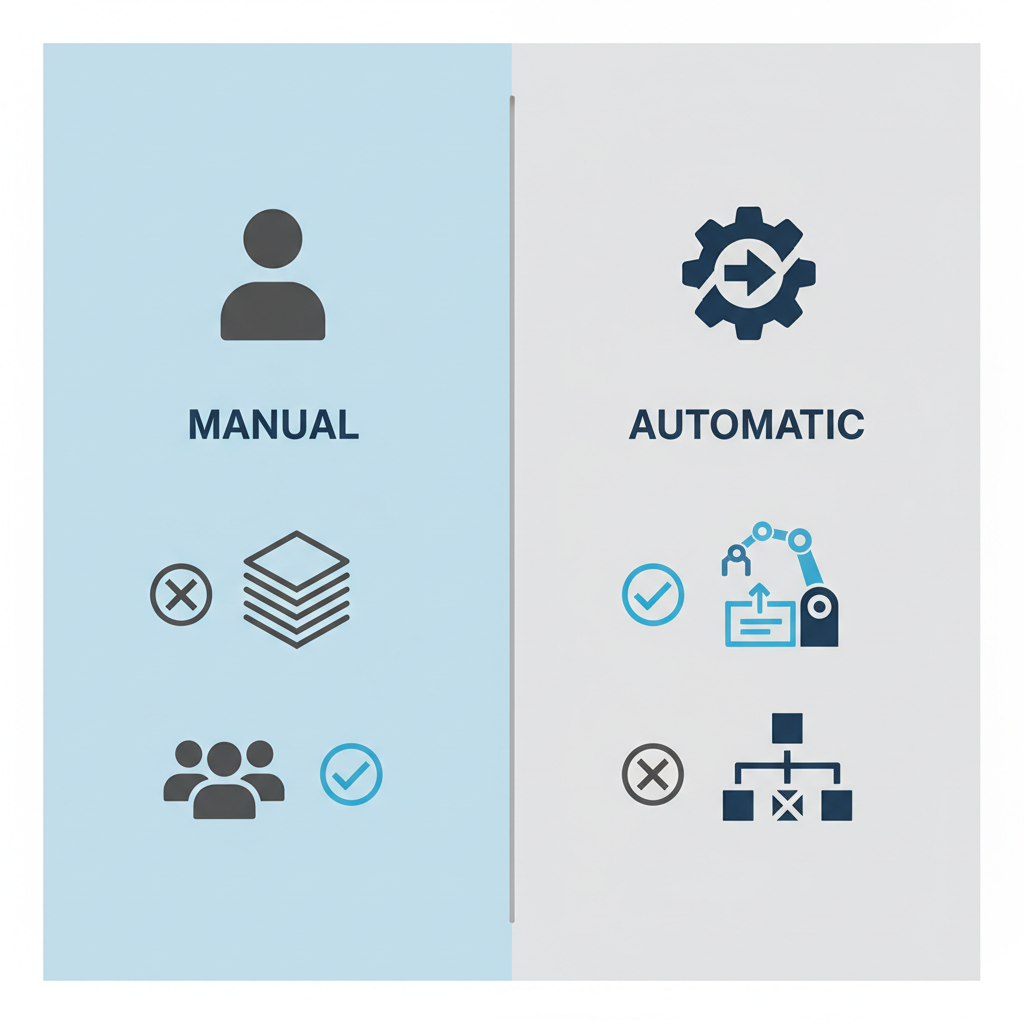
| Aspect | Manual Assignment | Automatic Assignment |
|---|---|---|
| Strengths | Human judgment, understands context | Fast, consistent |
| Weaknesses | Can create bottlenecks | Might miss subtle issues |
| Best for | Complex, tricky interactions | Standard, high-volume requests |
Pro tip: Aim for 80% automatic routing, but make manual override easy.
Must-have features for smooth routing
Tools that actually help with ticket management:
- Internal notes (so agents can talk to each other)
- @mention capabilities
- Shared views of everyone's workload
- Collision detection (so two people don't work the same ticket)
- Full conversation history
Common routing problems and how to fix them
Warning signs
- Tickets getting passed around like hot potatoes
- Piles of unassigned tickets
- Quality all over the map
- Too much manual babysitting
Quick wins
- Start with one simple routing rule
- Track how often tickets get reassigned
- Tweak your process based on what's actually happening
- Ask your team what's not working
Frequently Asked Questions
What about tickets that don't fit any category?
Set up a triage queue. Have one person review the weird ones daily. Use these edge cases to improve your routing rules.
What should I measure?
Track the stuff that matters:
- How fast you respond the first time
- How often tickets get bounced around
- How long it takes to actually solve problems
- Whether customers are happy
Wrapping up
You don't need enterprise-level software to fix your ticket routing. You need clear rules, decent tools, and a willingness to adjust when things aren't working.
Pick one routing rule and try it this week. Measure what happens. Adjust. Watch your team stop stepping on each other's toes and your customers get better service. 🚀
Target Keywords: support ticket assignment, conversation routing, customer service routing